40 BD High Throughput Sampler User’s Guide
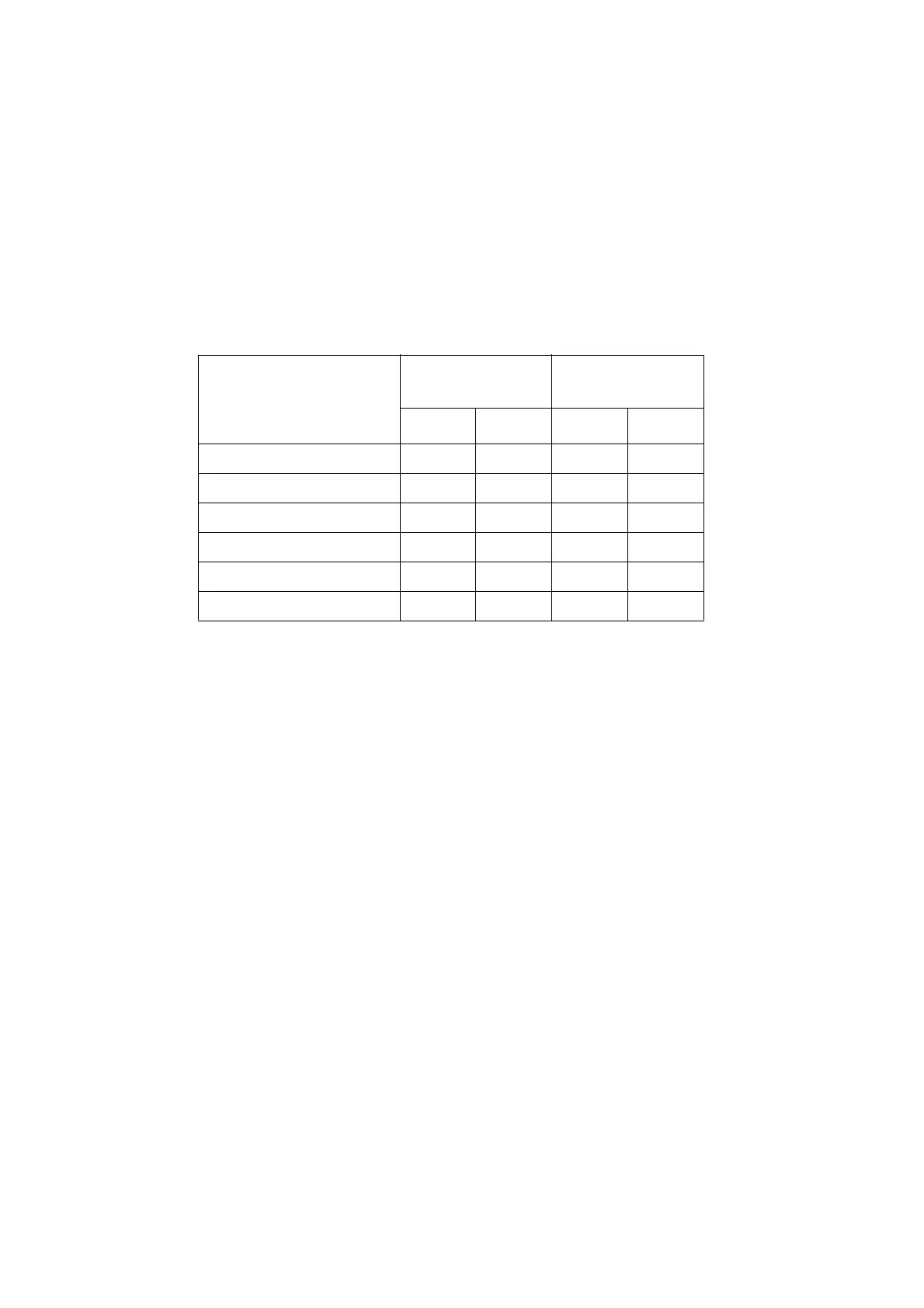
Table 2-4 shows default HTS Settings (default) and range for each throughput
mode.
Table 2-4 HTS settings for standard and high throughput mode
NOTICE A mixing volume that is larger than the available volume introduces air
bubbles into the sample.
Shortcut Menu
Right-click a well in the plate layout to open the shortcut menu. The following
commands are available in the shortcut menu. You can:
• cut, copy, and paste wells, cytometer settings, loader settings, and spectral
overlap
• delete wells and settings
• export settings, analysis templates, and FCS files
• import cytometer settings
Setting Standard Mode
High Throughput
Mode
Default Range Default Range
Sample Flow Rate (µL/sec) 1 0.5–3.0 1 0.5–3.0
Sample Volume (µL) 10 2–200 3 2–10
Mixing Volume (µL)
a
a. BD recommends a mixing volume that is one-half the available volume. See Understanding Volumes
on page 25 and Mixing on page 26.
100 5–100 50 5–100
Mixing Speed (µL/sec) 180 25–250 200 25–250
Number of Mixes (cycles) 2 0–5 2 0–5
Wash Volume (µL) 400 200–800 200 200–800











 To Next Page