60 BD High Throughput Sampler User’s Guide
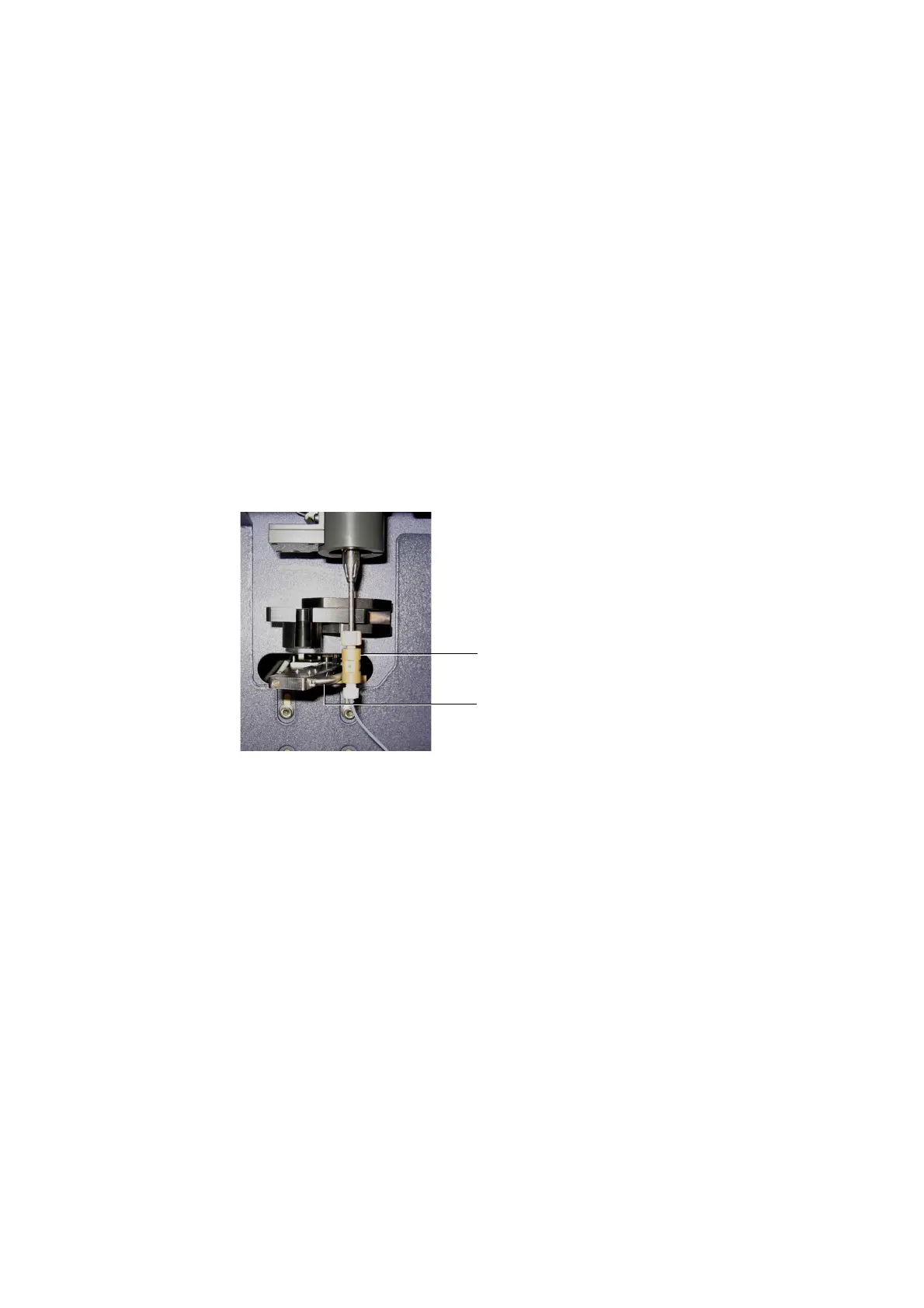
4 Attach the HTS sample coupler to the cytometer SIT.
Move the aspirator arm to the left. Then slide the sample coupler onto the
SIT until you reach a hard stop. Make sure the sample coupler tubing is not
kinked or twisted. Hold the coupler with one hand while you tighten the
top nut with the other hand. Allow the aspirator arm to rest against the
sample coupler.
NOTICE Flip the aspirator arm bar backwards to ensure it does not come
in contact with the HTS probe. This position also ensures that the aspirator
arm is able to detect an installed sample coupler.
Figure 3-2 Installing the sample coupler on the BD FACSCanto or BD FACSCanto II
‘
5 Prime the HTS twice by choosing HTS > Prime.
NOTICE Make sure the sample coupler is securely connected to the SIT.
Setting Up for Plate-Based Acquisition on the BD LSR II
When switching from tube to plate mode, you need to place the acquisition
control switch in plate mode, and replace the DCM sleeve with the sample
coupler as described in this section.
sample coupler
aspirator arm (moved towards back)











 To Next Page