Chapter 3: Running Samples 61
1 If necessary, install the HTS unit.
For instructions, see Installing the HTS Unit on page 170.
2 Switch the acquisition control switch to plate mode ( ).
3 Remove the tube of DI water from the SIT.
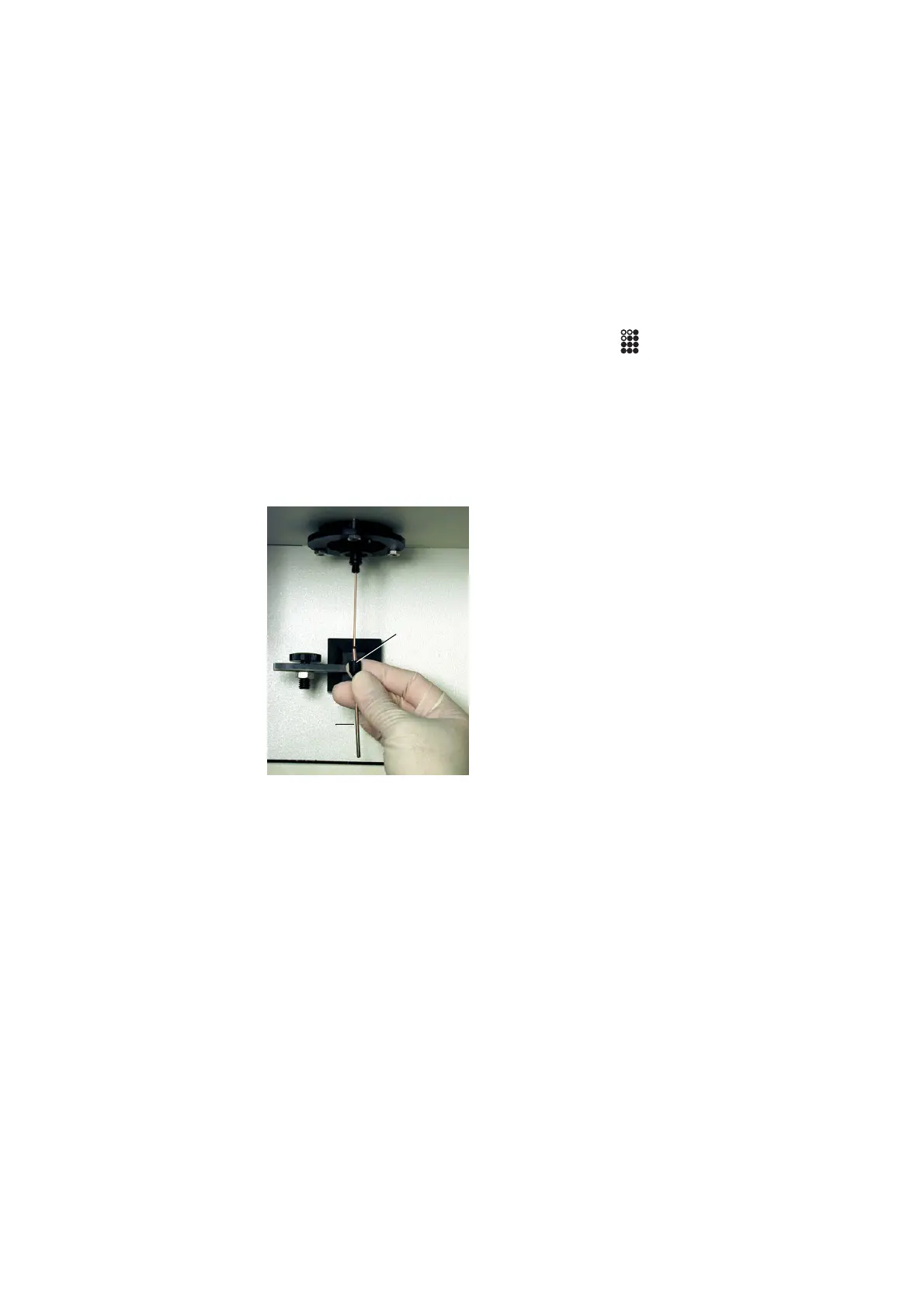
4 Remove the DCM sleeve.
Unscrew the tube retainer that holds the DCM sleeve onto the SIT and
carefully remove the sleeve.
5 Install the SIT protector.
The SIT protector is a modified sleeve that prevents the sample injection
tube from bending during installation of the sample coupler.
DCM sleeve
tube retainer











 To Next Page