Chapter 3: Running Samples 65
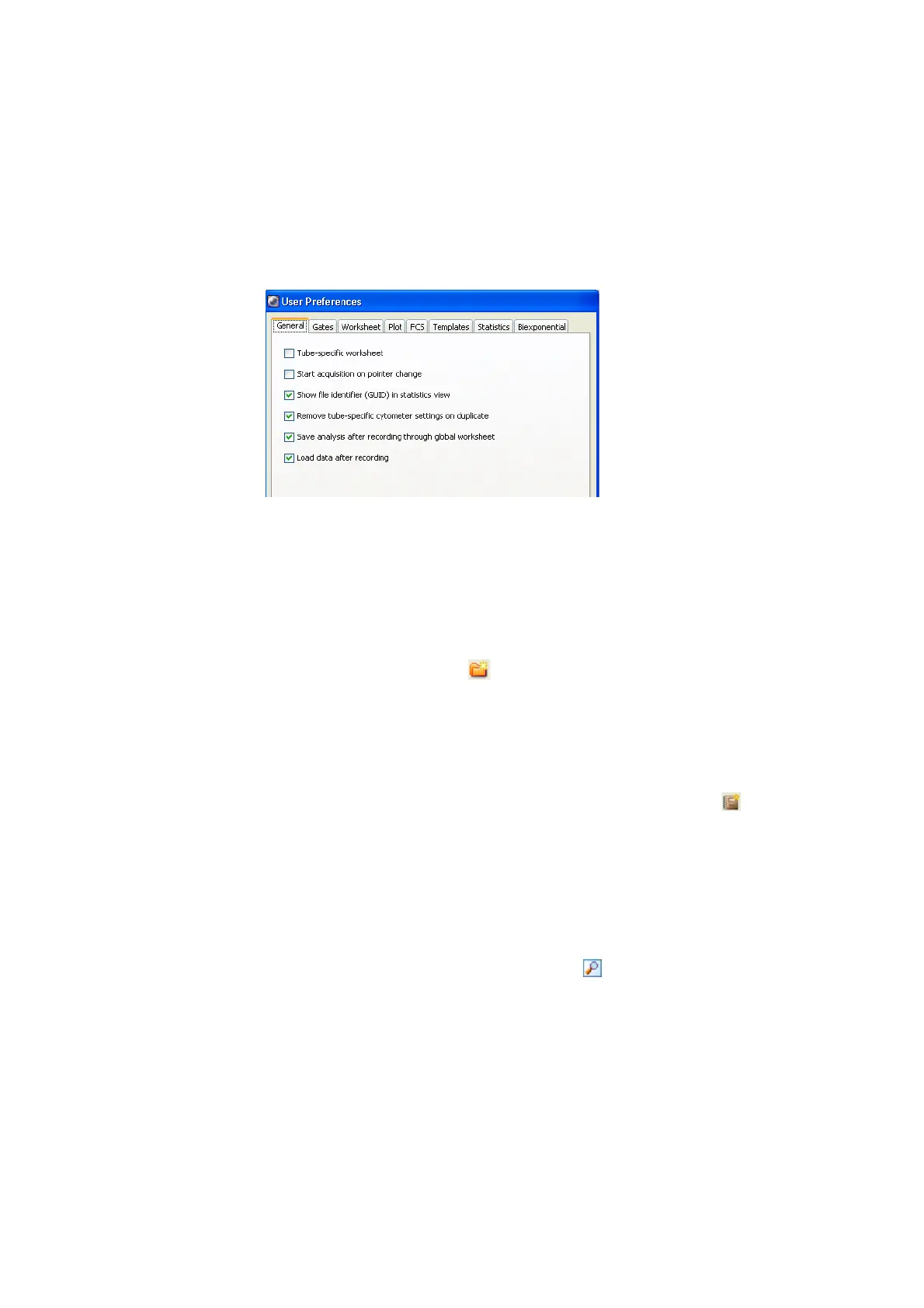
Figure 3-6 User Preferences dialog
NOTICE Show file identifier (GUID) in statistics view ensures that the
GUID keyword—the FCS file’s unique identification number—appears in
the header of statistics views.
NOTICE Tube-specific worksheet and Save analysis after recording
through global worksheet options do not apply to plate runs on the HTS.
3 Click the New Folder button ( ) in the Browser toolbar.
4 Rename the folder Practice.
To rename any Browser object, select it in the Browser and start typing.
Press Enter to apply the new name.
5 With the Practice folder selected, click the New Experiment button ( ) in
the Browser toolbar.
A new, open experiment is added below the Practice folder in the Browser.
The experiment contains default cytometer settings and a global worksheet
in a Global Worksheets folder.
6 Rename the experiment, for example with today’s date.
7 If necessary, double-click the Inspector button ( ) in the Workspace
toolbar to show the Experiment Inspector; verify that the Use global
cytometer settings checkbox is selected (see Figure 3-7 on page 66).











 To Next Page