68 BD High Throughput Sampler User’s Guide
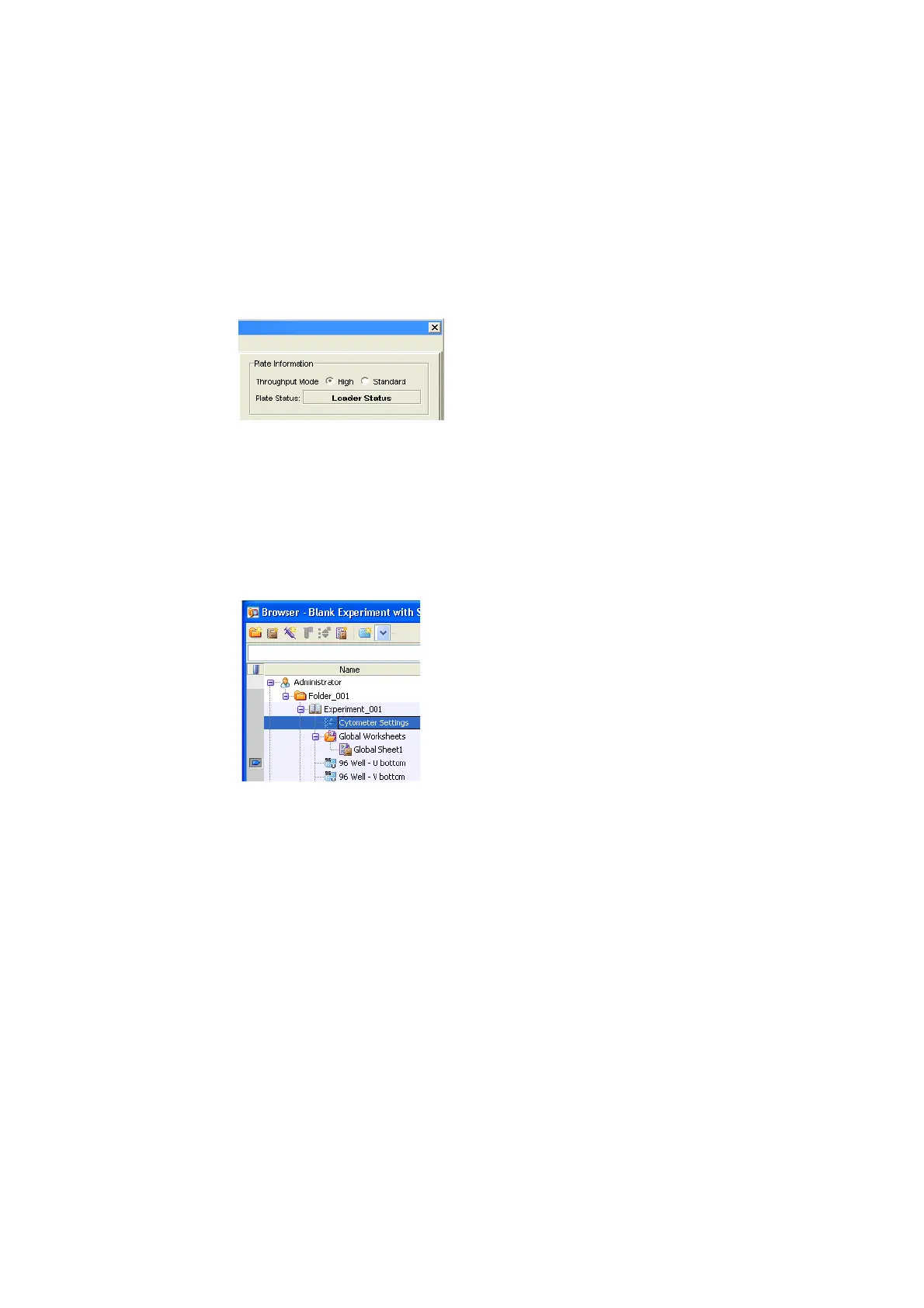
Or, select the throughput mode in the upper-right corner of the Plate
window’s Setup view.
NOTICE Setup and compensation control wells are always acquired in
standard mode, even if high throughput mode is selected in the Plate
Inspector. Sample wells are acquired using the throughput mode selected in
the Plate Inspector unless you acquire individual wells manually. See
Running Wells Manually on page 47 for more information.
2 In the Browser, click on the Experiment (global) Cytometer Settings.
3 Delete unnecessary parameters in the Parameters tab of the Cytometer
Inspector.











 To Next Page