Chapter 3: Running Samples 69
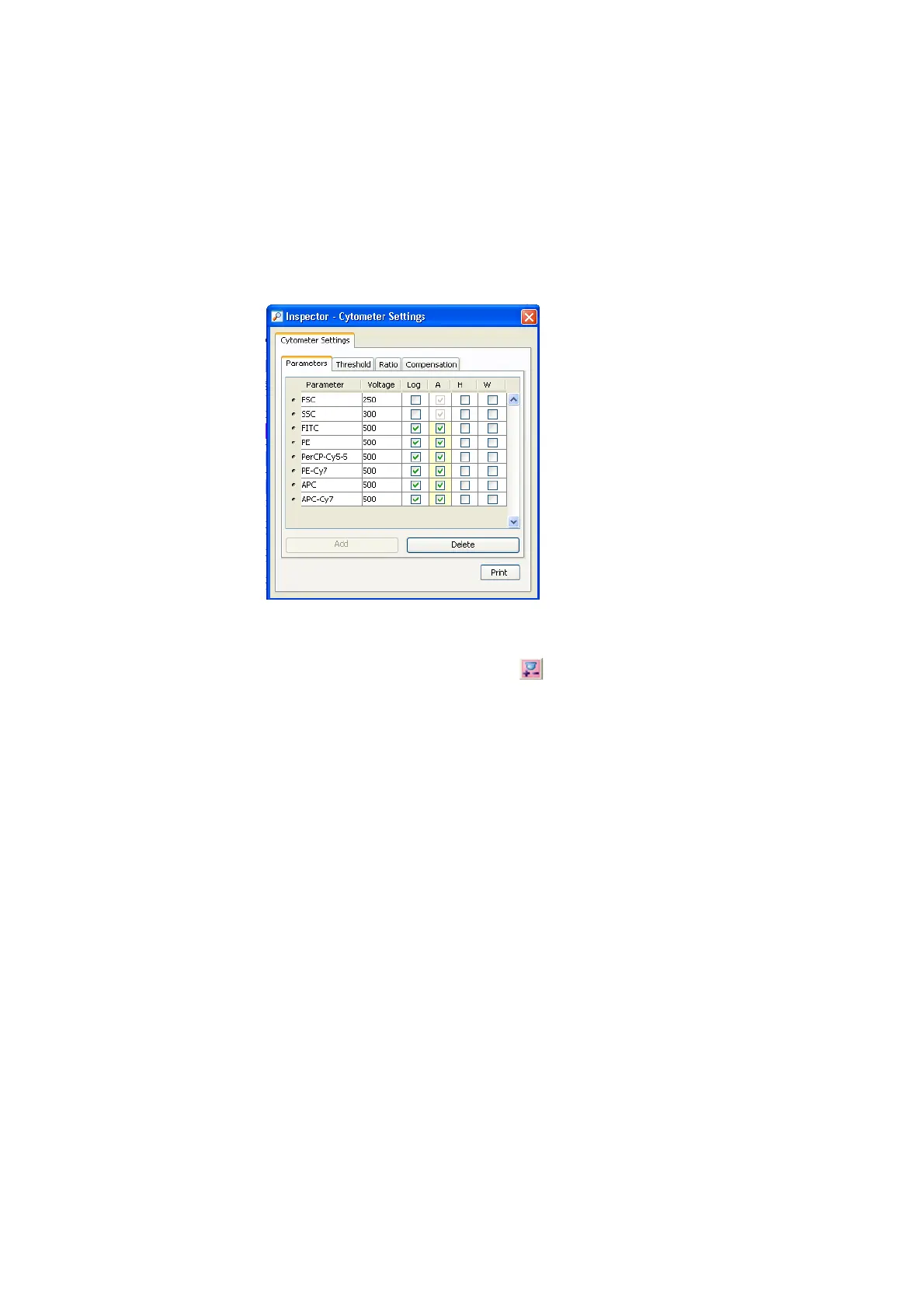
The parameters should match those shown in the following figure.
4 Click and drag to select wells A1 and A2 in the plate layout.
5 Click the Add Setup Controls button ( ) in the Plate toolbar to add setup
control wells to the experiment.
These two wells will be used for unstained control to set threshold and PMTs.
! Tip Designate at least two wells as setup controls to make sure that you
do not run out of sample while optimizing cytometer settings.
6 Select well B1 and choose Experiment > Compensation Setup > Create
Compensation Controls.
7 Verify that the options in Figure 3-8 on page 70 are selected.











 To Next Page