70 BD High Throughput Sampler User’s Guide
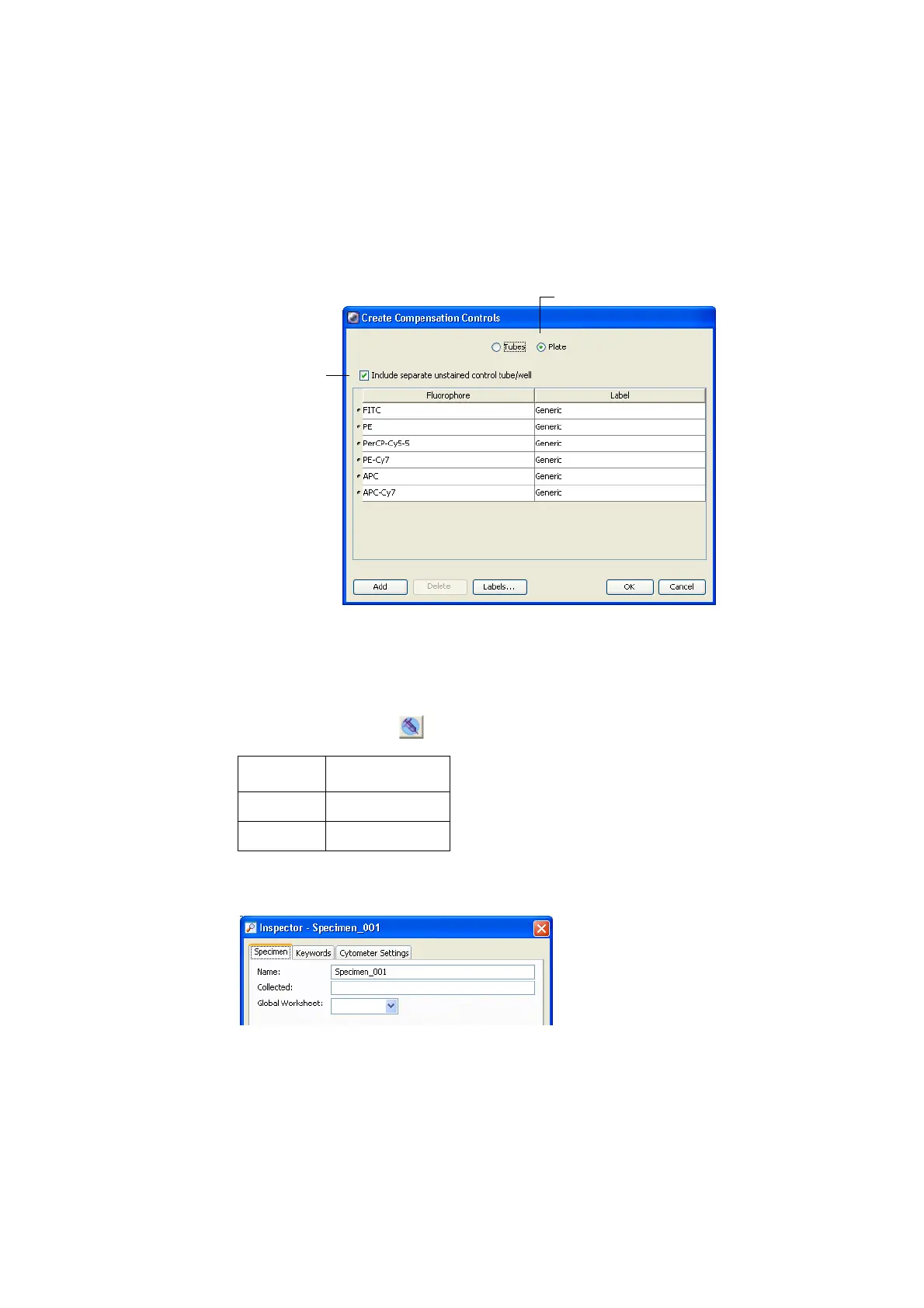
Figure 3-8 Create Compensation Controls dialog
8 Click OK.
The specified compensation controls are added to wells B1–B7.
9 Click and drag to select the following wells, and then click the Add
Specimen Wells button ( ) to add two specimens to the plate layout.
! Tip You can change the specimen name using the Specimen Inspector.
Wells Name
C1–C12 Specimen_001
D1–D12 Specimen_002
Plate button
Include unstained
control checkbox











 To Next Page