Chapter 3: Running Samples 79
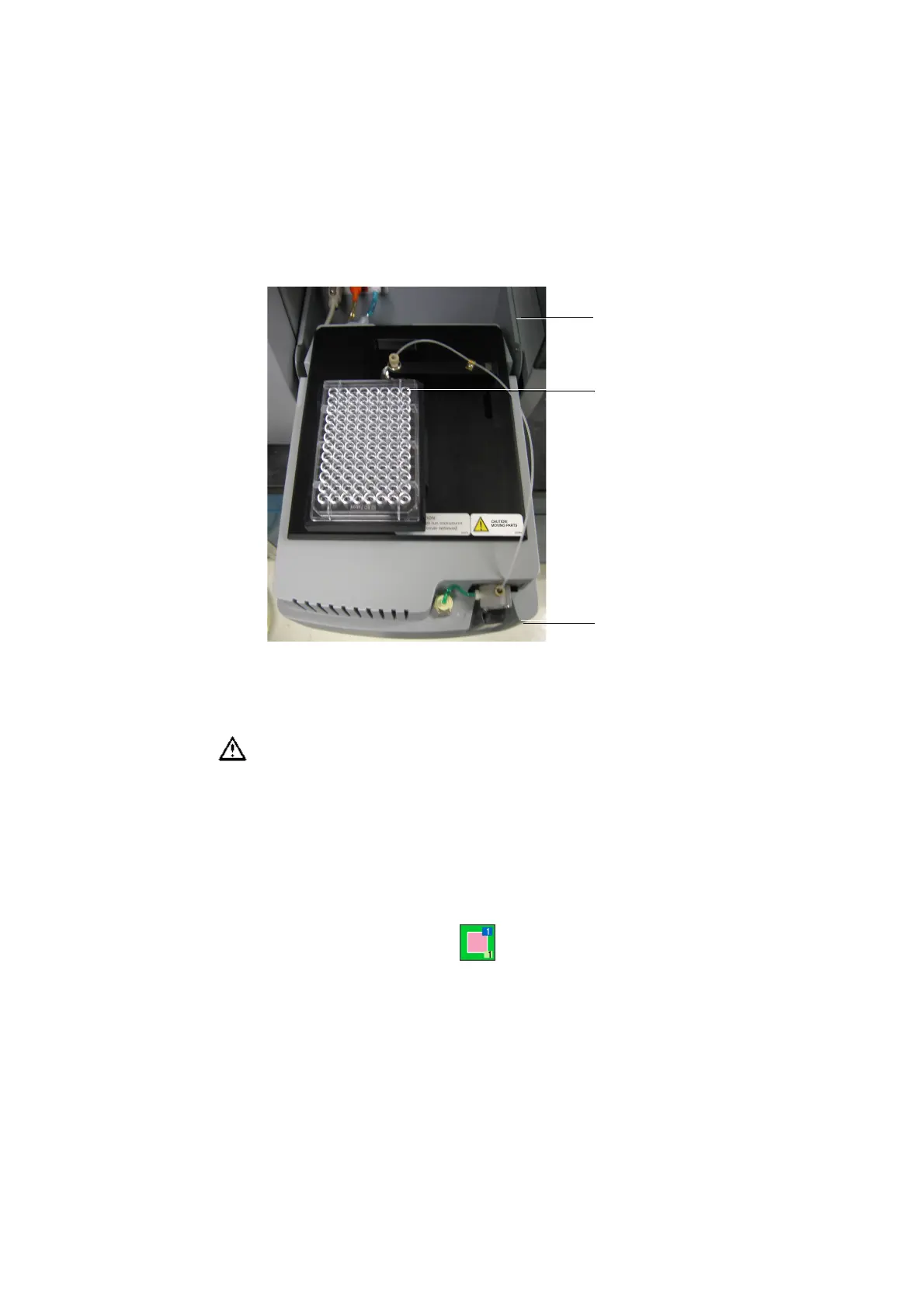
Figure 3-14 Orienting the plate [BD FACSCanto example]
4 Replace the HTS safety cover.
5 [BD LSR II] Press the RUN button on the cytometer.
NOTICE If you launched BD FACSDiva software when the HTS was
switched off, it might take a few minutes to complete the initialization of
the loader.
6 Select the two setup control well in the plate layout of the Setup view.
The well is outlined in green .
Do not put the BD LSR II in Standby during HTS acquisition.
BD FACSDiva software cannot continue the run when the cytometer is in
Standby, and it can cause damage to the flow cell.
cytometer interface
panel
front of HTS
well A1











 To Next Page