112 - Data Logger
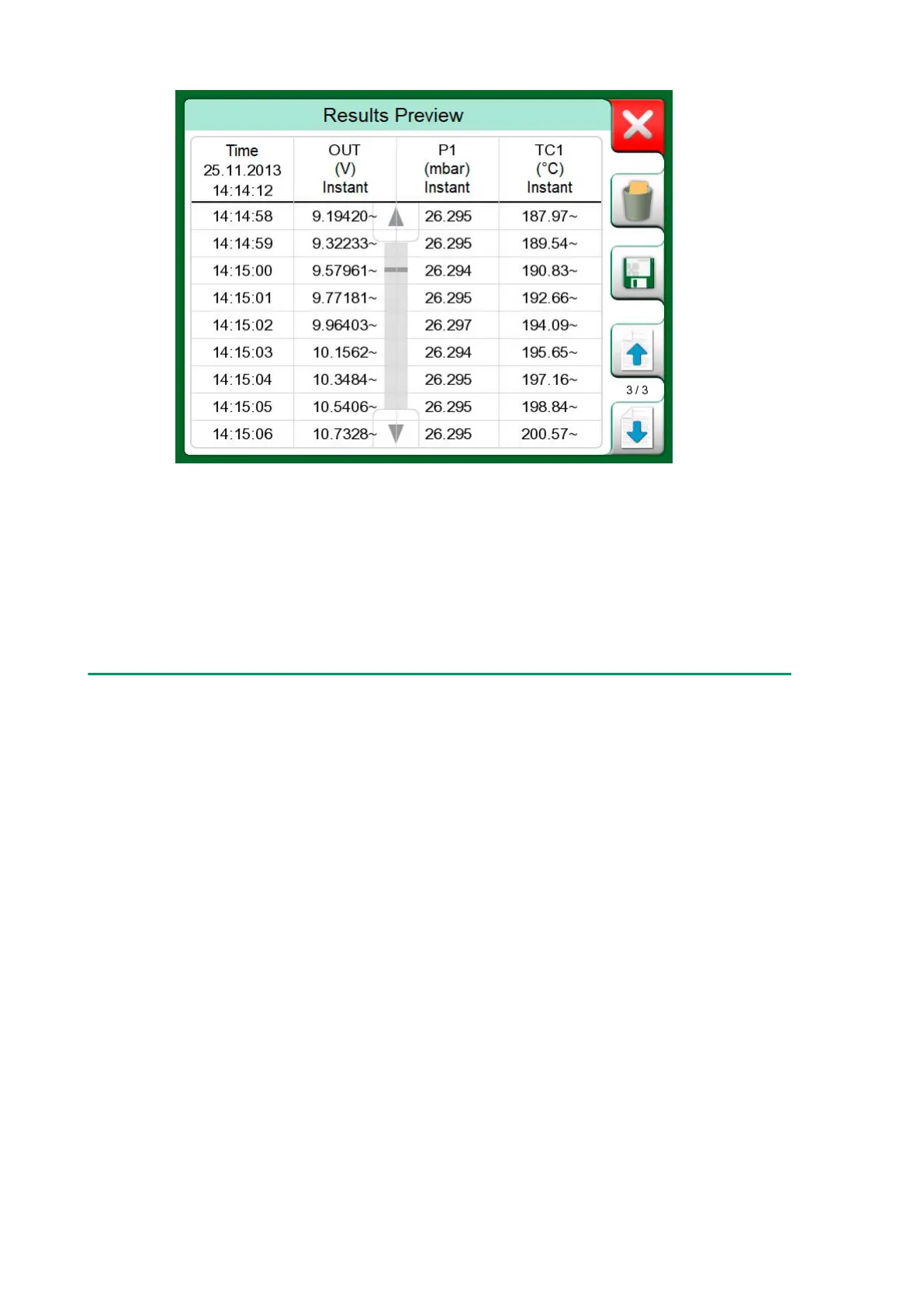
Figure 108: Results Preview
All pages include a possibility to either save or delete the Data Logging
results.
When saving, you have the possibility to give a descriptive name to the
Data Logging results. MC6-T automatically adds date and time to the Data
Logging results.
Viewing Saved Data Log Results
If you have saved Data Logs, they may be viewed as follows:
• From the menu of the Data Logging's main configuration window. Select
menu option View Data Log Results.



 To Next Page