General - 115
Communicator
Things discussed in this part:
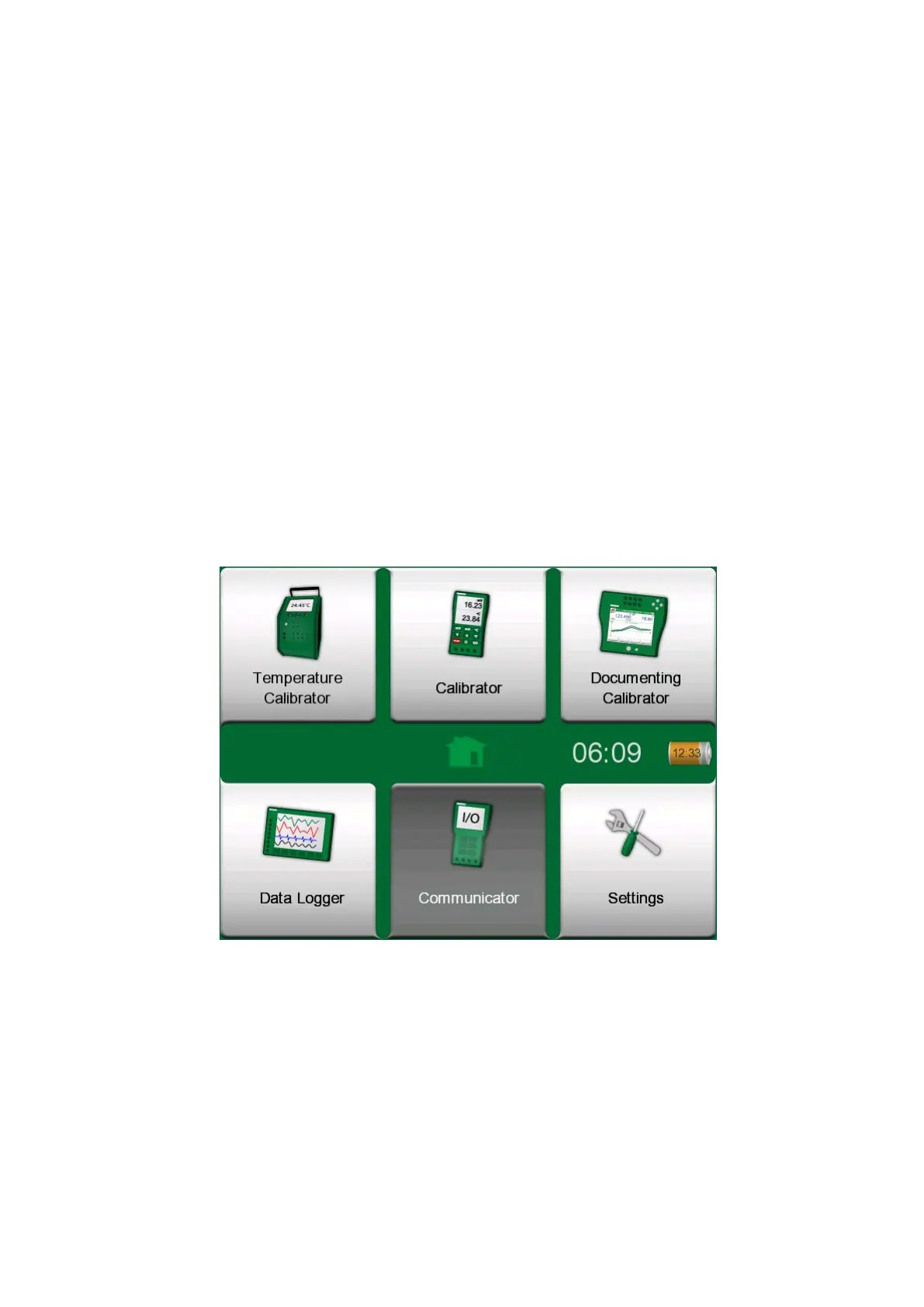
• An introduction to the MC6-T's Communicator and how it can be started
• How to connect to smart instruments capable of digital communication
• Instructions on how to quickly select a variable/parameter for use in
Calibrator, Documenting Calibrator or Data Logger
• How to edit instrument parameters
• How to trim a Fieldbus/HART instrument.
General
Figure 111: Home View with Communicator selected



 To Next Page