166 - Additional Information
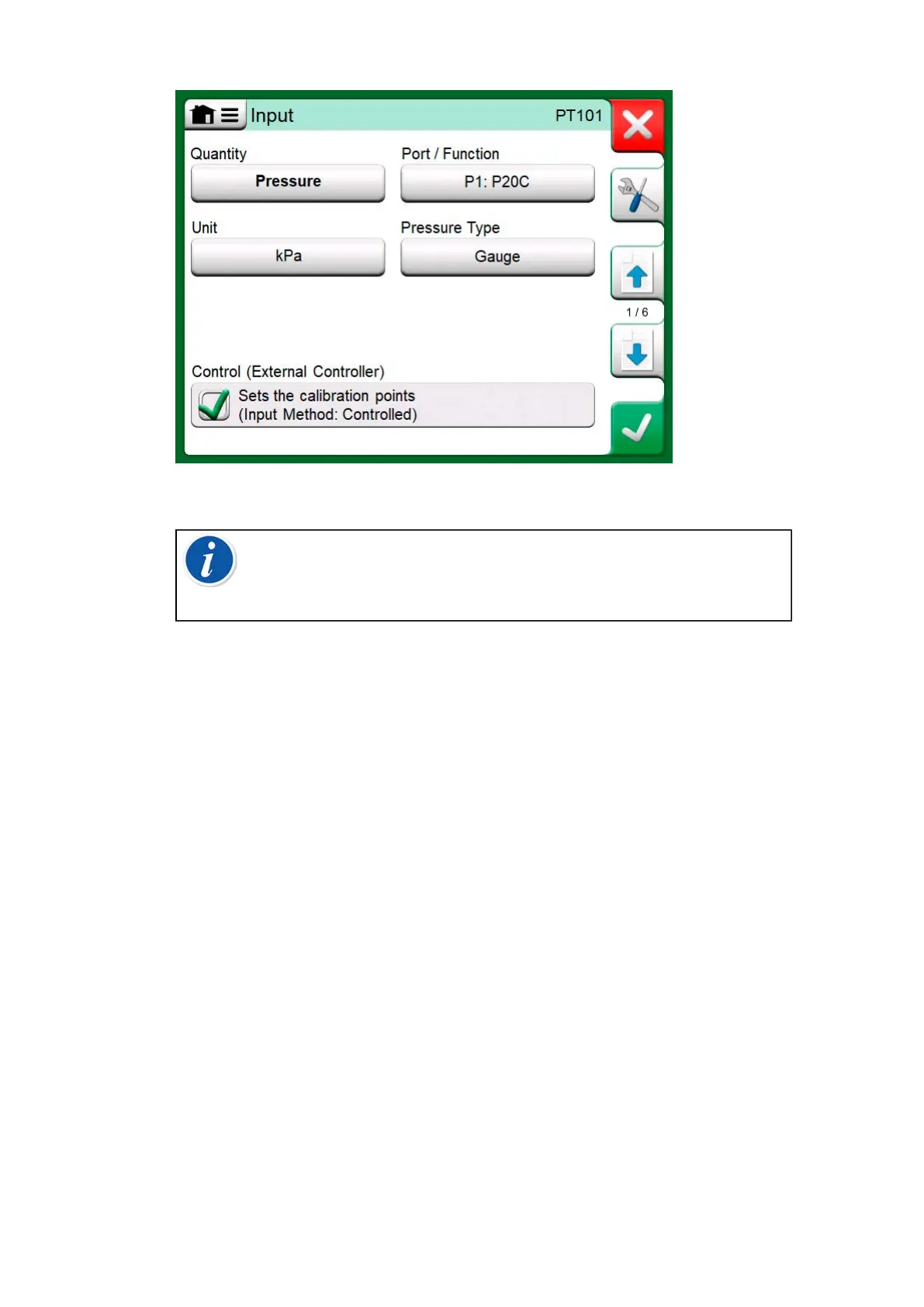
Figure 161: Instrument input settings with Control (only) selected
Note: When connecting a Beamex FB or MB Temperature
Dry Block to MC6-T, ensure that both devices are up and
running before connecting a communication cable and invoking
communication between them.
Configuring Controller Communication
Before utilizing External Controllers, both the communication cable / driver
and the controller itself need to be configured in MC6-T. This should be
done using the Controller Preset window available in MC6-T's main
function Settings. MC6-T supports up to four presets. Each of the presets
create a pair of a Connection Interface (communication cable / driver)
and a Controller Type. See Figure 162: Example of a Controller Preset.



 To Next Page