124 - Communicator
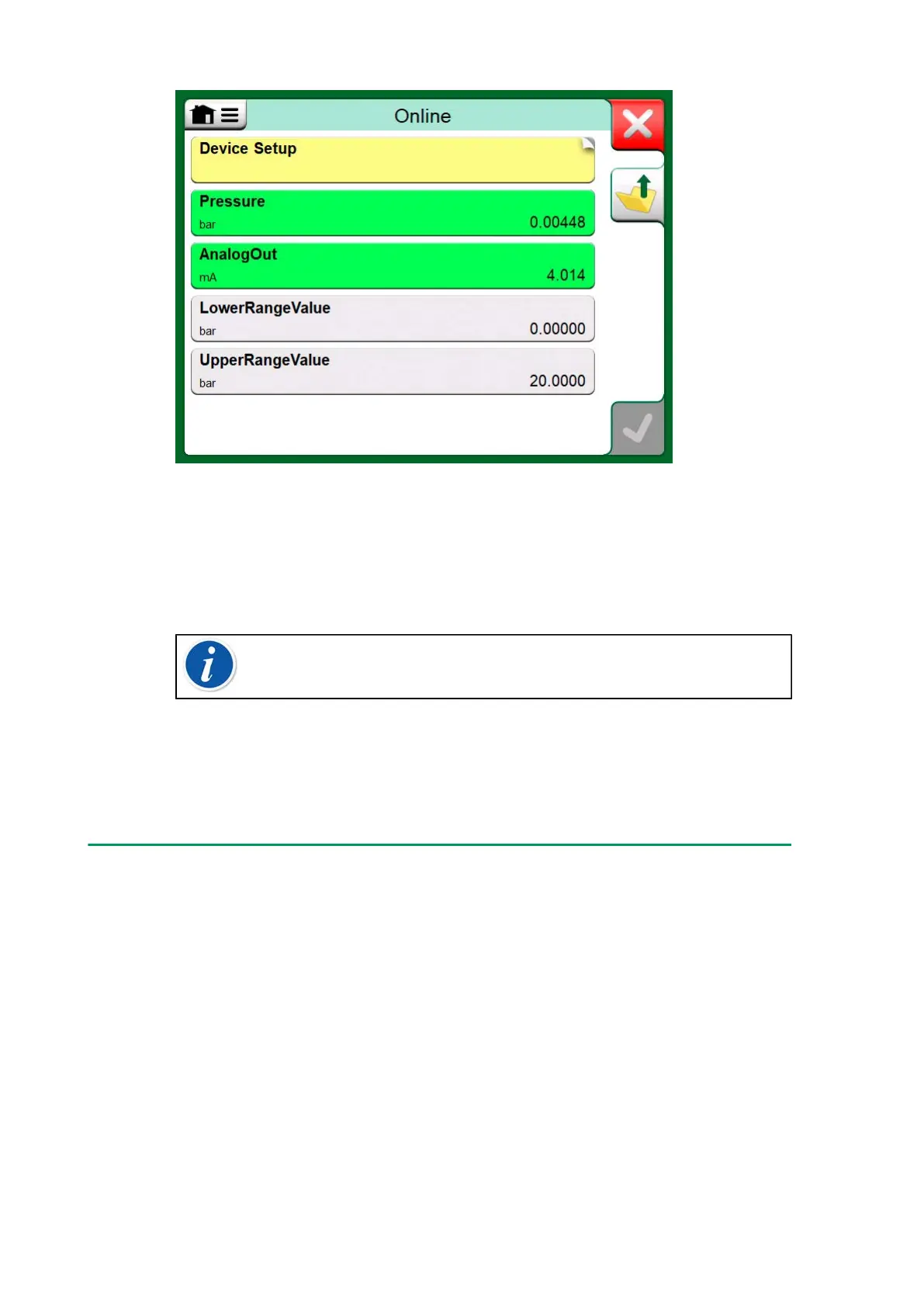
Figure 119: Example of a variable list in a HART Transmitter
Unfortunately the structure of data and naming conventions in HART
instruments vary between different makes and models. Thus there is
no single path from selecting the instrument in MC6-T to locating the
parameter.
Note: Go to Menu, Show, Measurable Variables for easy way
to find parameters.
Refer to your instrument's manual to find the blocks where the parameters
are located.
Once the parameter is located, tap on it. In the opened window: Tap the
Accept button to start calibrating or logging that parameter.
Calibrating or Data Logging Fieldbus Instruments
This is a quick guide for selecting a FOUNDATION Fieldbus or Profibus
PA instrument's Parameter for calibration/data logging. If you want to
make more extensive configurations, refer to chapter About Instrument
Parameters and the manual of your instrument at hand.
1. First you must select either FOUNDATION Fieldbus or Profibus
PA as your communication protocol and select the instrument as
presented in chapter Selecting the Instrument.
2. Transducer is the typical name of the Block (folder) where
measurement parameters are located. When applicable, tap on
it. Note that the Block name depends on the instrument, so when
uncertain, refer to your instrument's user manual.



 To Next Page