User Defined Function Data - 167
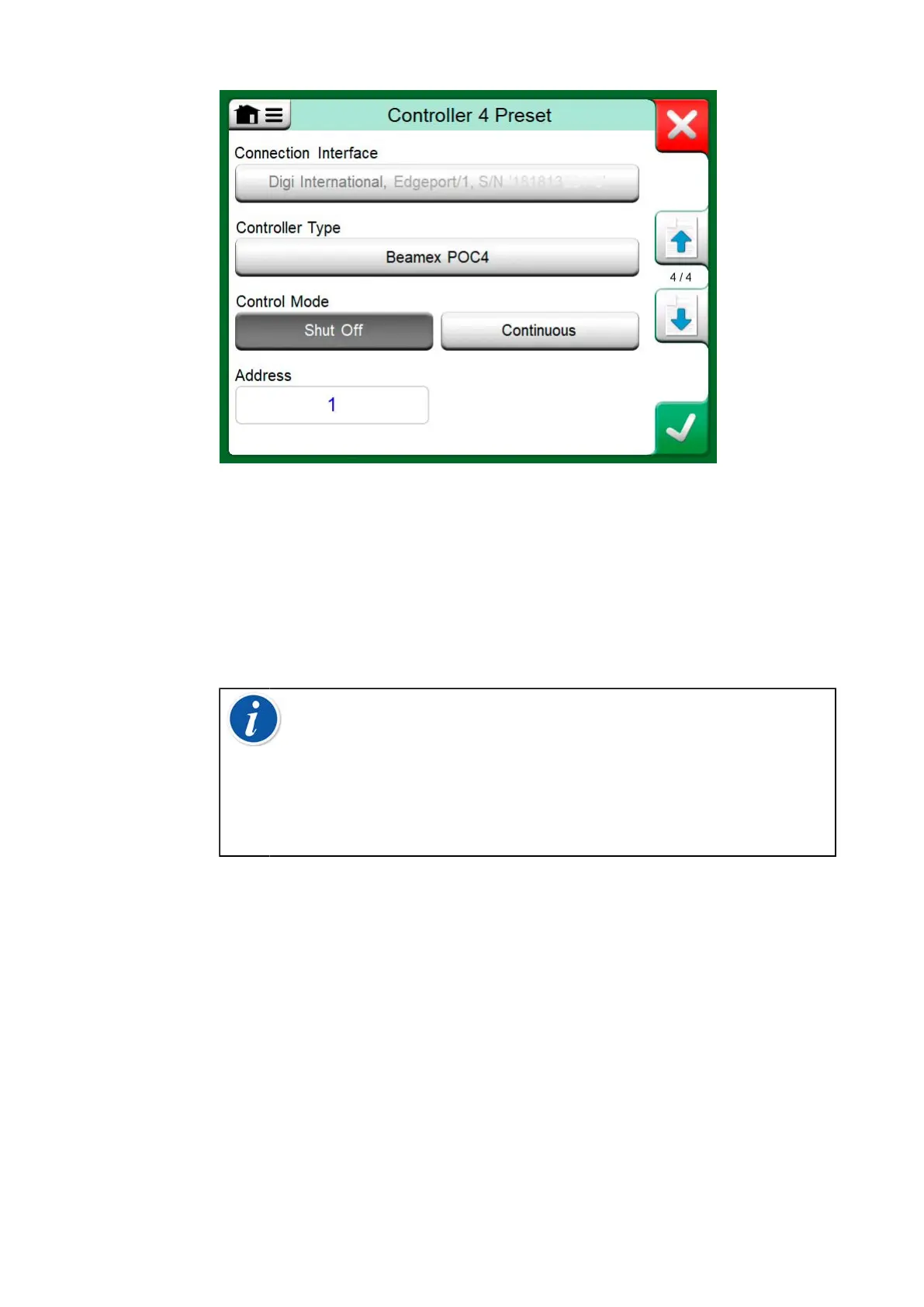
Figure 162: Example of a Controller Preset
The menu in a Controller Preset window contains further tools
for defining the communication. One of the menu items is Enable
Measurement Port, defining whether the is controller also used as a
measuring device. Menu selections may be individual for each preset.
When an External Controller is connected and configured, it is available as
any port in MC6-T's user interface.
Note: If you run into communication problems, check the
communication settings in the connected controller. They may
have been changed from the controller's default values. MC6-T
always uses the controller's default values.
The Controller Preset window's menu includes an option to view
the Communication Log. In the Communication Log window
you may choose the log format: binary or text.
Changing Controller During Calibration
In Documenting Calibrator, you may need to change the controller during
calibration. This, e.g. because a temperature controller's span is not useful
throughout the measurement span of the instrument to be calibrated.
Change the controller as follows:
1. During calibration, open the Documenting Calibrator's Menu.
2. Select option Instrument Input.
3. In the Instrument Input window, tap on the button that invokes the
controller change procedure.
4. Follow the instruction on the screen.



 To Next Page