98 - Documenting Calibrator
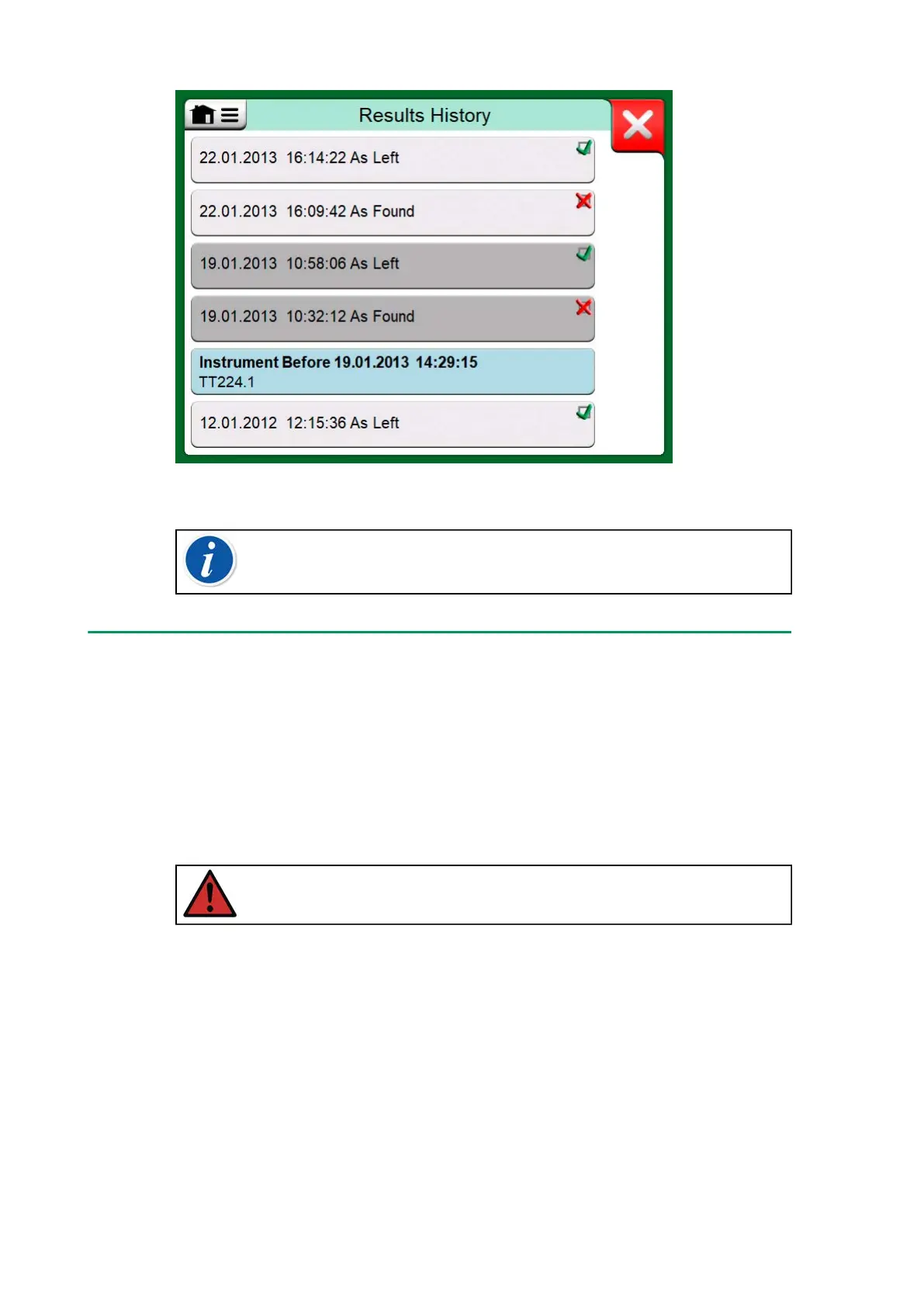
Figure 91: Calibration results history window
Note: Saved calibration results cannot be edited.
Deleting Calibration Results
When viewing the results of a calibration, you may delete the currently
viewed result (menu option Delete This Result) or remove all results
related to current instrument (menu option Delete All Results).
You may also remove all results related to current instrument in Results
History window: Select menu option Delete All Results.
Warning: Once the results are deleted, there is no way to
retrieve them.
Get mapped value feature
With the “Get mapped value” feature you can automatically read certain
data from connected smart transmitter to the MC6-T instrument data. This
automates process of creation of a new instrument to the MC6-T.
This is very useful especially with the long data fields, as they don't need
to be added manually add to the MC6-T.



 To Next Page