Calibrating Instruments - 87
Instrument List Window Menu
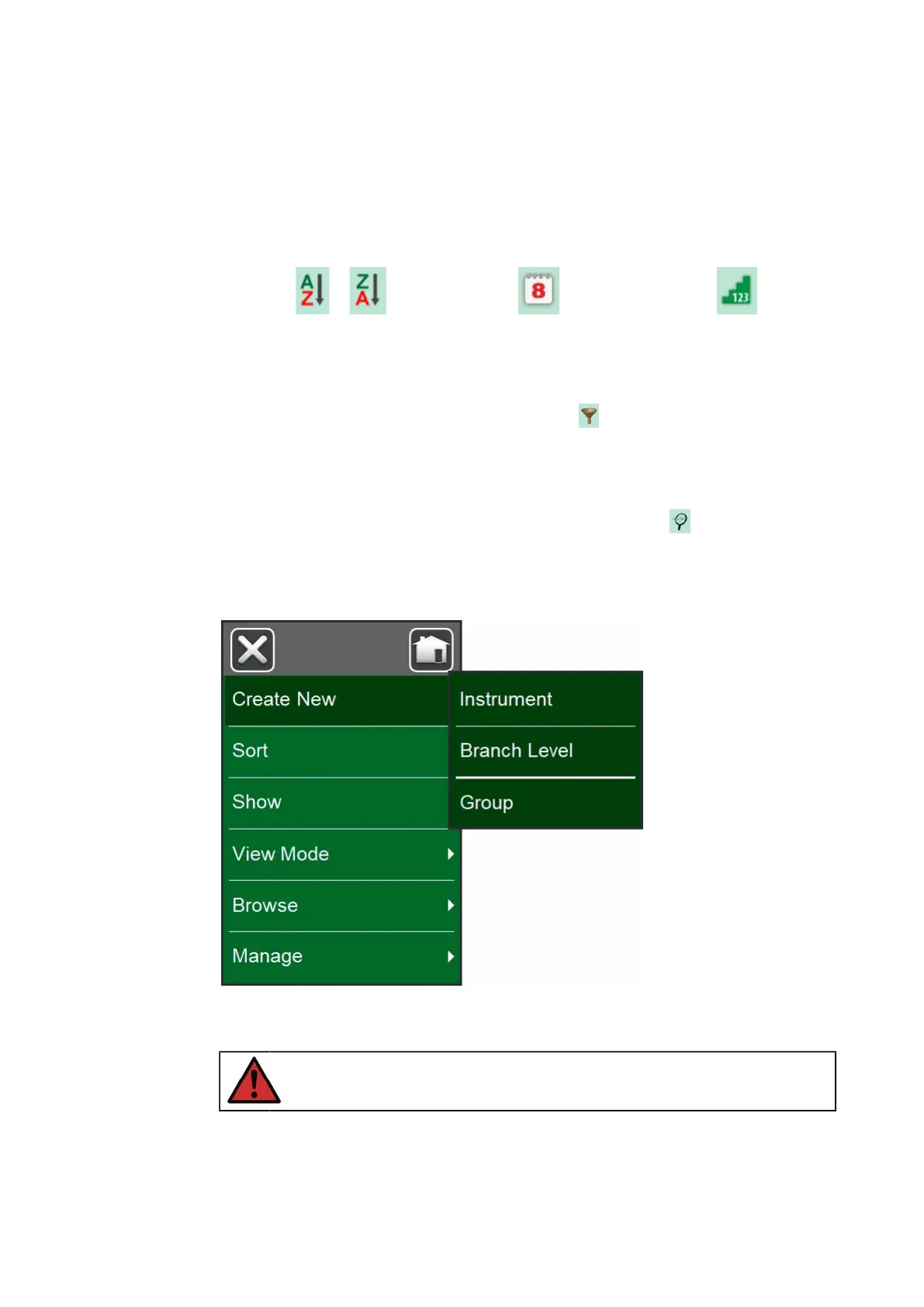
The Instrument List window's menu contains a lot of useful tools:
• Create New for creating a new Instrument etc. (See Figure 76:
Instrument List Window's menu)
• Sort for sorting the list contents alphabetically etc. Sorting icons shown
in status bar (ascending / descending):
Identification
Due Date Creation
• Show to display all or filter to a selected group of items in the list. The
group can be, e.g. all calibrated instruments. When filtering is active, the
following icon is shown in the status bar:
• View Mode for defining whether the Plant Structure or Work Order list
is shown.
• Browse to jump to start/end of list or finding instruments. When find is
in use, the following icon is shown in the status bar:
• Manage for deleting all Instruments/Results/Plant Structure levels and
also for moving/renaming Plant Structure levels.
Figure 76: Instrument List Window's menu
Warning: Once an item is deleted, there is no way to retrieve it.



 To Next Page