User Defined Function Data - 161
Also:
• The row number is a button. It opens a window where you may delete
the current point or optionally add a row either before or after the
current point.
• An added point gets default values: average values of preceding and
following point.
User Defined Pressure Units
Wherever in MC6-T, when you use pressure as the Quantity, you may
choose a pressure unit from a wealth of already available pressure units,
divided into several pages. User defined pressure units may be added to
the subsequent page(s).
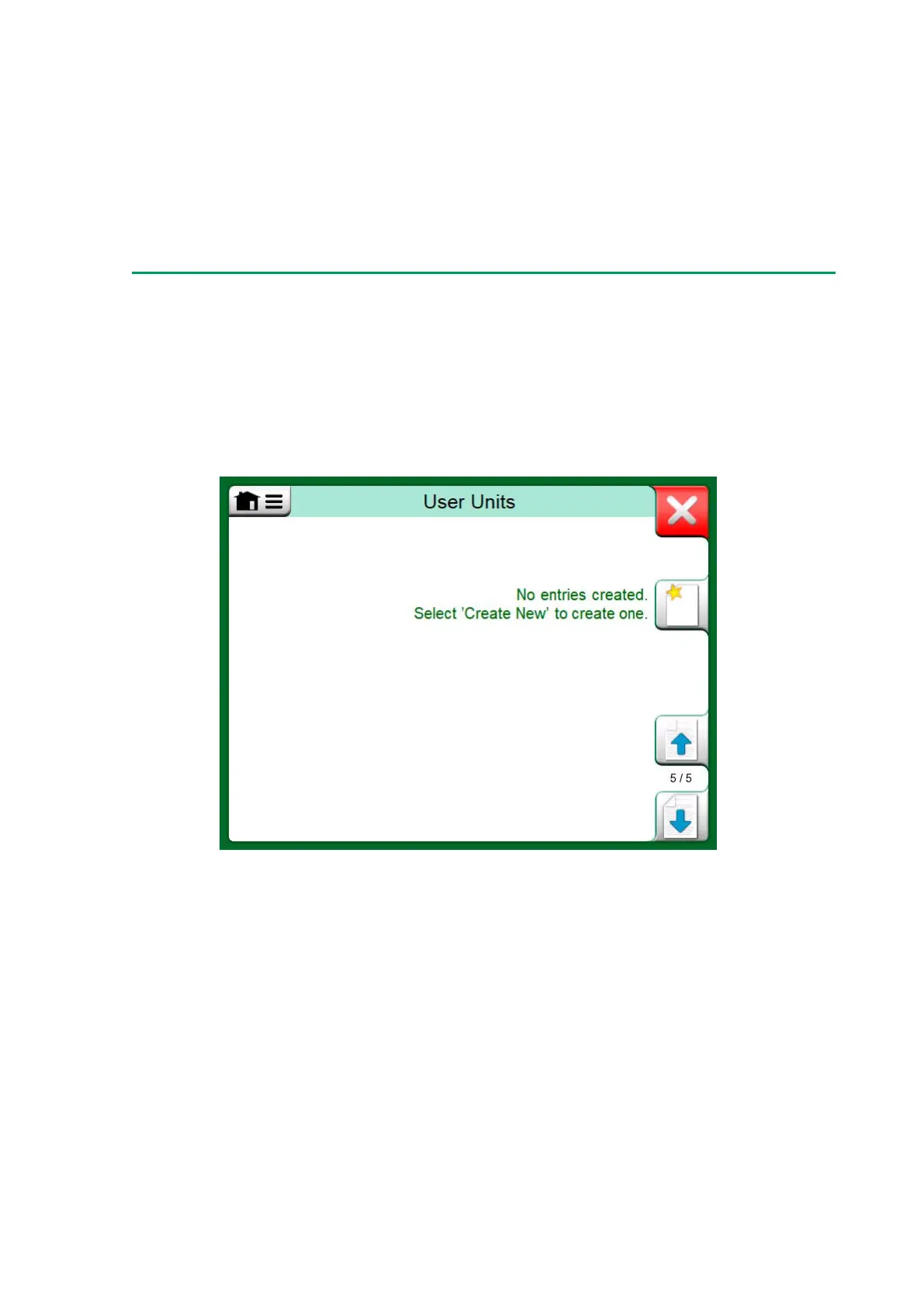
Figure 155: Page 5 of pressure units is reserved for user defined
pressure units
In the configuration page, see Figure 156: Configuration page, give the
unit a descriptive name, select a Reference Unit and enter the Factor.
The Factor is the relationship between the Reference Unit and the
custom pressure unit. The Reference Unit may be any of the pre-entered
pressure units available in MC6-T.



 To Next Page