User Defined Function Data - 157
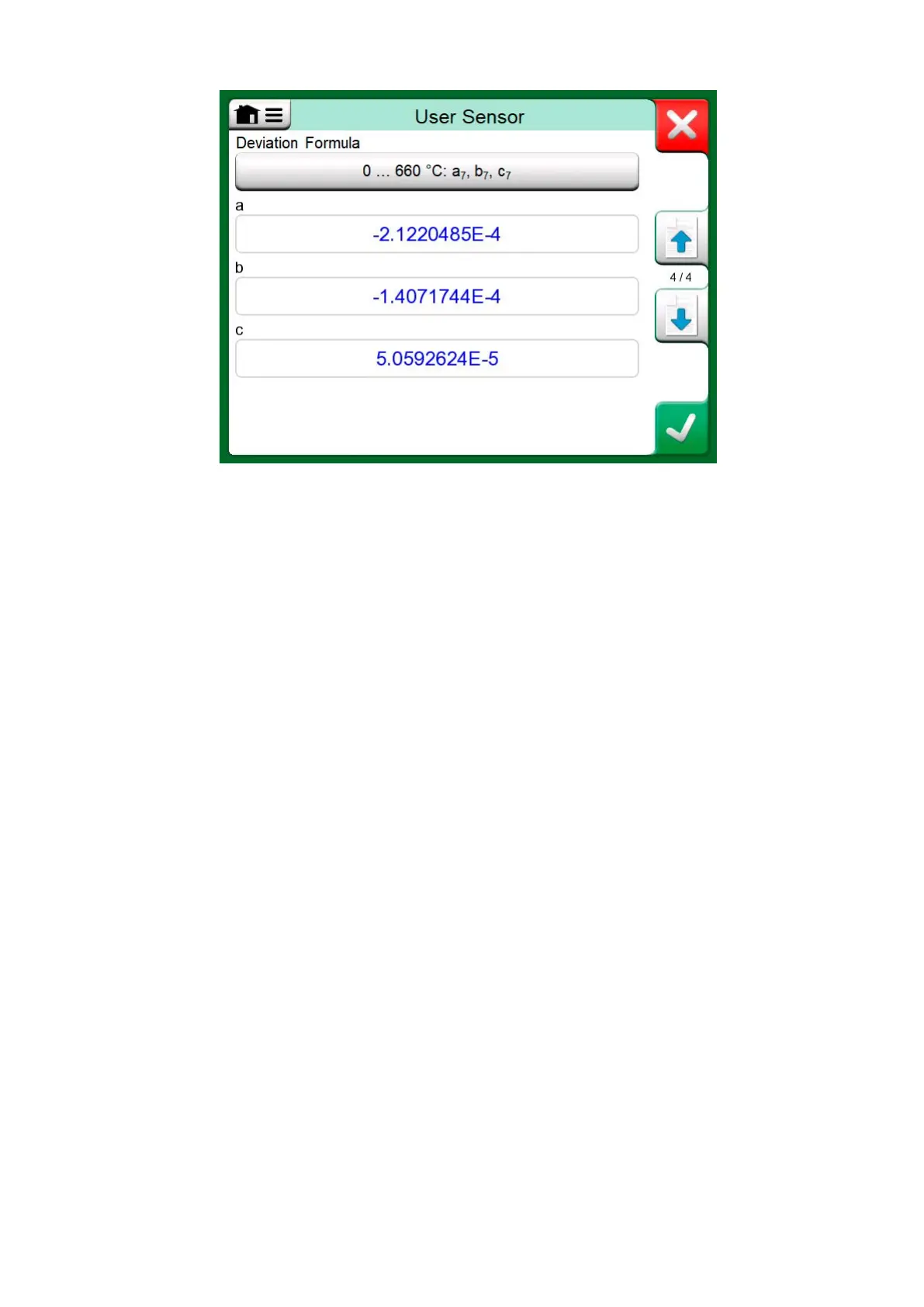
Figure 150: Examples of coefficients a
7
, b
7
and c
7
When no negative subrange is included in the calibration, the third page
mentioned above is not included and the total amount of configuration
pages is three.
Factor
The third way to customize an RTD sensor (not just PRTs but all types of
RTDs) is using the Factor. This applies for sensors with the same relative
error throughout the sensor's span, a sensor with an "offset" in its output.
How to Configure a User Sensor using Factor:
Select a standard Sensor Type. Then enter a Factor that offsets the
standard temperature curve. A simple way of doing it is taking a standard
RTD sensor with a 1 ohm resistance @ 0 °C, e.g. Pt1. Then enter the real
resistance @ 0 °C as the Factor.



 To Next Page