76 - Documenting Calibrator
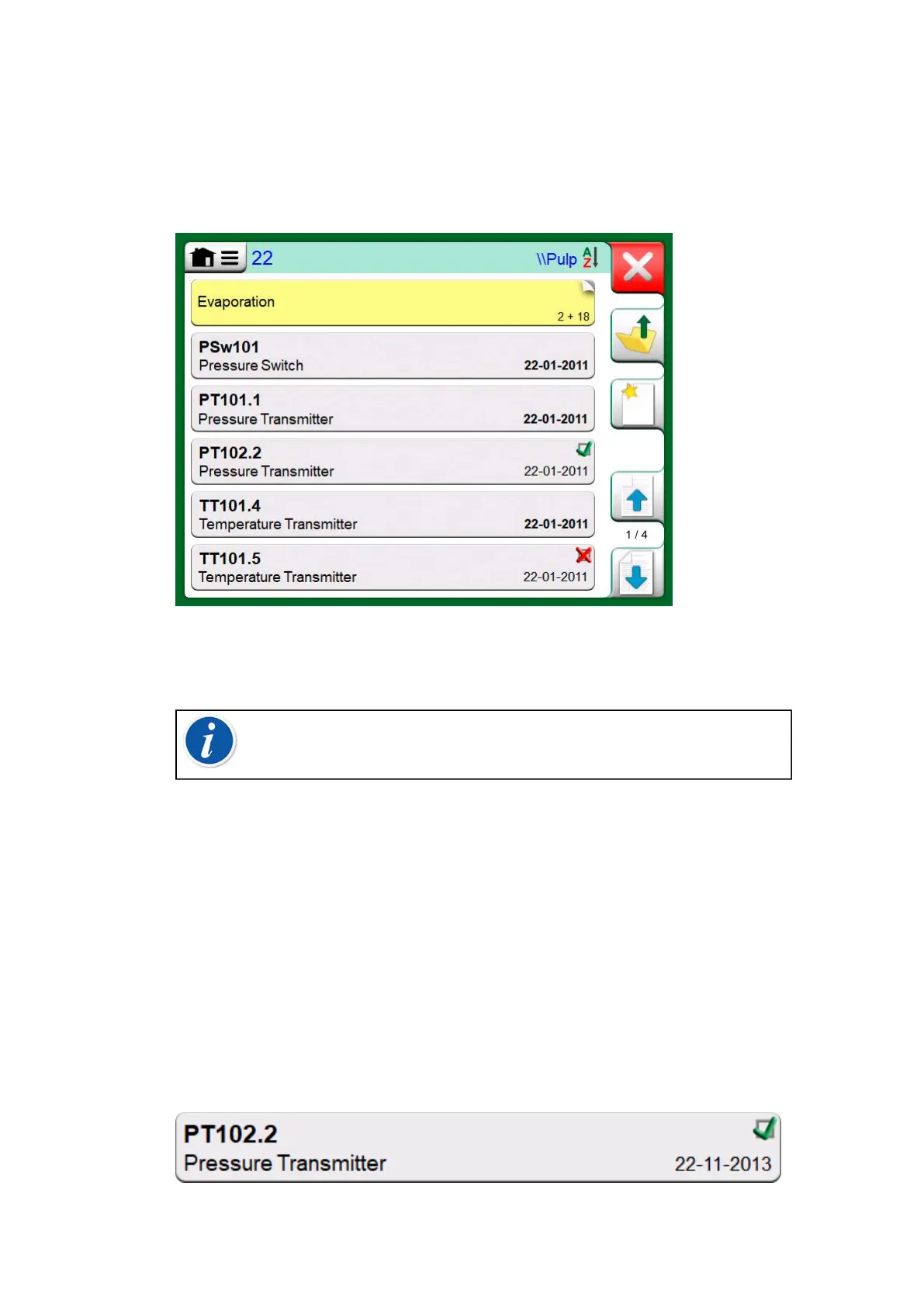
MC6-T allows you to hierarchically organize your instruments into a Plant
Structure. The Instrument List window may contain both instruments
(gray items) and Plant Structure Levels (yellow items). The following
subchapters present features available in Instrument List window and its
menu.
Figure 59: Example of an Instrument List
See also Work Order View Mode.
Note: The Instrument List may be several pages long.
Remember to use the page browse buttons available on the right
side of the window.
Instruments
Instruments have a gray background in the Instrument List window. The
instrument's upper text row displays the contents of one of the following
fields: Position ID, Name, Device ID or Device Serial Number. The first
non-empty of the aforementioned fields, in presented order, is displayed.
The second row displays (possible) Function Name and Calibration Due
Date data.
If the instrument has been calibrated, the rightmost end displays an
icon. The displayed icon depends on whether the instrument's latest
calibration "Passed", i.e. the found maximum errors were smaller than the
instrument's "Reject If" error limit, or did it "Fail".
Figure 60: Instrument's latest calibration "Passed"



 To Next Page