Calibrating Instruments - 77
Figure 61: Instrument's latest calibration "Failed"
To select an instrument for calibration, tap on it. Then the Instrument
Overview Window, opens.
Creating Instruments
To create a new instrument, tap the "Create New Instrument" button. See
Figure 62: "Create New Instrument" button.
Figure 62: "Create New Instrument" button
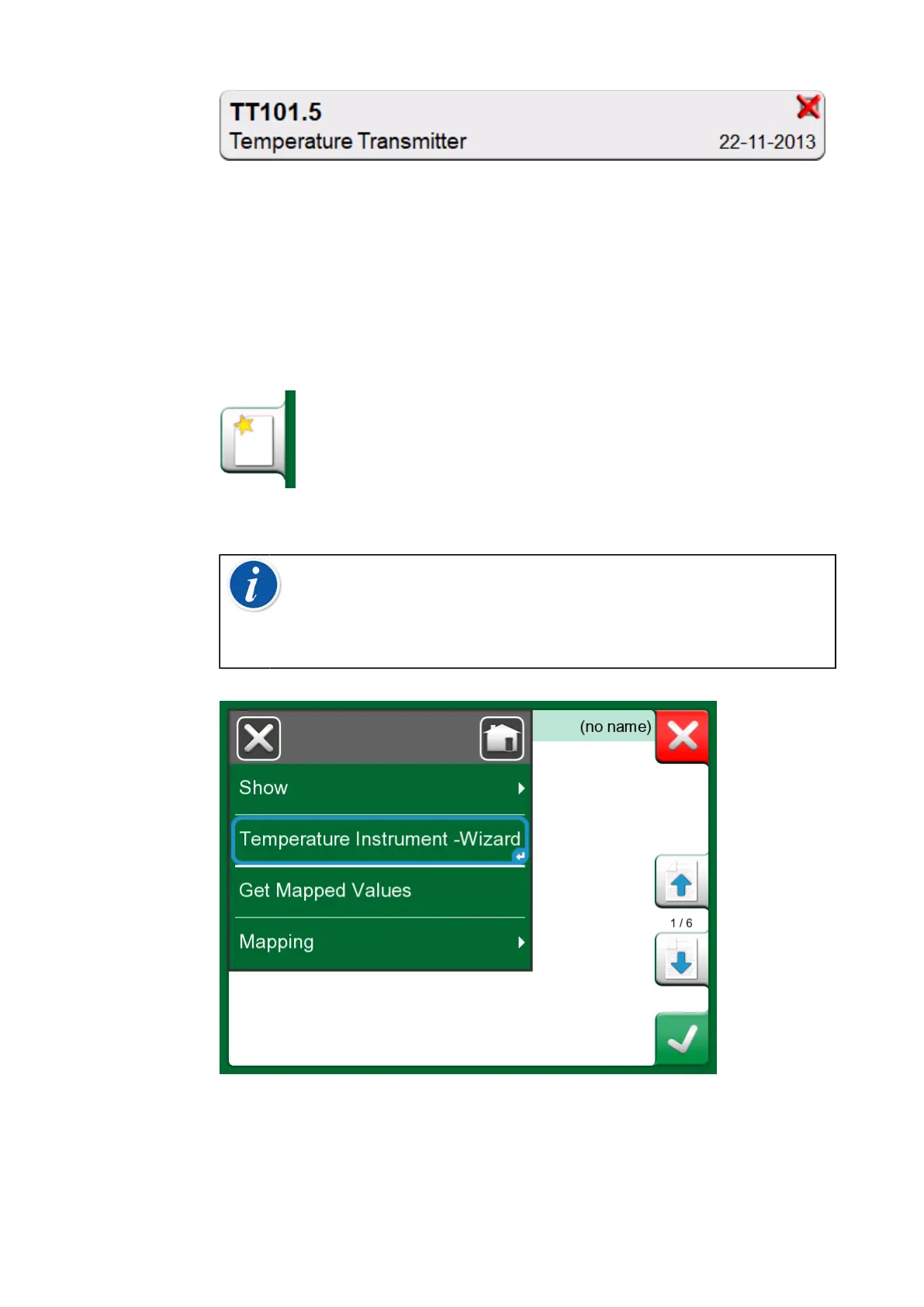
Note: For temperature instruments, you can use Temperature
Instrument - Wizard, which can be found in the context-
sensitive menu that appears after pressing the Menu button (see
Figure 63: Documenting Calibrator, Temperature Instrument
Wizard).
Figure 63: Documenting Calibrator, Temperature Instrument Wizard



 To Next Page