Generations/Simulations - 49
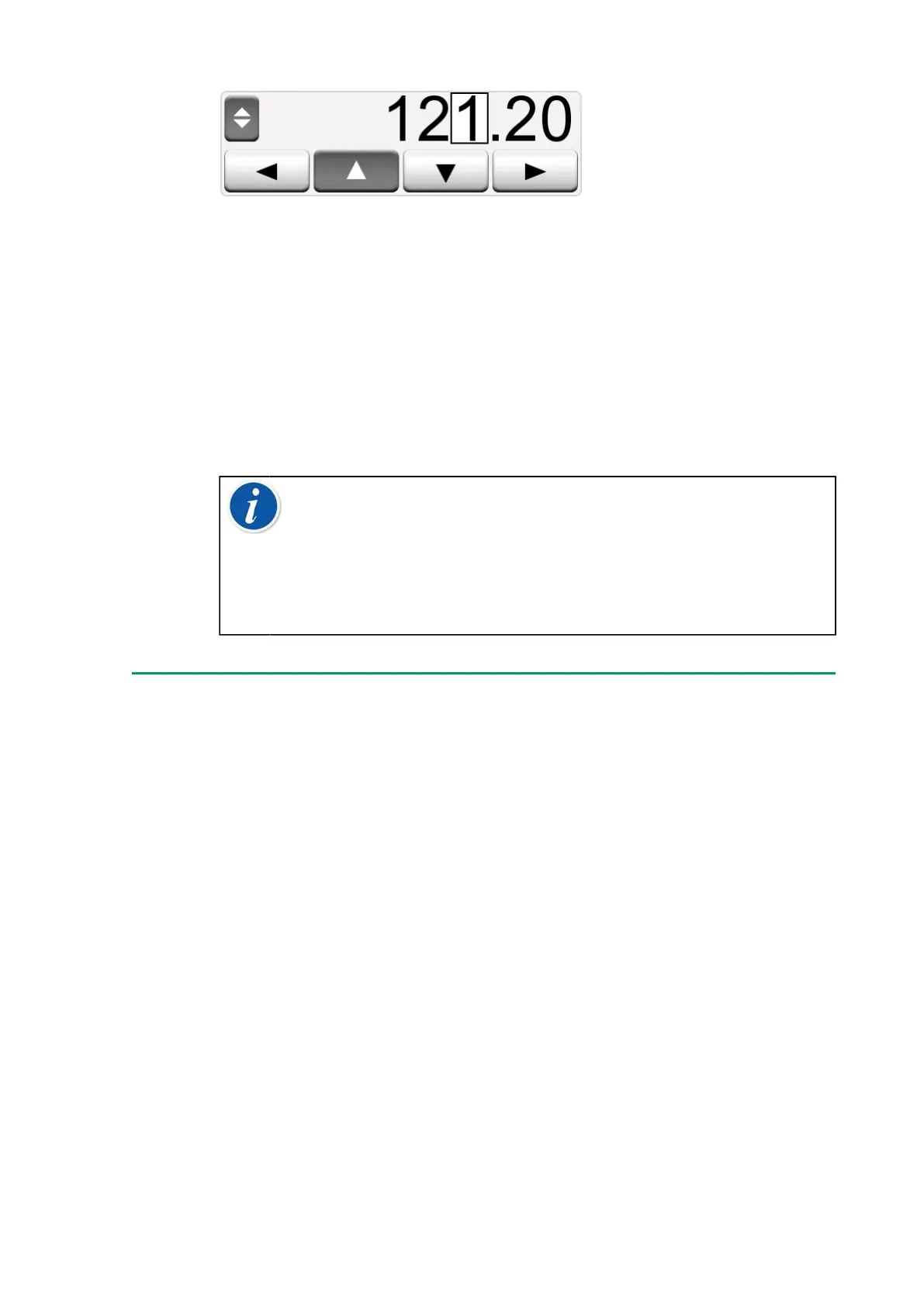
Figure 34: Active spinner
Non-empty numeric fields in Calibrator's generation/simulation windows
have a button with both "Up" and "Down" arrows to the left of the actual
numeric value. That is the Spinner button. Tap the Spinner button to
activate spinning.
When spinning is active, one of the digits is highlighted. Change its value
by tapping the "Up" and "Down" arrows in the active spinner. To move the
highlight to another digit, use the "Left" and "Right" arrows.
To stop spinning, tap the Spinner button again.
Note: Any changes in the numeric field are immediately
reflected in the generated/simulated signal. You cannot exceed
the minimum/maximum limits of a Function when spinning. The
spinned value follows the resolution properties of the generated/
simulated Function. If a numeric field is empty (displaying
dashes), first use the soft numeric keypad to enter a value. Then
you are able to utilize the spinning tool.
Temperature Generation
When using the Temperature Block to generate temperature, an
essential decision is whether to use internal or external reference sensor.
Using an accurate external reference sensor results in a more accurate
calibration with smaller uncertainty, compared to using the internal
reference sensor. The internal reference sensor is permanently installed
into the Temperature Block, therefore it does not directly measure the
temperature of the insert. The external reference sensor, on the other
hand, is inserted into the insert, significantly closer to the temperature
probe or instrument to be calibrated. For details see Figure 35: Internal vs
External reference sensor.



 To Next Page