96 - Documenting Calibrator
Figure 88: Switching/changing an external pressure module.
About Fieldbus and HART Device Specifics
Detailed information of fieldbus and HART device specifics are discussed
in chapterCommunicator. However, here are some hints on where
fieldbus and HART device related features appear in Documenting
Calibrator.
Adding fieldbus and HART Instrument to MC6-T's database
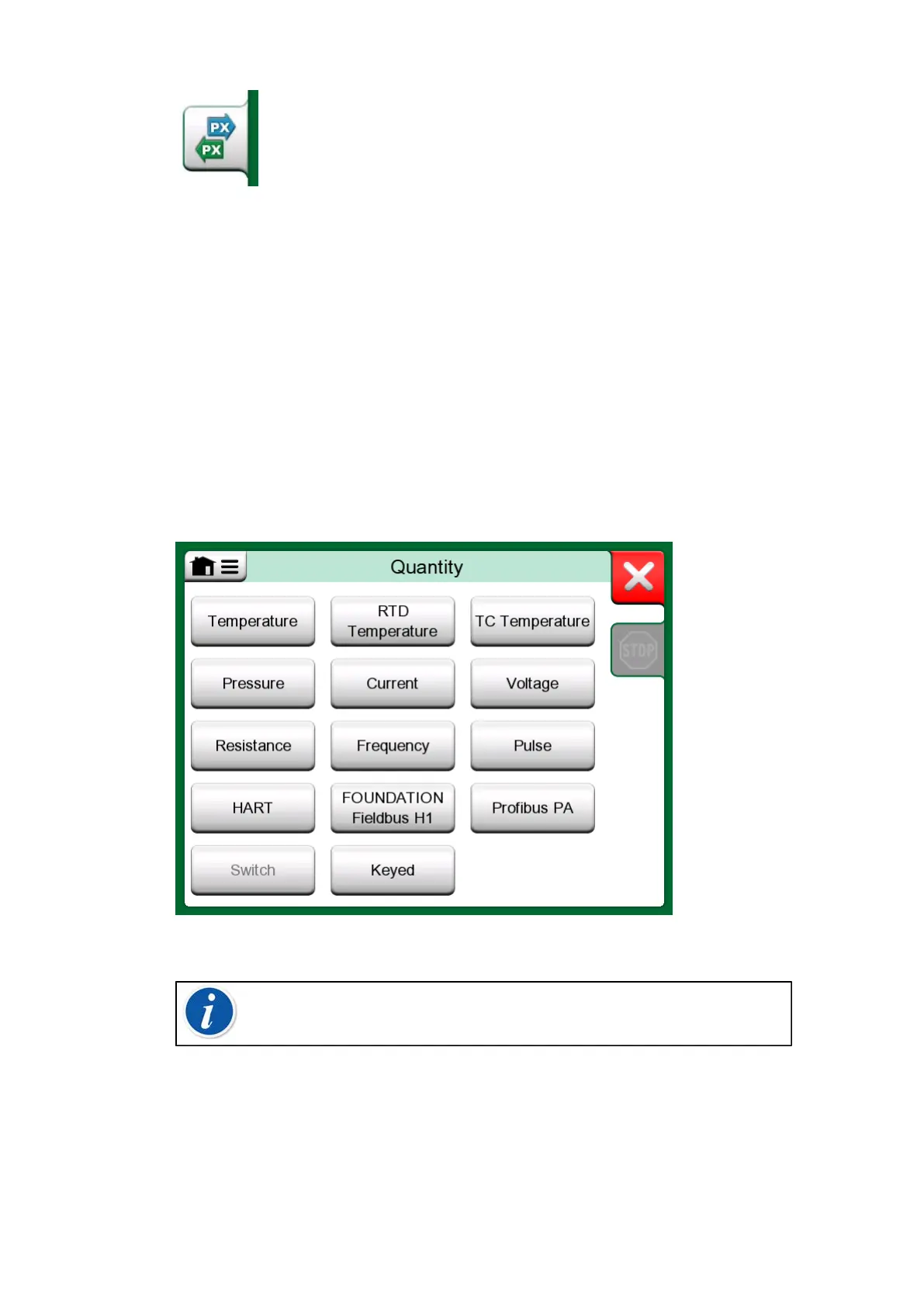
When adding a fieldbus instrument or a HART instrument's digital output to
MC6-T's database, select HART, FOUNDATION Fieldbus H1 or Profibus
PA as the output quantity. See Figure 89: Documenting Calibrator's
quantity selection window.
Figure 89: Documenting Calibrator's quantity selection window
Note: For HART instrument's analog output, select Current as
the output quantity.
See also chapter Get mapped value feature.
Additional utilities during calibration
During Calibration, MC6-T's menu has additional menu options available:
For both HART and fieldbus instruments: a possibility to invoke the
communicator to edit instrument data and when needed, start a HART trim



 To Next Page