About Instrument Parameters - 129
Note: Just as in fieldbus instruments, the user interface
and manuals of HART instruments are sometimes using the
misleading term "calibration" although it is actually a trim that is
performed.
Be careful during the trimming procedure. Follow the instructions
in the instrument's user manual. Skipping a step in the
procedure may result in an unsuccessful trim.
Typically, the correct order for trimming is: digital output first,
then analog output.
Trimming a Fieldbus Instrument
Trimming a FOUNDATION Fieldbus or a Profibus PA instrument can
be initiated from the Documenting Calibrator, provided the relevant
communicator option is enabled and the instrument's Device Description
contains information of parameters needed for trimming.
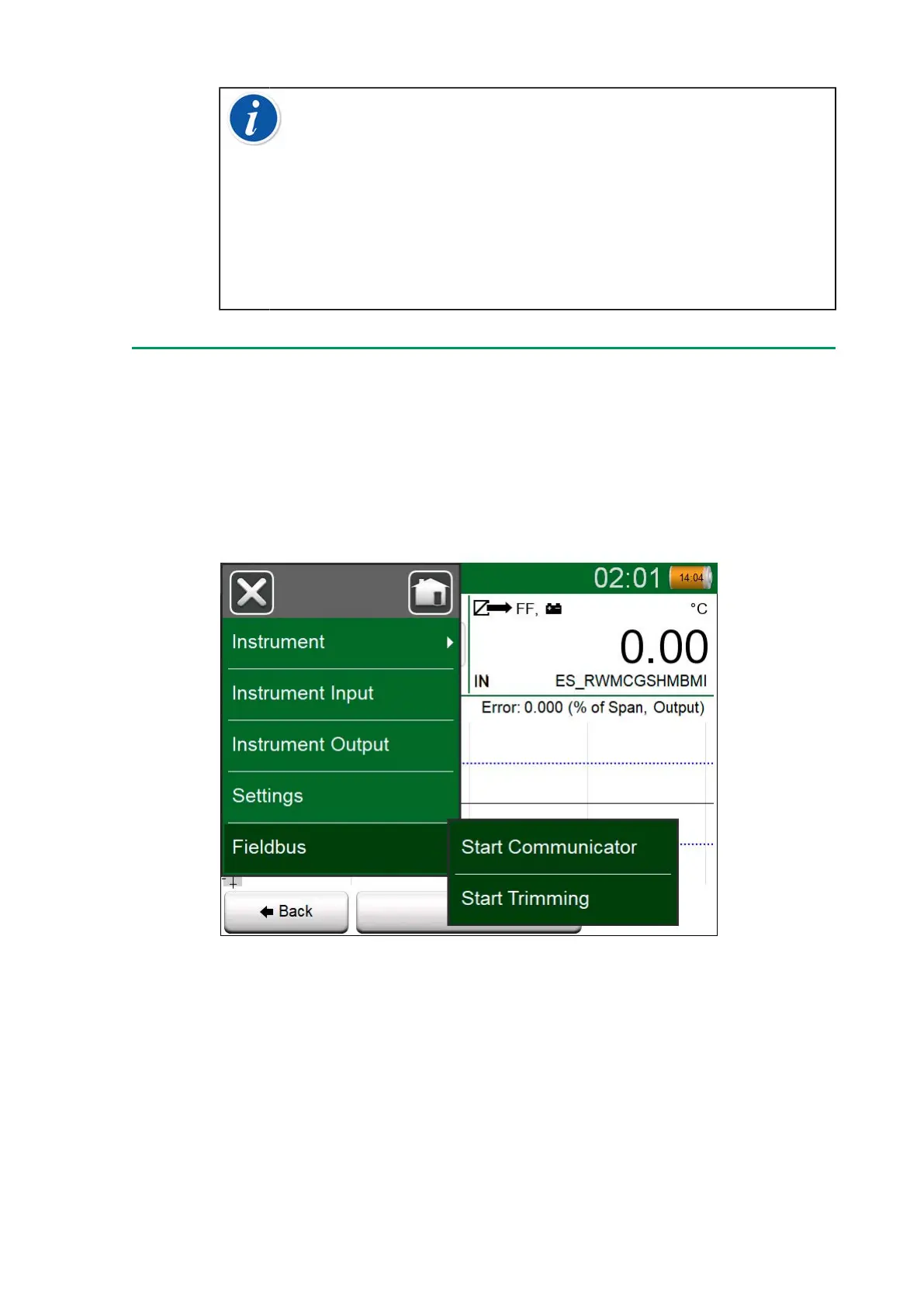
Figure 125: Menu in Documenting Calibrator when calibrating a
fieldbus instrument
Menu option Start Trimming opens a window similar to the Figure 126:
Fieldbus instrument's trimming window, example. The list of Blocks and
Parameters depends on instrument's Device Description. The lower part
of the window has areas were the instrument's input (1) and output (2)
readings are shown.



 To Next Page