90 - Documenting Calibrator
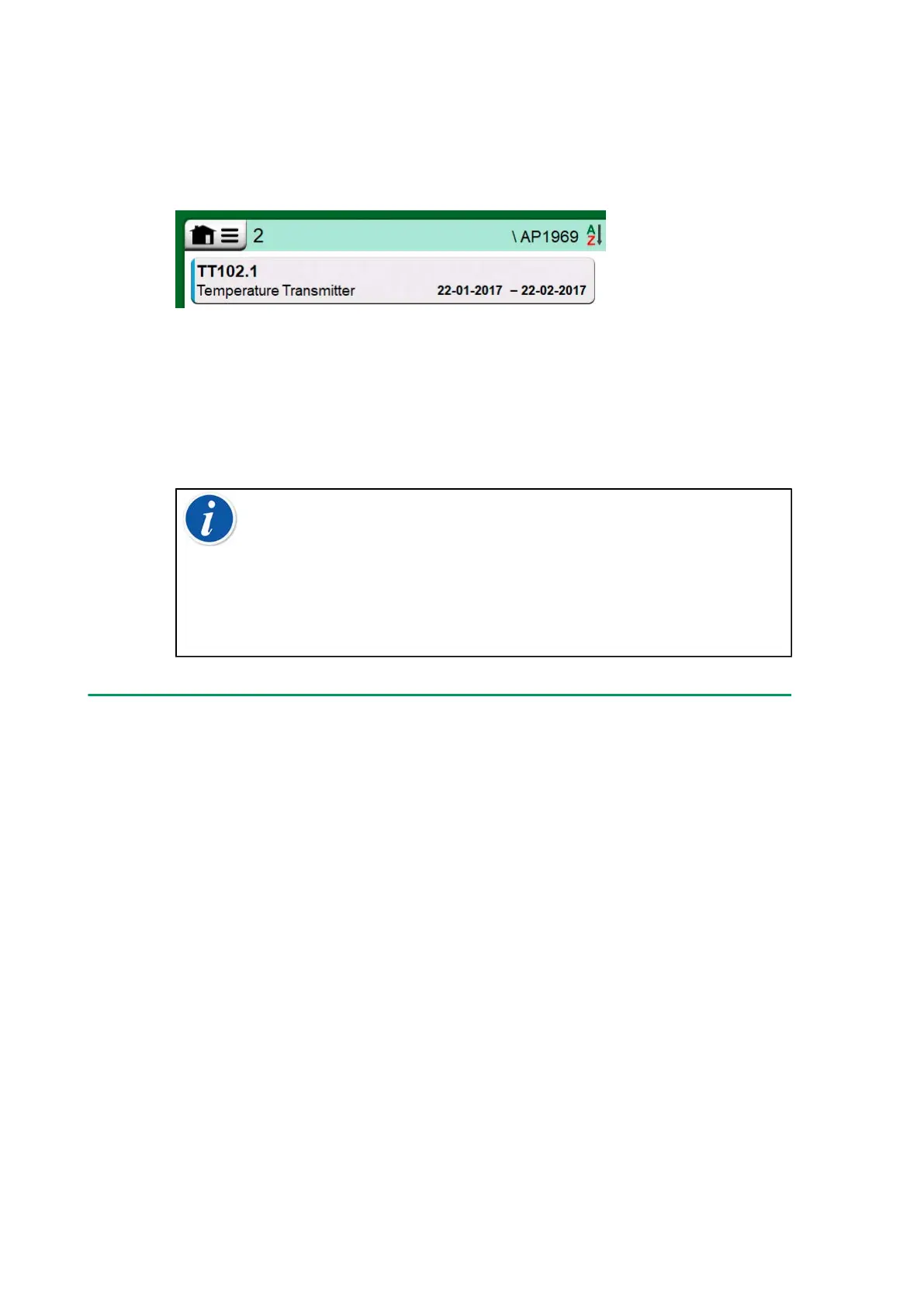
Tapping on a Work Order opens a list of instruments belonging to that
Work Order. To indicate that you are in Work Order View Mode, the
instruments also have a blue line in their left side. Work Order's Start Date
and End Date are presented in Instrument's lower right corner.
Figure 81: Instrument in Work Order View Mode
When a Work Order is selected, the menu allows you to delete the results
of the current Work Order or delete the whole current Work Order.
Calibrating an instrument being part of a Work Order is done exactly as
calibrating any other Instrument.
Note: In Instrument Overview Window, the possible Work Order
is shown among Instrument's general data and on a separate
page among instrument data. All basic data of Work Orders
(Work Order Number and dates) are read only data in MC6-T.
When Work Order View Mode is active, Plant Structure is not
shown and instruments may not be copied or moved within the
structure.
Instrument Overview Window
When an instrument is selected, the Instrument Overview window opens
and general data of the selected instrument is presented.



 To Next Page