88 - Documenting Calibrator
Plant Structure Levels
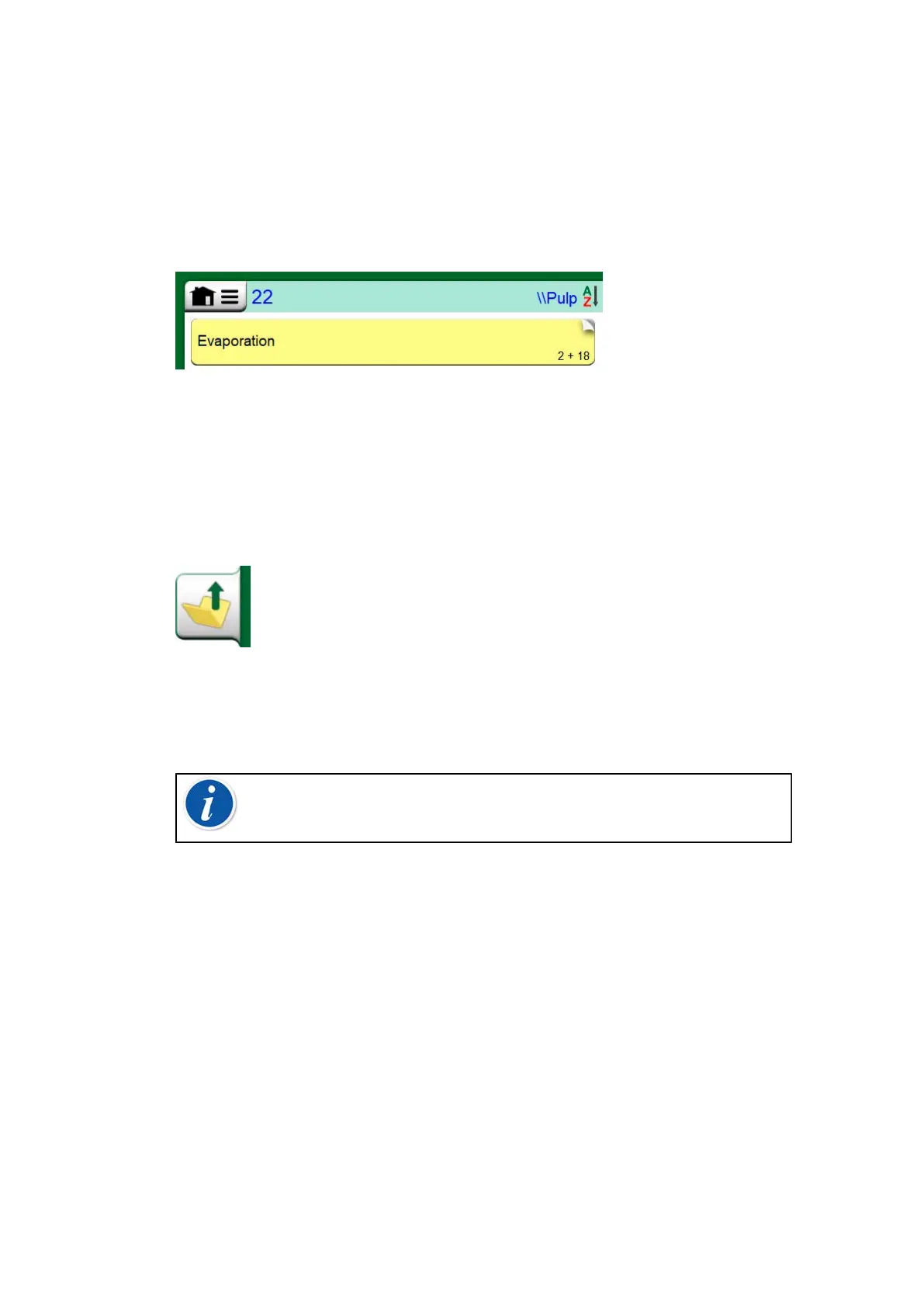
The name of the current Plant Structure Level is shown on the status
bar. Tap on the bar to see the full Plant Structure path. Plant Structure
Sublevels have yellow background and the upper right corner is folded.
The Level's name is displayed and on the lower right corner, the amount of
further Sublevels + the amount of instruments found on the next Sublevel.
Figure 77: Current Plant Structure Level is called "Pulp". A total of 22
instruments are located on this Level and all its Sublevels. Sublevel
"Evaporation" has two Sublevels and 18 instruments
To select a Plant Structure Level, tap on it. Then the contents of that level
are displayed. To return to the previous level, tap on the "Back" button
found on the right side of the Instrument List window.
Figure 78: "Back" button
Creating and managing Plant Structure Levels is presented in chapter
Instrument List Window Menu.
Note: Deleting a branch level also deletes all instruments and
calibrations found on that level and all its sublevels. You cannot
delete the structure root level.
Work Order View Mode
Work Order View Mode is an optional way of viewing the instruments.
This option is of use, when instruments have been sent from Beamex
CMX Calibration Software together with Work Orders in their Calibration
Procedure. See Figure 79: Activating Work Order View Mode on how to
activate Work Order View.



 To Next Page