Managing Digital Communication Instrument Configurations - 137
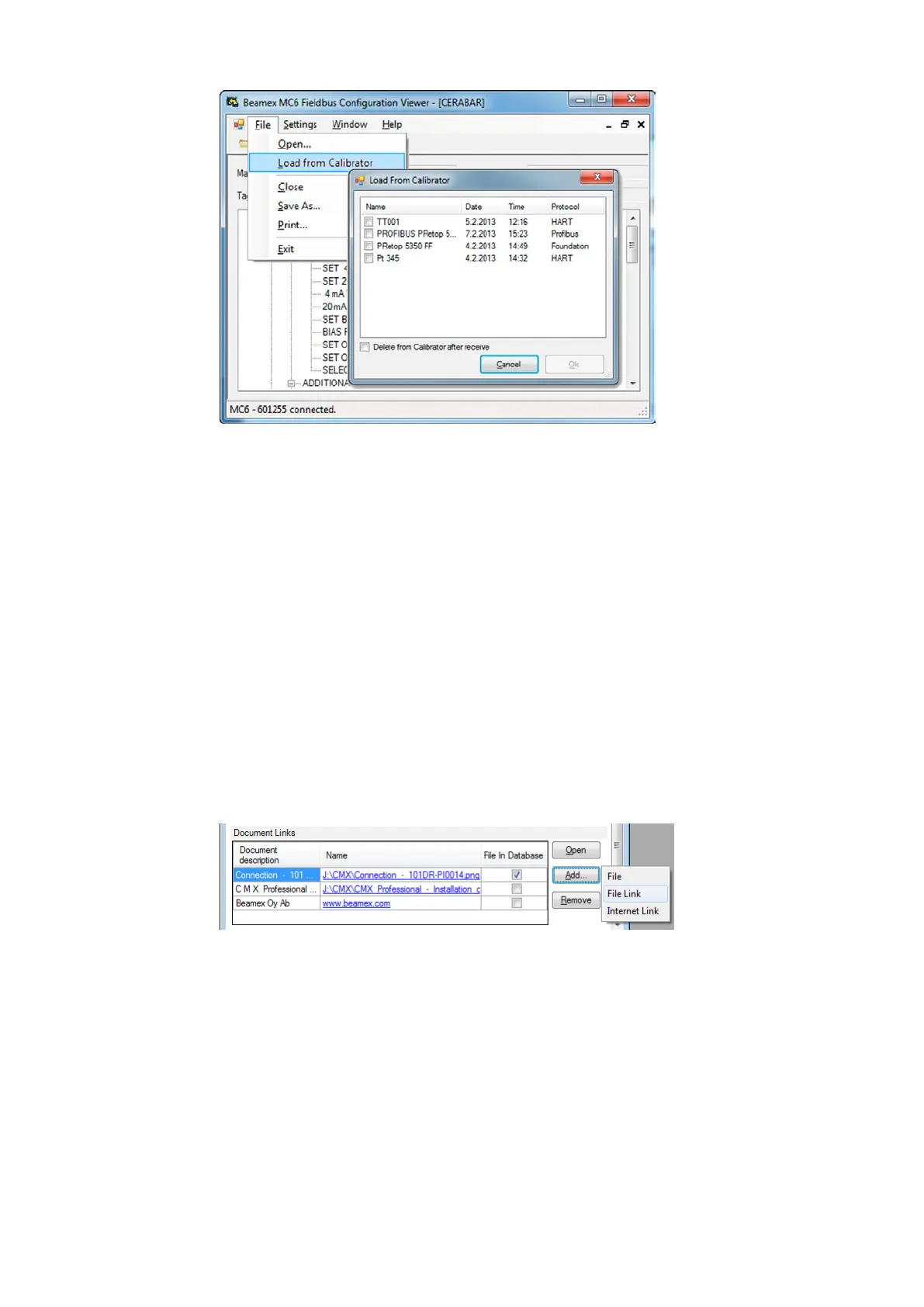
Figure 136: Beamex MC6 Fieldbus Configuration Viewer
Uploading Configurations
With Beamex MC6 Fieldbus Configuration Viewer, you can:
• Read configuration files from MC6-T
• View the configuration files
• Save the configuration files in PC (e.g. proprietary *.fc file).
• Print the configuration files
Linking Configurations to CMX
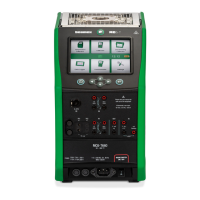
CMX includes a possibility to link documents to Positions/Devices etc. Use
this feature to link the *.fc files to CMX. Double click the link to open it in
the viewer.
Figure 137: Document links window


 To Next Page