136 - Communicator
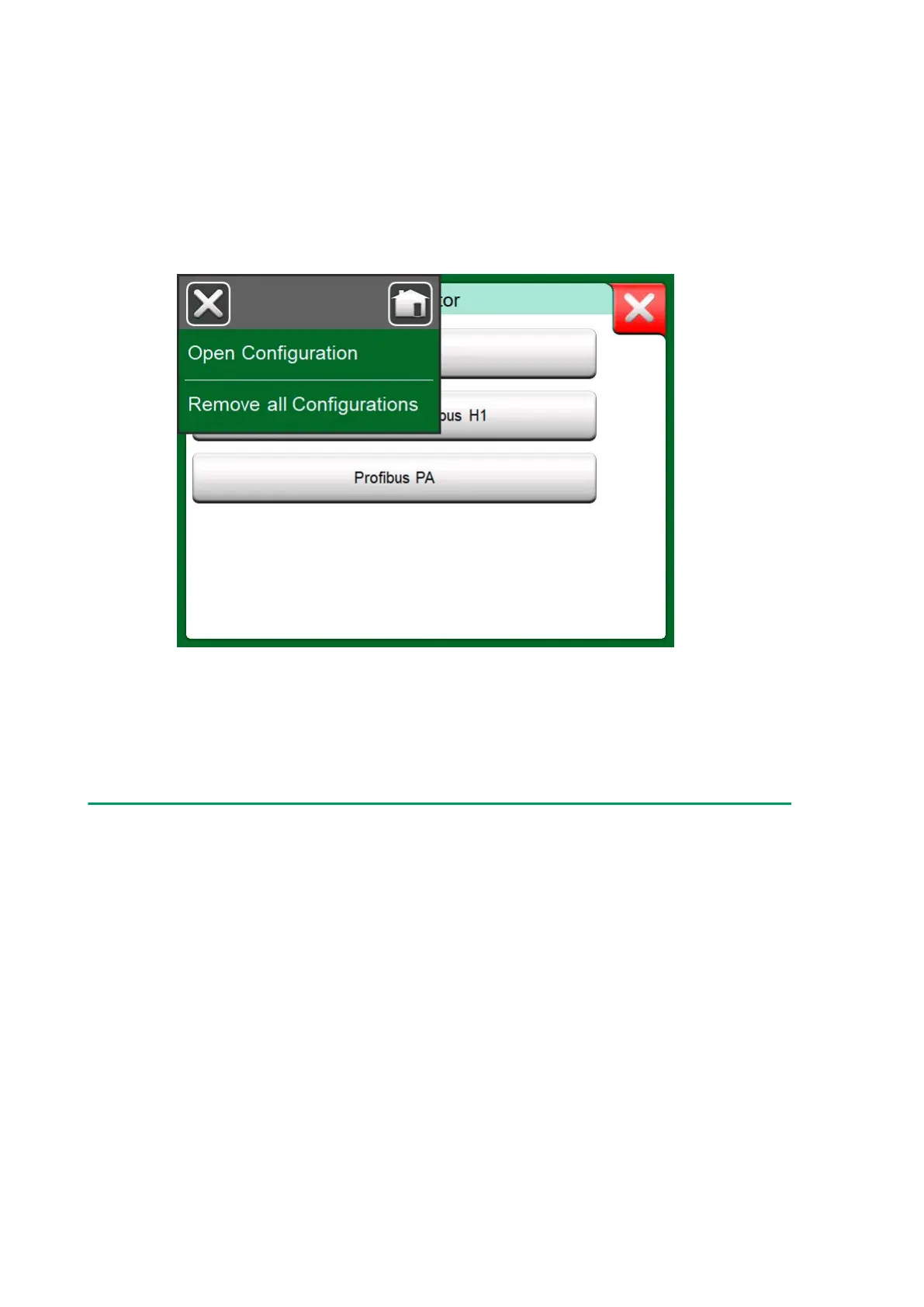
Selecting Open Configuration shows a list of saved configurations. The
list shows the following information of each saved configuration file:
• The name of the file,
• Manufacturer / Model,
• Date / Time when saved and
• Protocol name.
Figure 135: Configuration options in protocol selection window
You can sort the list of configurations according to your own needs with the
help of the sorting tools available in the menu. Tap on a configuration to
view the saved configuration data. Note that the data cannot be edited.
Beamex MC6 Fieldbus Configuration Viewer
Beamex MC6 Fieldbus Configuration Viewer is a free tool for Personal
Computers with Windows
®
(version 8 and older) operating system.
Download the Configuration Viewer software from Beamex's website:
https://www.beamex.com. Look for Download Center.



 To Next Page