Calibrating Instruments - 91
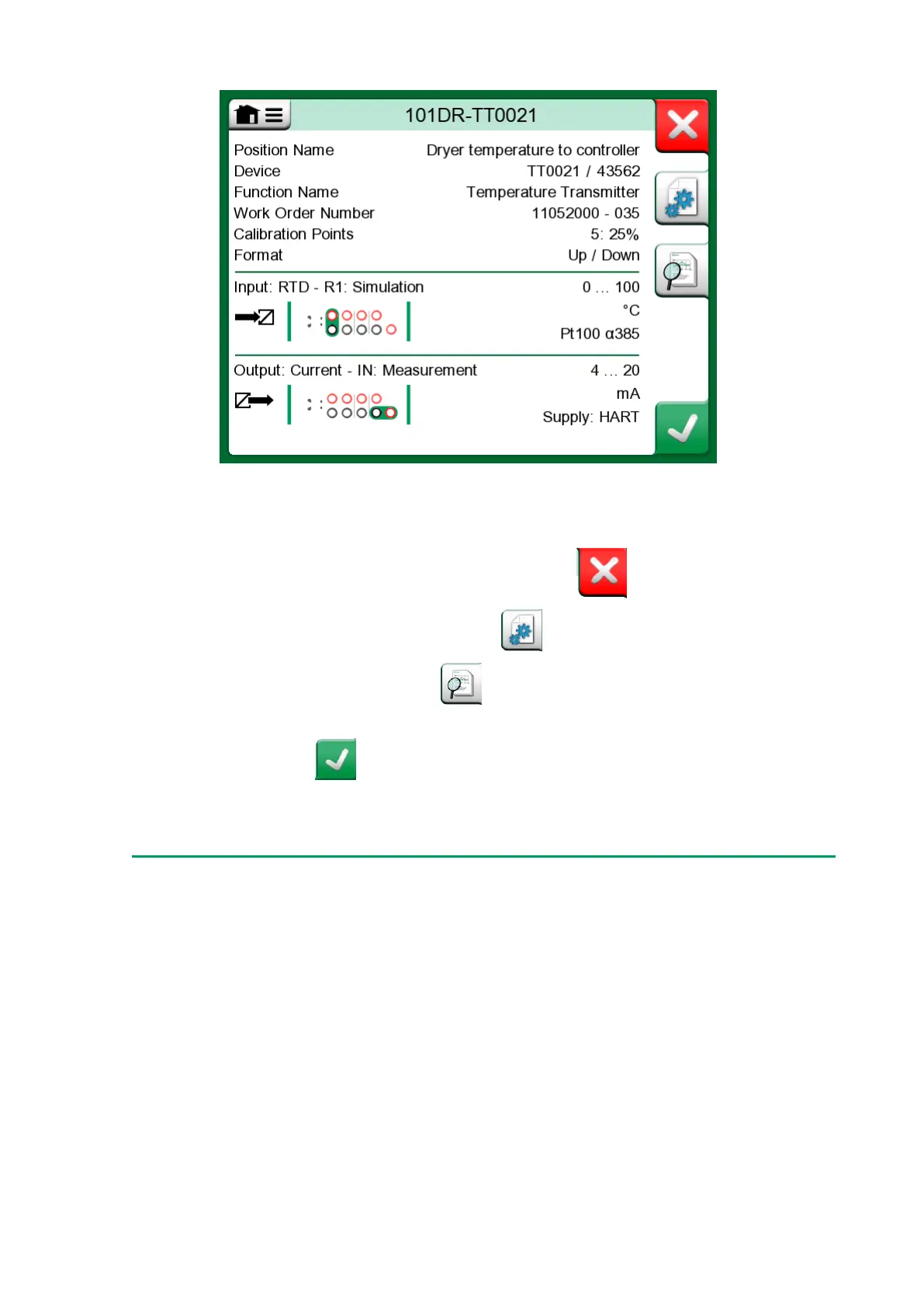
Figure 82: Instrument Overview Window
With the help of the buttons on the right side of the window, you may:
•
cancel/return back to the instrument list ( ),
•
edit/check the instrument data ( ),
•
view calibration results ( ) for this instrument (if applicable) or
• start calibrating the selected instrument and open the calibration
window ( ).
Note that the menu contains some useful instrument related tools.
Calibrating an Instrument Using MC6-T
When you start calibrating an instrument, the Calibration window opens.
See Figure 83: Button for zeroing a pressure module (lower right corner).
Note that a possible Before Calibration Note window may open before
the Calibration window is shown.



 To Next Page