About Calibrator - 71
Calibrator
Things discussed in this part:
• How to use the Calibrator
About Calibrator
The Calibrator can be used for manually calibrating instruments. It
consists of two subwindows which can be independently configured to
measure, generate or simulate a signal. For example one subwindow for
the instrument's input and another for the instrument's output.
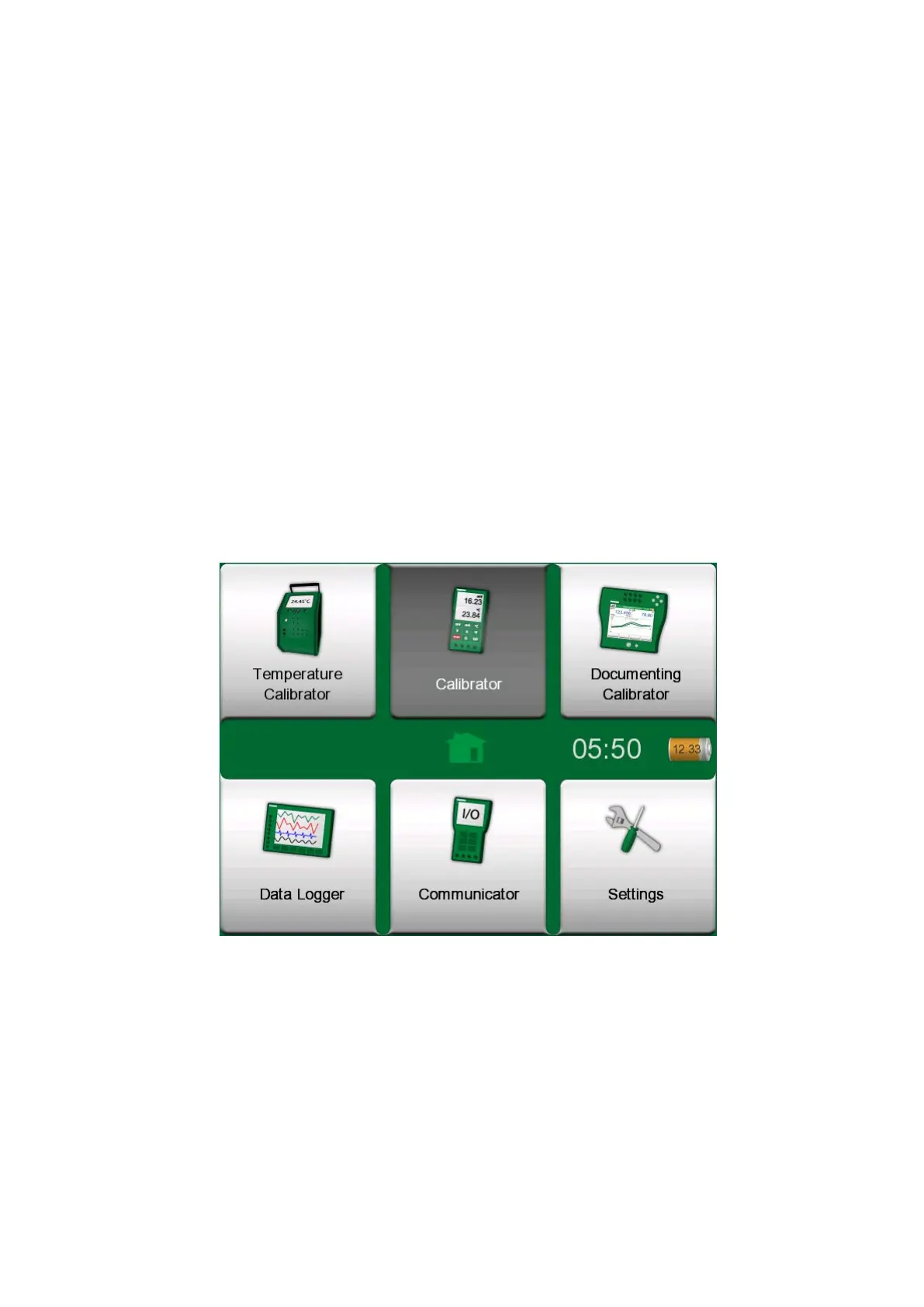
Figure 55: Home View with Calibrator selected
Start the Calibrator by tapping on the Calibrator icon in MC6-T's Home
View (see Figure 55: Home View with Calibrator selected). A window like
the one in Figure 56: Calibrator in use opens. To configure a subwindow
do as follows:
• Select the Quantity of the signal by tapping the button in the upper left
corner of the subwindow. Hint: Quantity button has bold font.
• Other, Quantity dependent settings appear to the right of Quantity
button. The button closest to the Quantity button defines whether you
measure, generate or simulate a signal and which terminals are active.



 To Next Page