72 - Calibrator
For information on connections and essential settings, see chapter Active
Terminals and Connections.
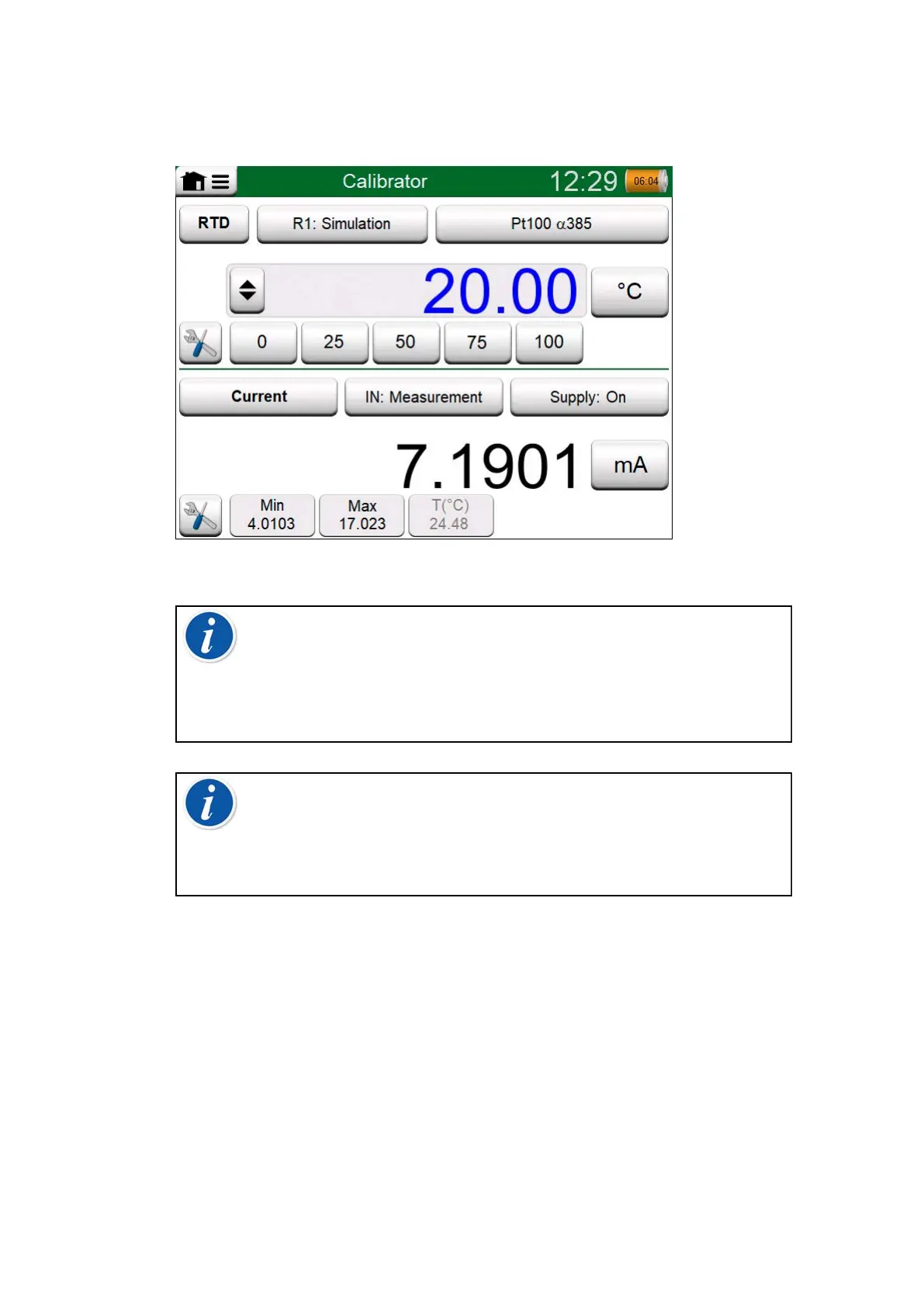
Figure 56: Calibrator in use
Note: There is a special use case built into Calibrator mode:
When one subwindow is a generation, and the other a switch,
the switch will capture the output value from the other channel
when the switch actuates. This allows manual calibration of
switches. Note however, that proper calibration of temperature
switches should be done in Documenting Calibrator.
Note: If you want to automatically document your calibration
results, use MC6-T's Documenting Calibrator feature.
For information on External Devices (Pressure and Temperature
Controllers) used together with Calibrator, see chapter
Additional Information.



 To Next Page