162 - Additional Information
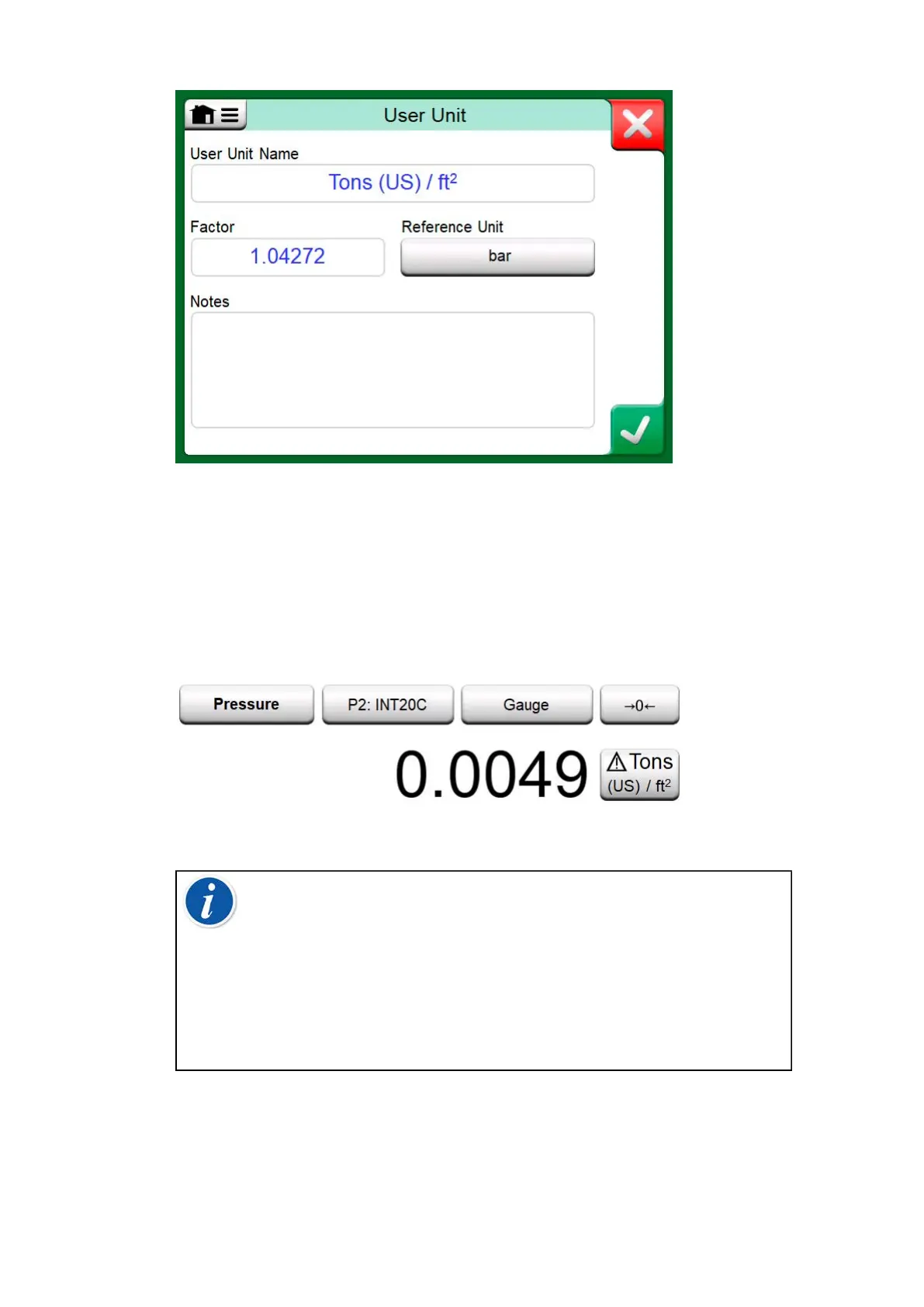
Figure 156: Configuration page
When a user defined pressure unit is in use, the unit button displays a
warning symbol (triangle with an exclamation point inside) together with
the name of the user defined pressure unit. See an example in Figure 157:
User defined pressure unit in Calibrator on how a user defined pressure
unit is shown in Calibrator. Other MC6-T's main functions display the user
defined pressure unit similarly.
Figure 157: User defined pressure unit in Calibrator
Note: To select pressure as the Quantity, you need to have an
optional internal barometric module and/or an external pressure
sensor connected to MC6-T.
If you need to enter very small or big number into Factor
field, open the menu available in Soft Numeric Keypad.
When applicable, the menu contains a possibility to insert an
exponent. This allows entering numbers in scientific notation,
e.g. 5.775E-07.



 To Next Page