86 - Documenting Calibrator
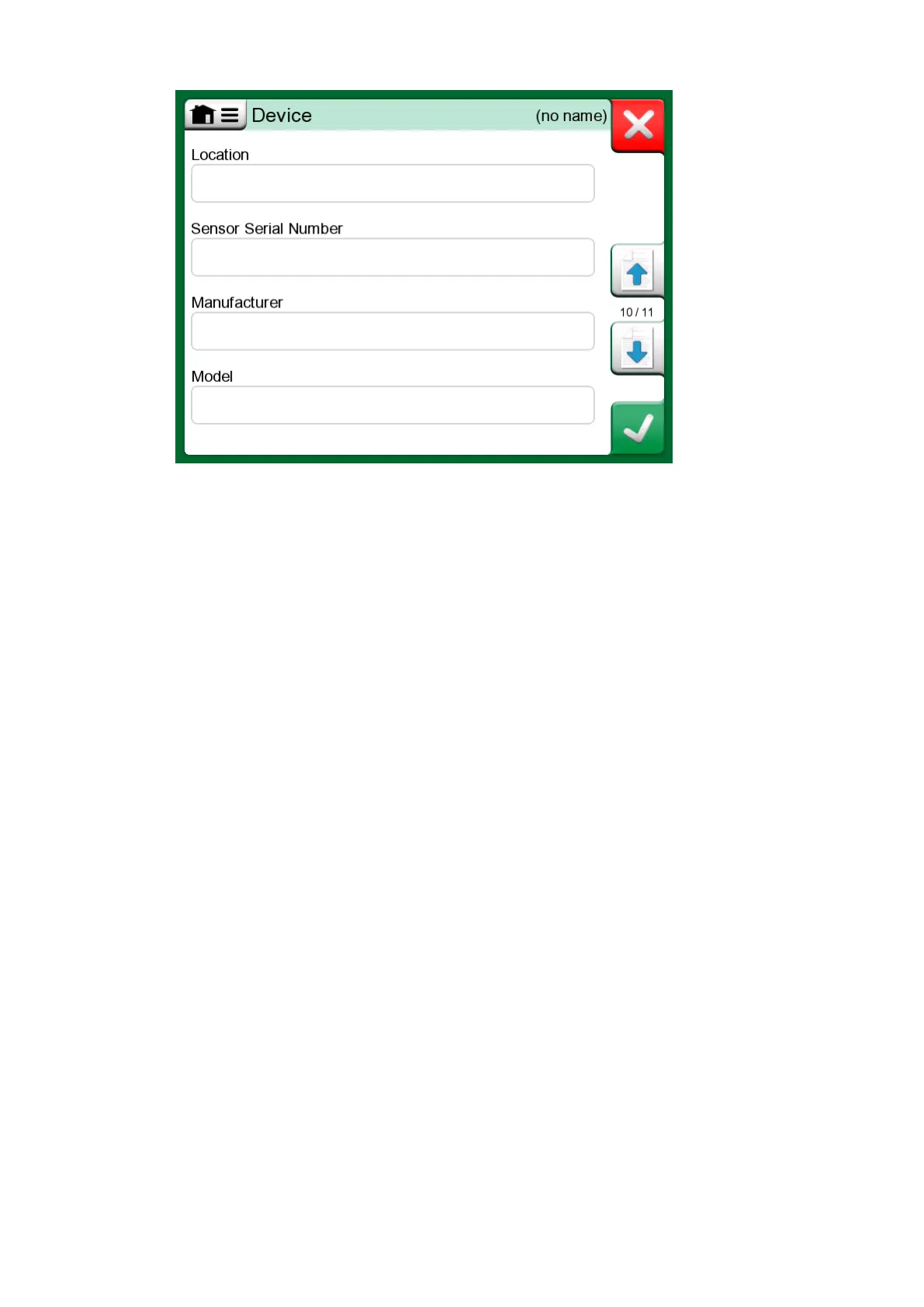
Figure 75: Creating new instrument - additional configuration page 5
To delete an instrument, select it and use the delete command available in
the menu of opened Instrument Overview Window.
Temperature Instrument Specifics
If you are creating an instrument where the input is temperature related,
take note of the following specifics:
• If the input's Quantity is Temperature, i.e. you use the Temperature
Block to generate the temperature, then the internal reference sensor is
taken into use as a reference sensor.
• If the input's Quantity is RTD Temperature or TC Temperature, the
input sensor is the reference. In this case a button for defining how the
temperature is controlled becomes available (button label: Automatic
Control). Additionally, if any external controllers are connected, they
become available in the list of Controllers.
• For temperature quantities on instrument input and output, it is highly
recommended to enable the Additional Stability Check, see section
Additional Stability Check.



 To Next Page