About MC6-T - 31
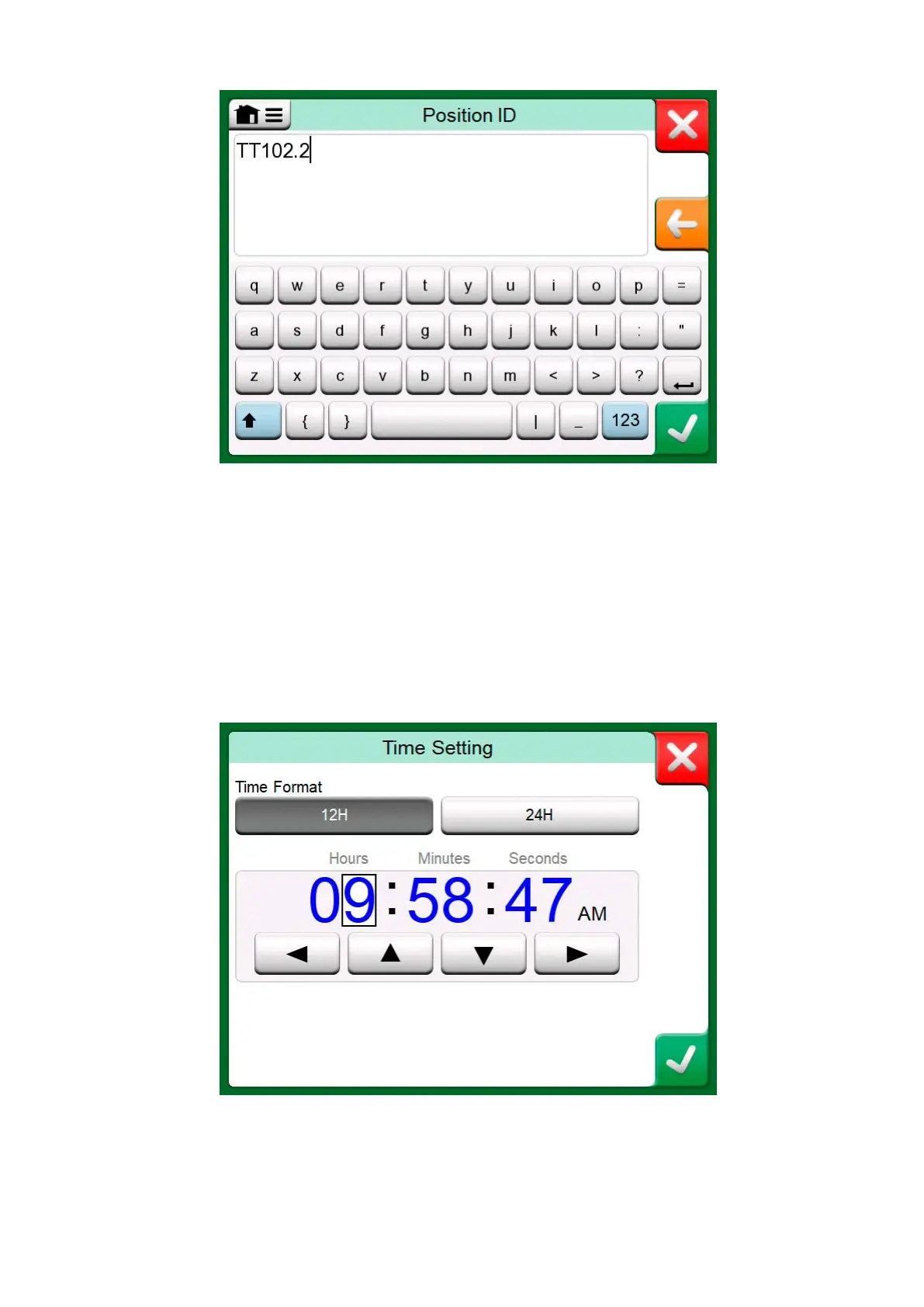
Figure 18: Text Edit window
Use of Numeric Fields and Spinning is described in Active Terminals and
Connections and Documenting Calibrator.
Date Fields are actually special cases of Numeric Fields. Entering the date
is just like entering any numeric value.
Setting MC6-T's time is a special case of the Spinning functionality. The
"Left" and "Right" arrow buttons move the highlight to another digit. The
"Up" and "Down" arrow buttons change the value of the highlighted digit.
Figure 19: Time Setting window



 To Next Page