111
Address book
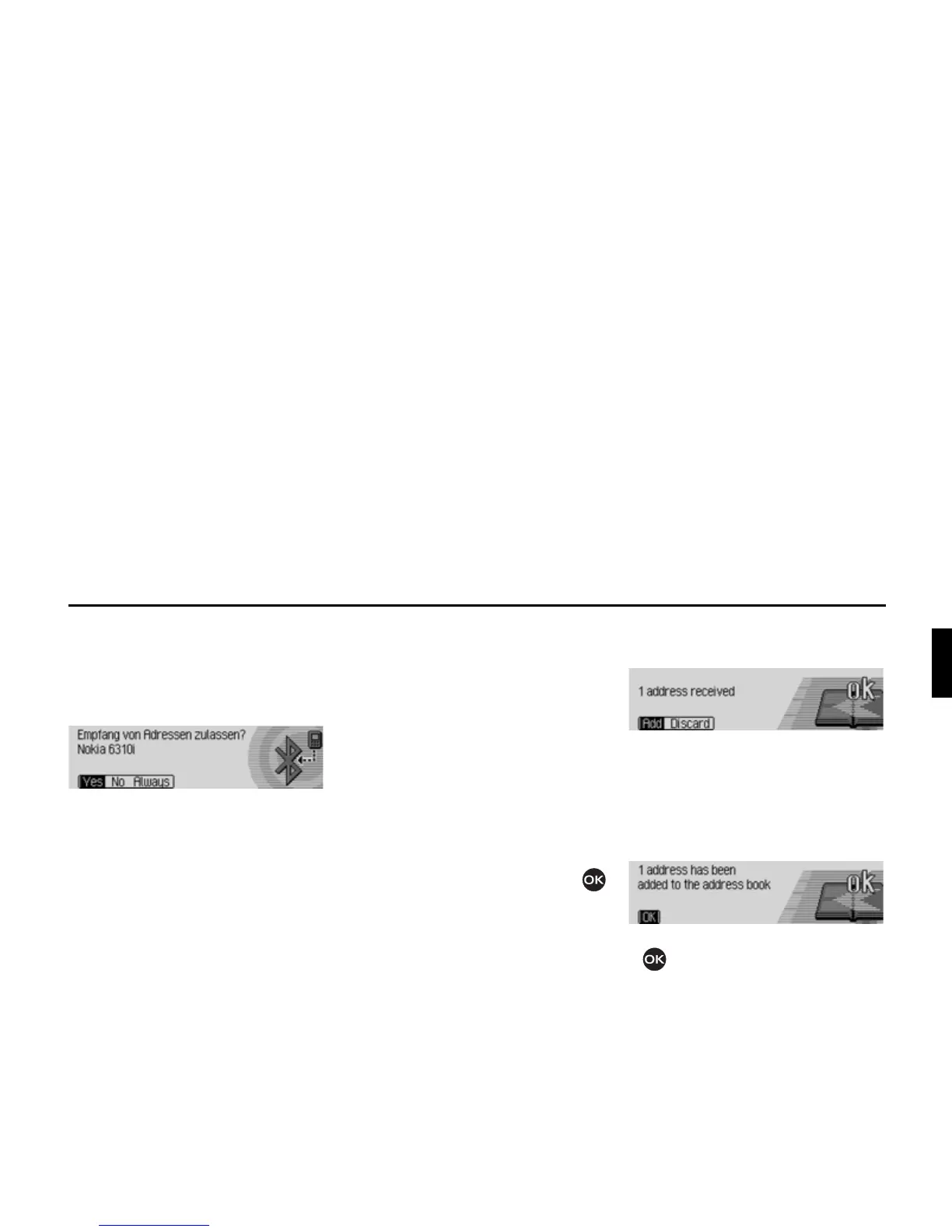
Then, depending on the settings in
“Always allow connection*” on
page 116, the following query is sent or,
if the function is active, this step will be
skipped.
X Select between<HV, 1R and $OZD\V.
•
<HV
Connection of the external device is
allowed.
•
1R
Connection of the external device is
rejected.
• $OZD\V
Connection to the external device is
allowed. The function described in
“Always allow connection*” on
page 116 will also be activated.
Further connection requests will be
accepted without a query.
If you have allowed the connection by
means of
<HV or $OZD\V, the address data
will be sent.
$GUHVVH ZLUG ÞEHUWUDJHQ appears on the
display.
Press the rotary control/push button
to abort the transfer. No data will be
transferred.
The following information will be
displayed if the transfer was successful.
X Select between $GG (addresses will be
saved in address book) and
'LVFDUG
(transferred addresses will not be
saved).
The following information will be
displayed if
$GG was selected.
X Press the rotary control/push button
.















 To Next Page