132
Settings
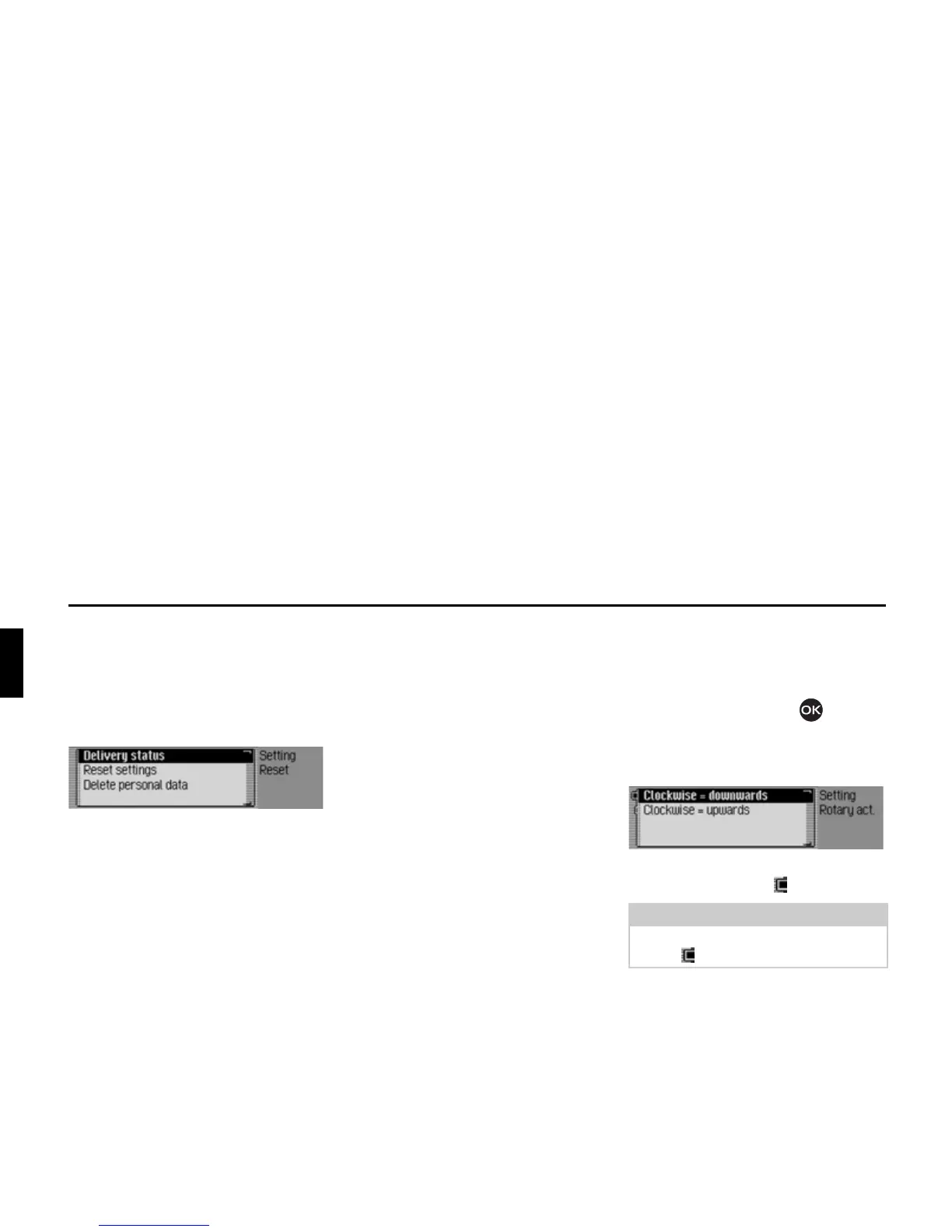
Reset function
You can reset the Traffic Pro to the
factory settings.
X Select 5HVHWIXQFWLRQV in the system set-
tings.
X You may now select 'HOLYHU\ VWDWXV,
5HVHWVHWWLQJV or 'HOHWHSHUVRQDOGDWD.
•
'HOLYHU\VWDWXV
The Traffic Pro is reset to the factory
settings. All settings are reset. Personal
data is deleted.
•
5HVHWVHWWLQJV
All settings made are reset to original
values. Personal data is not deleted.
•
'HOHWHSHUVRQDOGDWD
Personal data is deleted. Settings are
not reset.
X In the following prompt, select <HV to
reset the settings or
1R to continue
without a reset.
A reset is performed if
<HV is selected.
The Traffic Pro switches itself off briefly
and then back on again automatically.
Direction of rotation of the
rotary control/push button
You can specify the direction in which
lists and menus are scrolled when the
rotary control/push button is turned.
X Select 'LUHFWLRQRIURWDU\DFWXDWRU in the
system settings.
X Select &ORFNZLVH GRZQZDUGV or &ORFN
ZLVH XSZDUGV
(on = ).















 To Next Page