149
Voice mode
Commands for the Radio
main menu
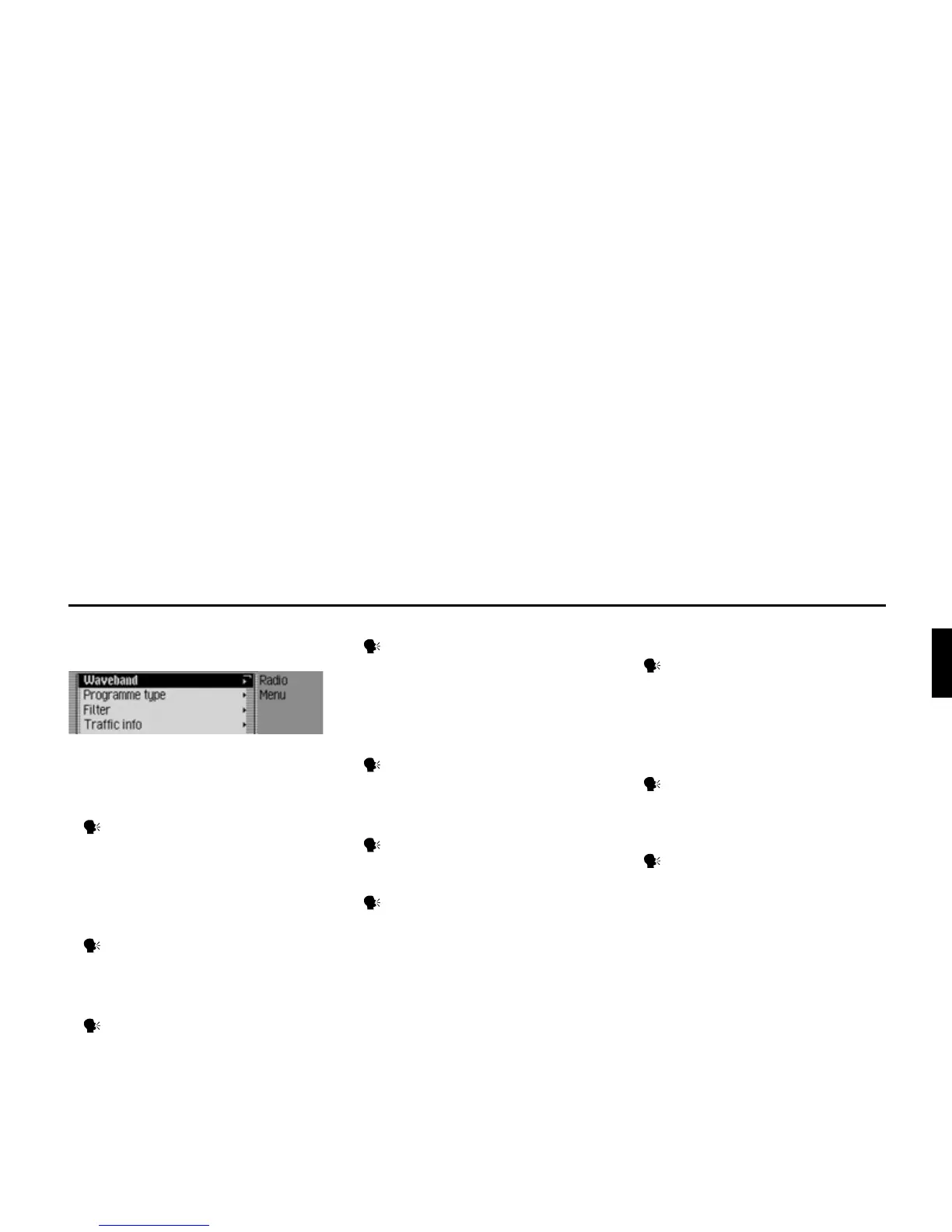
In the Radio main menu, the following
commands are available:
• Call up Waveband menu (page 59).
Say the command Waveband.
Alternative commands:
[Open] waveband [menu] or [Open]
station list [menu].
• Call up Programme Type menu
(page 64).
Say the command Programme
type or Open programme type
[menu].
• Call up Filter menu (page 58).
Say the command Open filter
menu or [Change] [to the] filter.
• Call up TP menu (page 67).
Say the command Traffic pro-
gramme.
Alternative commands:
Traffic info, Open traffic info [menu]
or Open traffic programme [menu].
• Call up Voice Entries menu (page 74).
Say the command Voice entries or
Open voice entries.
•
Switch regionalisation on/off
(page 65)
.
Switch on:
Say the command Regionalisation
on or Activate regionalisation.
Switch off:
Say the command Regionalisation
off or Regionalisation off.
• Call up Reception Optimisation menu
(page 66).
Say the command Reception opti-
misation [menu] or [Open] reception
optimisation [menu].
• Switch bandwidth control on/off
(page 67).
Switch on:
Say the command Adaptive band-
width control on or [Activate] adap-
tive bandwidth control.
Switch off:
Say the command Adaptive band-
width control off or Deactivate adap-
tive bandwidth control.















 To Next Page