160
Voice mode
• Start navigation to a fast access desti-
nation.
Say the command [Navigate] [des-
tination] number ... (1 - X).
Alternative commands:
[Navigate] to destination [number] ...
(1 - X), [Navigate] to address
[number] ... (1 - X), or [Navigate] to
entry [number] ... (1 - X).
• Edit a fast access entry.
Say the command Edit [destina-
tion] number ... (1 - X).
Alternative commands:
Edit destination [number] ... (1 - X),
Edit address [number] ... (1 - X), or
Edit entry [number] ... (1 - X).
Commands in the Fast Access/Edit
Destinations menu
• Save destination in address book
(page 36).
Say the command Save to the
address book or Save [number] in the
address book.
• Switch entry protection on/off
(page 35).
Switch on:
Say the command Protect entry
on.
Alternative commands:
Activate protect entry or Activate pro-
tect address.
Switch off:
Say the command Protect entry
off.
Alternative commands:
Deactivate protect entry or Deactivate
protect address.
• Delete an entry (page 36).
Say the command Delete entry or
Delete address.
• Delete entire list (page 36).
Say the command Delete list or
Delete entire list.
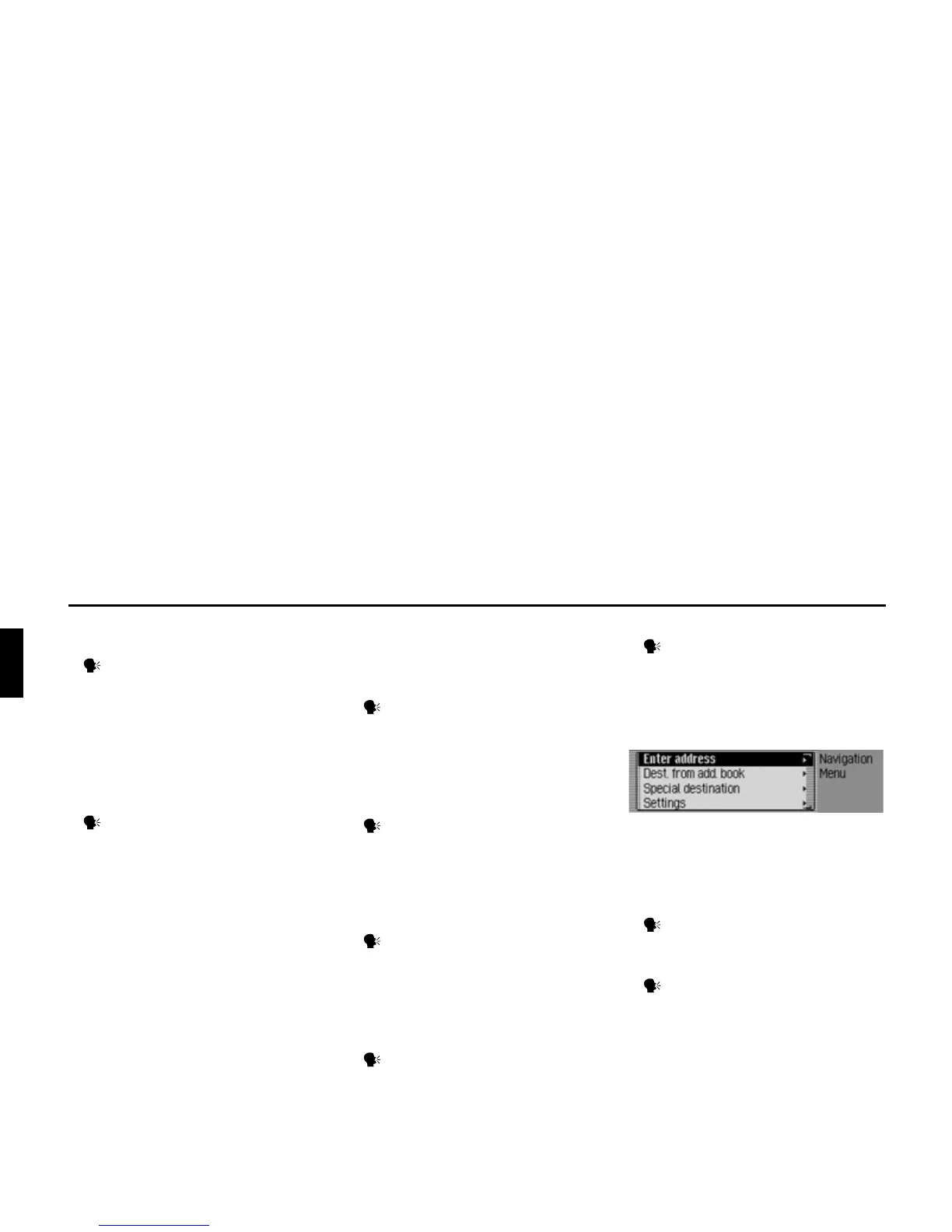
Commands for the Navigation
main menu
In the Navigation main menu, the
following commands are available:
• Call up the navigation settings
(page 55).
Say the command Settings or Nav-
igation settings.
• Start address input (page 27).
Say the command Enter address.
or Address.
Old
version















 To Next Page