131
Settings
External device
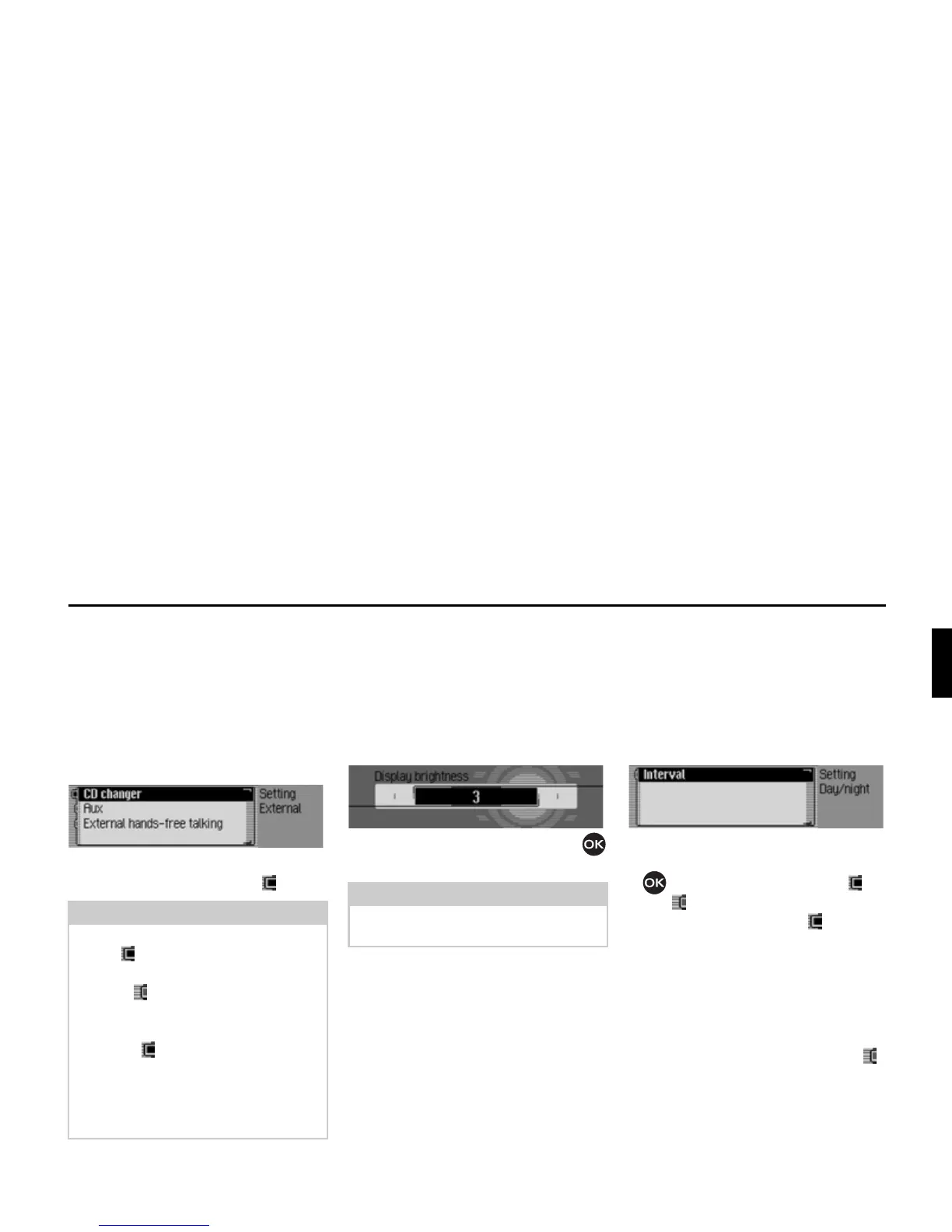
You can specify whether an AUX source
or an external hands-free unit is
connected to the Traffic Pro instead of a
CD changer.
X Select ([WHUQDO GHYLFH in the system
settings.
X Select between &' FKDQJHU, $X[ and
([WHUQDOKDQGVIUHH off (on = ).
Display brightness
You can use this function to set the
display brightness to meet your require-
ments.
X Select 'LVSOD\ EULJKWQHVV in the system
settings.
X Turn the rotary control/push button
to select the required value.
Day/ night design
You can configure settings for the
changeover between day and night
design on your Traffic Pro.
X Select 'D\QLJKW GHVLJQ in the system
settings.
X Select 'LIIHUHQFH.
X Press the rotary control/push button
to switch the function on ( ) or
off ( ).
If the function is activated ( ), change-
over between day and night design takes
place at short intervals during operation
(under dim outside light conditions).
This setting protects the display and pre-
vents what is known as the “burning-in
effect”.
If the function is deactivated ( ),
changeover between day and night
design takes place automatically. The
night design is automatically activated
under dim outside light conditions.
Note:
Only one of the three settings can be
active ( ) at one time.
However, all three functions may be
inactive ( ) at the same time.
If the Traffic Pro recognises that a CD
changer is connected,
&' FKDQJHU is
activated ( ). It is then not possible to
switch the function off manually.
The microphone of the Traffic Pro
cannot be used for external hands-free
operation.















 To Next Page