158
Voice mode
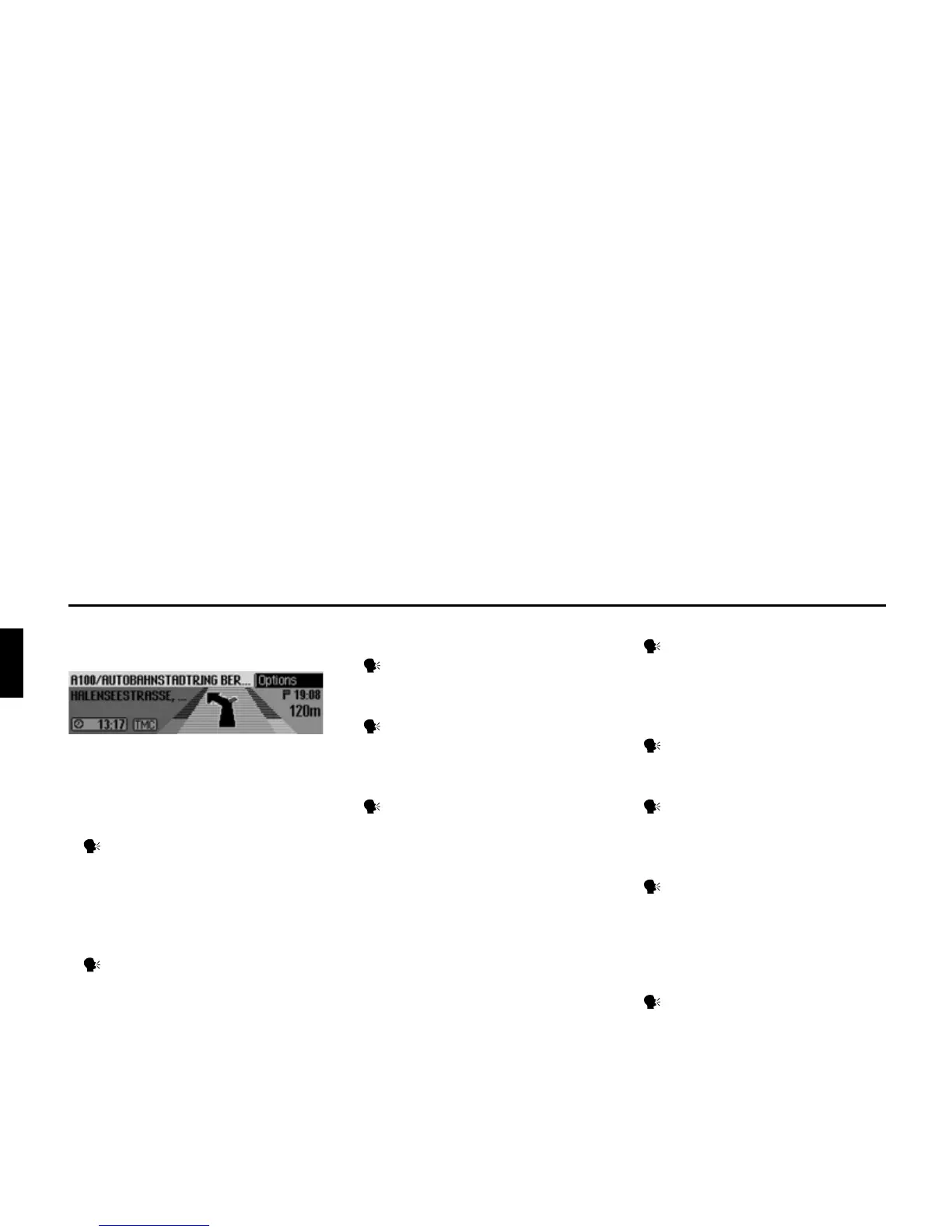
Commands for the navigation
status display
The following commands are available
in the navigation status display:
• Call up Navigation main menu
(page 26).
Say the command Navigation
menu.
Alternative commands:
[Open] navigation menu or [Open]
menu.
• Call up the Options menu (page 45).
Say the command Options or
Open options [menu].
• Call up the Route Options menu
(page 33).
Say the command Route options
or Open route options.
• Call up the route list (page 47).
Say the command Route list or
Open route list.
• Call up the Traffic Announcements
menu (page 47).
Say the command Messages.
Alternative commands:
[Open] message, [Open] traffic mes-
sages, [Edit] messages or [Edit] traf-
fic messages.
• Call up the Block menu (page 49).
Say the command Block.
Alternative commands:
Edit block, Edit blocking, Open block
or Open blocking.
• Display current position (page 51).
Say the command [Display] [cur-
rent] position.
• Save current position (page 51).
Say the command Save current
position or Save position.
• Switch TP on/off (page 68).
Switch on:
Say the command Traffic pro-
gramme on.
Alternative commands:
Traffic info on, [Activate] traffic
programme or [Activate] traffic info.
Switch off:
Say the command Traffic pro-
gramme off.
Alternative commands:
Traffic info off, Deactivate traffic
programme, Reset traffic pro-
gramme, Deactivate traffic info or
Reset traffic info.















 To Next Page