115
Settings
Settings
Calling up general settings
You can configure your Traffic Pro to
meet your requirements in the general
settings.
X Press .
The Information menu appears.
Bluetooth*
Bluetooth® wireless technology is a
system which allows radio contact
between electronic devices within a
max. range of 10 metres.
Connecting individual devices under
Bluetooth® wireless technology does
not incur any charges. A mobile phone
with Bluetooth® wireless technology
can be operated via the Traffic Pro if the
connection was made via Bluetooth®
wireless technology.
The Traffic Pro then also serves as a
hands-free unit.
Opening the device list*
X Press .
X Turn the rotary control/push button
anti-clockwise until
%OXHWRRWK
appears at the top right of the display.
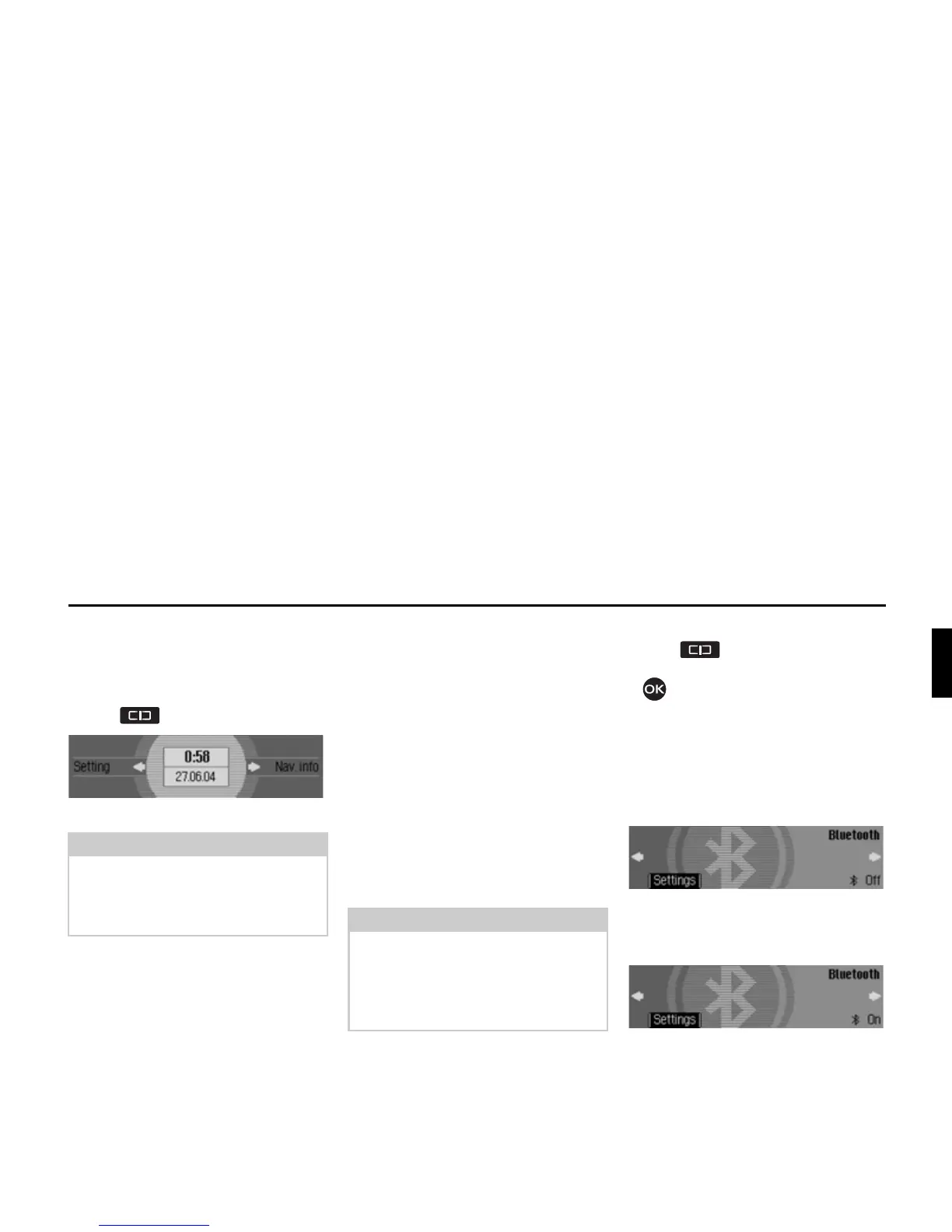
Three different displays could be shown,
depending on the current status of the
Bluetooth function.
• Bluetooth is switched off.
• Bluetooth is switched on but a
telephone is not connected to the
Traffic Pro.
Note:
The General Settings menus will disap-
pear automatically once they have been
idle for a short period of time.
Any changes made will be saved.
Note:
In some countries there could be
restrictions on the use of devices with
Bluetooth® wireless technology. The
authorities of the relevant country can
provide you with further information.
7020
7029
*Only available for the Traffic Pro with Bluetooth® wireless technology.















 To Next Page