32
Navigation mode
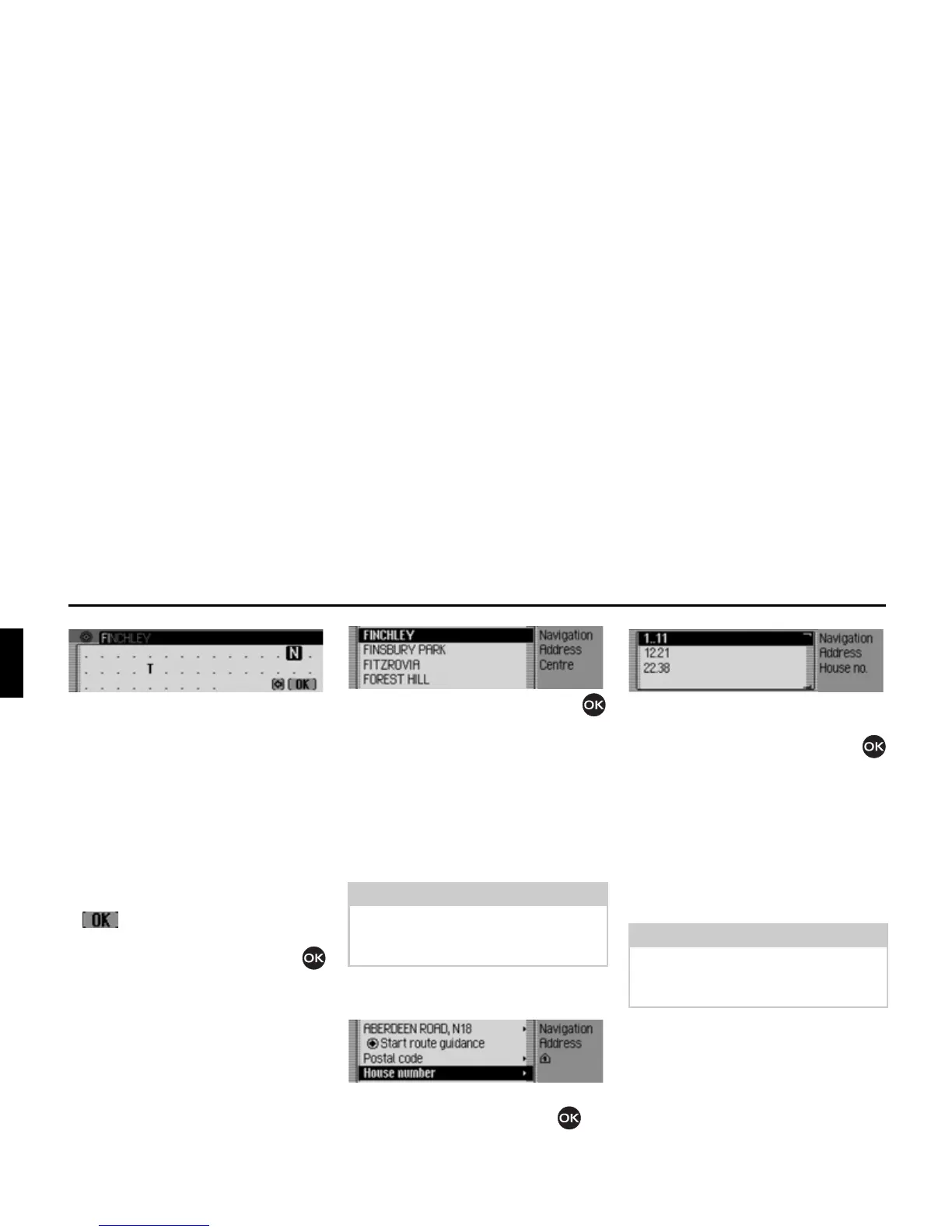
The last letter entered is highlighted. To
help, the name of the centre closest to
the previous entry is displayed. The
Traffic Pro offers only the possible
remaining letters for selection. If no
other entries are available, the Traffic
Pro completes the centre name automat-
ically.
Accept entry:
X In the data entry menu, select the
symbol.
or
X Press the rotary control/push button
and hold it down for at least 2 seconds.
If you have entered an incomplete centre
name, the centre list appears.
X Turn the rotary control/push button
and then press the rotary control/push
button to select the required centre.
You can now start route guidance by
selecting
6WDUWURXWHJXLGDQFH.
Entering house number for
destination road
X In the Enter Destination menu, select
+RXVHQXPEHU.
X Confirm your selection by pressing
the rotary control/push button .
A list containing ranges of house num-
bers appears.
X Turn the rotary control/push button
and then press the rotary control/push
button to select the required range.
You can now start route guidance by
selecting
6WDUWURXWHJXLGDQFH.
Selecting junction for
destination road
X In the Enter Destination menu, select
,QWHUVHFWLRQ.
Note
A house number can only be selected if
this information is stored on the naviga-
tion CD.
2020
2021
Note
A junction can only be selected if this
information is stored on the navigation
CD.
2022















 To Next Page