42
Navigation mode
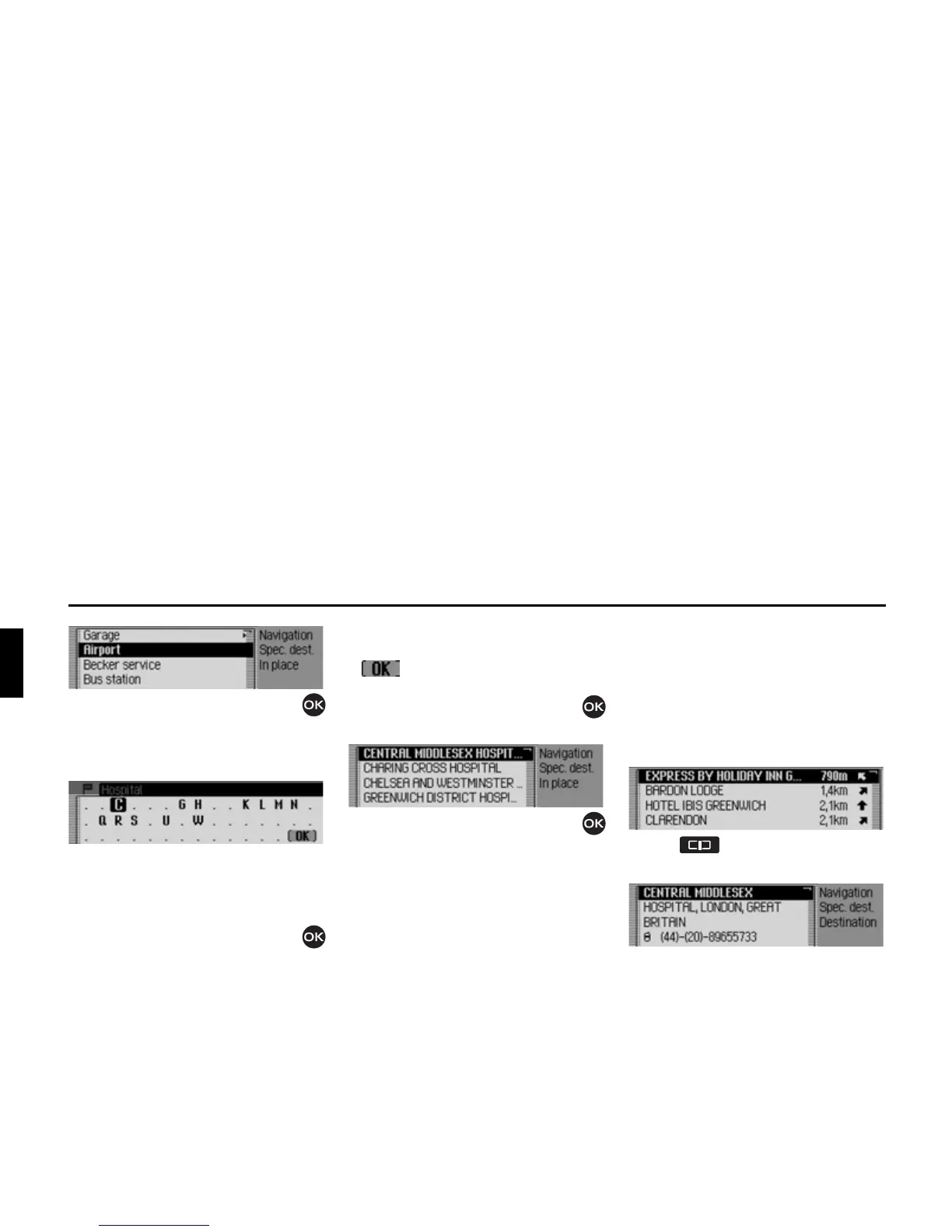
X Turn the rotary control/push button
and then press the rotary control/push
button to select the required POI cate-
gory.
The data entry menu for POIs appears
or, if fewer than 10 POIs are available in
the selected category, the unit switches
directly to the POI list.
X Turn the rotary control/push button
and then press the rotary control/push
button to select each letter one after the
other.
Accept entry:
X In the data entry menu, select the
symbol.
or
X Press the rotary control/push button
and hold it down for at least 2 seconds.
X Turn the rotary control/push button
and then press the rotary control/push
button to select the required POI.
Route guidance to the selected point of
interest is initiated.
Information about points of
interest
You can call up additional information
about many POIs, e.g. a brief description
or a telephone number. You can then
also call this number directly.
To do this, you must be in the POI list.
X Press and hold it down until the
information appears.















 To Next Page