45
Navigation mode
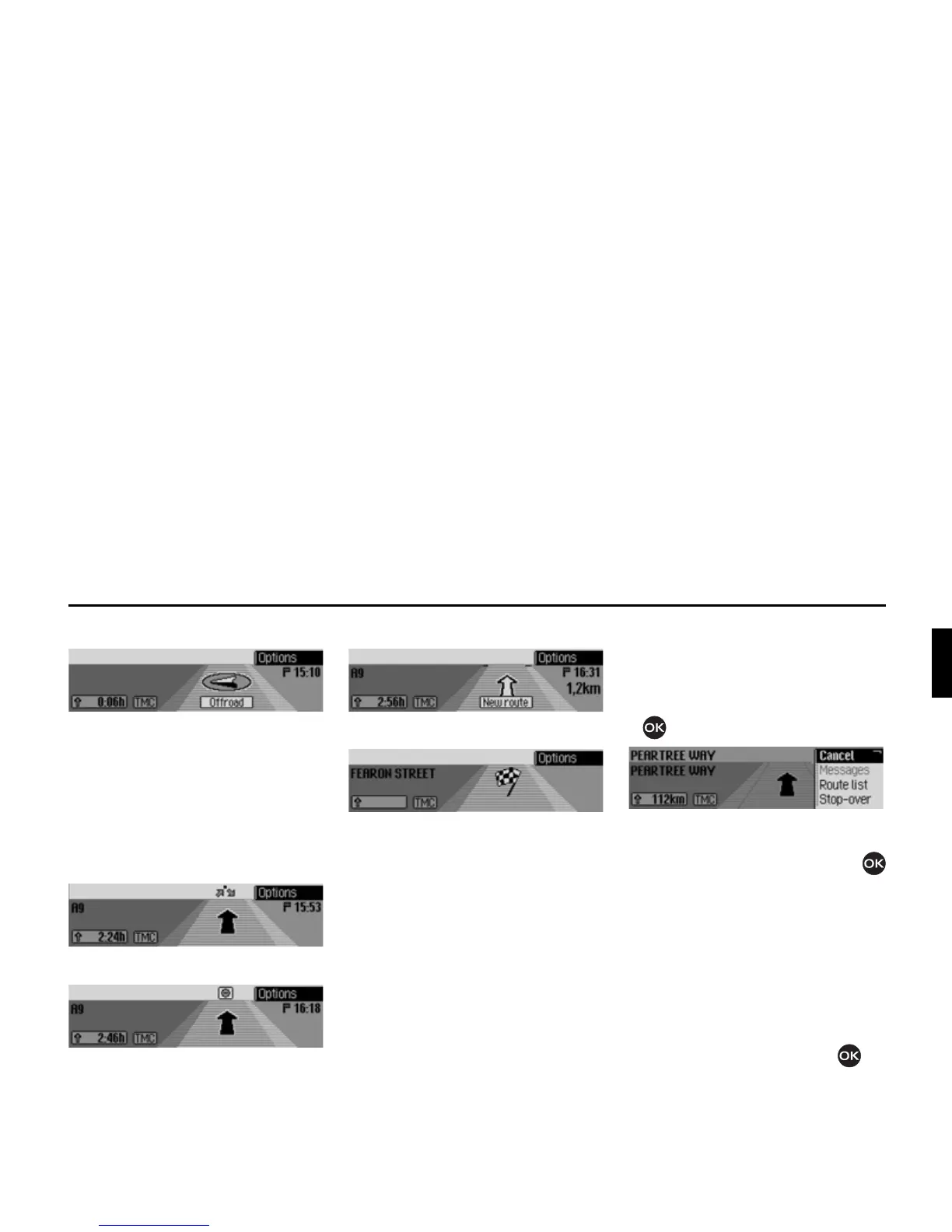
• “Please follow the direction arrows.”
This display tells you that you are cur-
rently on a non-digitised road (i.e. car
park, garage, multi-storey car park).
Your location therefore does not
appear on the digitised road map. The
arrow indicates the direction of the
destination as the crow flies.
• Active stopover:
• Block active:
• Recalculating route:
• Destination reached:
Options menu
During route guidance, you can call up
the Options menu in the navigation status
screen.
X Press the rotary control/push button
.
The Options menu appears on the right-
hand side.
X Turn the rotary control/push button
to select one of the following options:
&DQFHO,
0HVVDJHV,
5RXWHOLVW,
6WRSRYHU (stopover),
%ORFN,
5RXWHRSW or
$QQRXQFH
X Confirm your selection by pressing
the rotary control/push button .















 To Next Page