81
Media mode
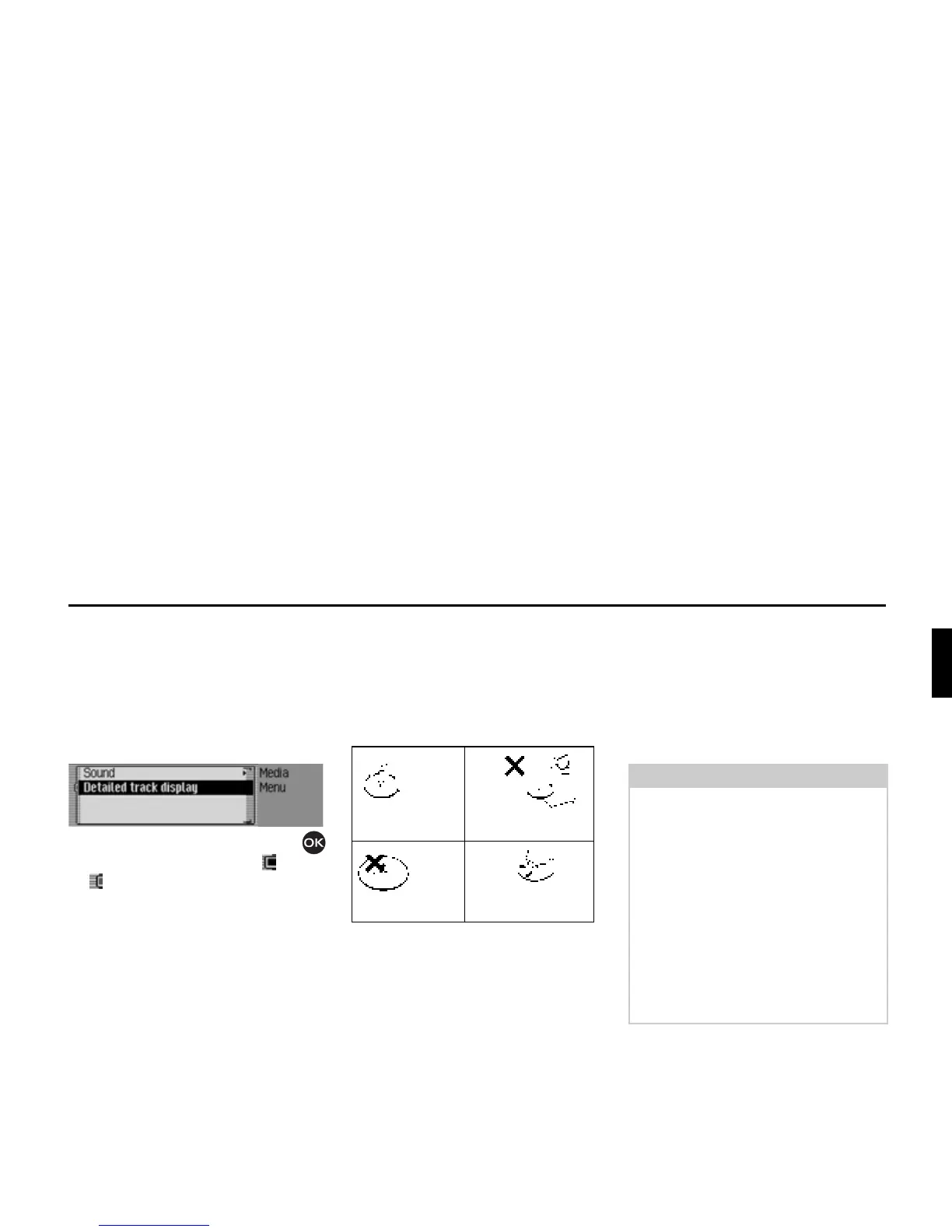
Switching detailed track display on/off
If detailed track display is activated, a
previously abbreviated track name/ID3
tag is displayed in full, if possible.
X In the Media main menu, select the
'HWDLOHGWUDFNGLVSOD\ entry.
X Turn the rotary control/push button
to switch the function on ( ) or off
().
CD mode
Notes on compact discs (CD)
Sound interruptions may occur if the CD
is soiled. In order to ensure the highest
tone quality, please note the following:
• Always touch the CD at the edges
only. Keep the disc clean and never
touch the surface.
• Never stick anything on the CD.
• Protect the CDs against direct sunlight
and from heat sources such as heaters
etc.
• Before playing the CD, it should be
cleaned with a special, commercially
available cleaning cloth, wiping from
the centre outwards. Solvents such as
benzene, thinners or other commer-
cially available cleaners and anti-
static sprays must not be used.
Correct
Incorrect
Incorrect
Correct
Notes:
• The Traffic Pro cannot play back
DVD-plus media (one side audio CD,
the other DVD).
Due to its increased thickness, insert-
ing a DVD-plus may damage the
Traffic Pro.
• Please note that foreign bodies such
as coins or other objects must not be
inserted into the CD slot on the
Traffic Pro.
Foreign bodies in the unit can damage
the Traffic Pro.















 To Next Page