92 *Only available for the Traffic Pro with Bluetooth® wireless technology.
Telephone mode*
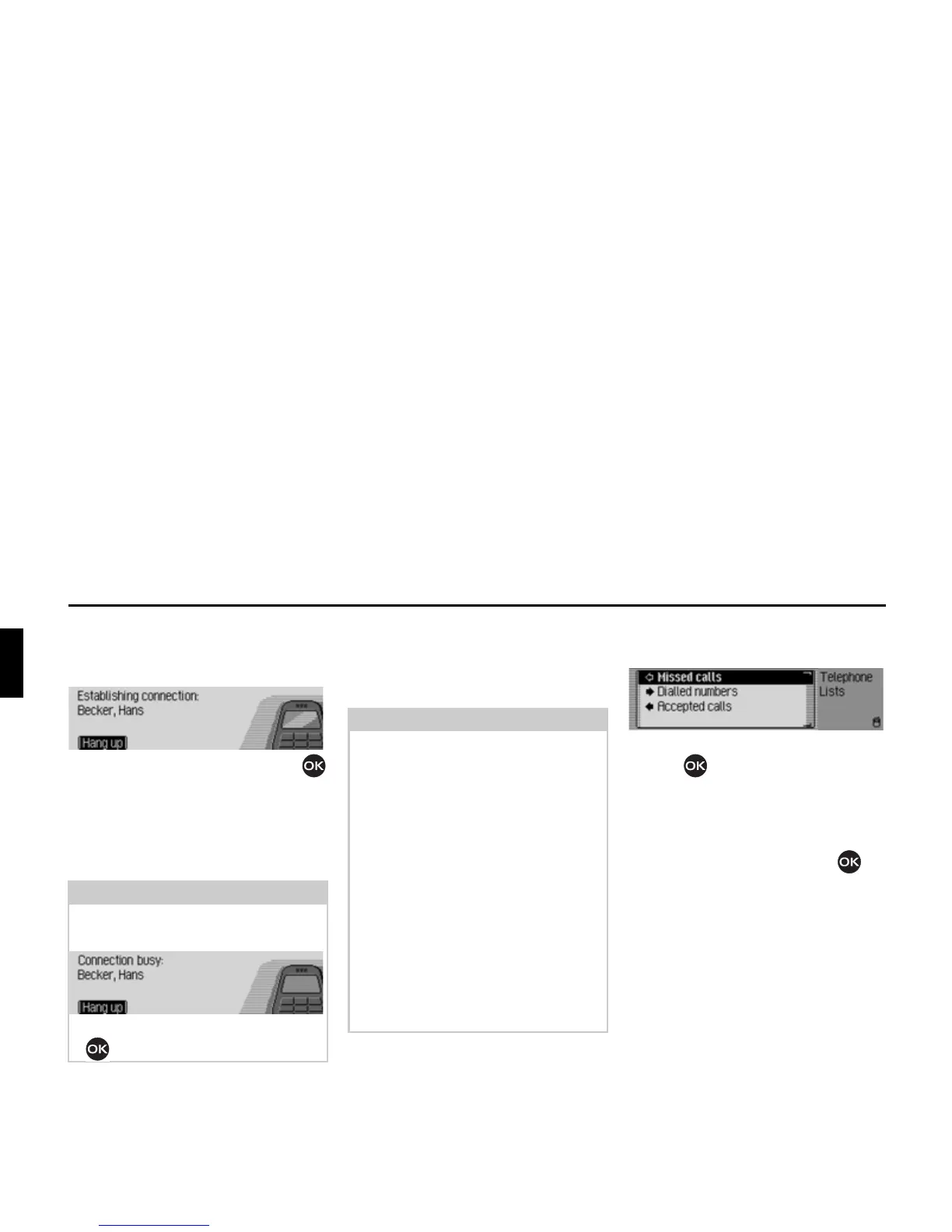
The Traffic Pro indicates that a
connection is being established by
displaying the following message.
Press the rotary control/push button
to abort the call.
If the person called answers the
telephone the Traffic Pro switches to the
status display for active telephone calls.
Call lists
You can obtain a display of the call lists
for missed calls, answered calls and
numbers dialled.
X In the Telephone main menu, select
&DOOOLVWV.
X Turn the rotary control/push
button to select between
0LVVHGFDOOV,
'LDOOHGQXPEHUV and
$FFHSWHGFDOOV.
X Confirm your selection by pressing
the rotary control/push button .
The desired list is called up.
•
0LVVHGFDOOV
In this list you will find calls which
you missed or which you rejected.
•
'LDOOHGQXPEHUV
In this list you will find calls which
you made yourself.
• $FFHSWHGFDOOV
In this list you will find calls which
you answered.
Note:
If the number called is busy, the
following message appears:
X Press the rotary control/push button
.
Notes:
• The call lists described below always
only apply to the time during which
the mobile phone was connected to
the Bluetooth® wireless technology
with the Traffic Pro. The entries in
the call lists of the Traffic Pro are not
synchronised with the call lists in the
mobile phone.
• It is only possible to display the name
of a caller if the caller is listed in the
address book of the Traffic Pro.
• The lists are limited to a maximum of
20 entries.
• If a number is not known it will
appear in the list as
8QNQRZQ.
5011















 To Next Page