*Only available for the Traffic Pro with Bluetooth® wireless technology. 91
Telephone mode*
If the person called answers the
telephone the Traffic Pro switches to the
status display for active telephone calls.
Selecting a number from the
address book
Use this function to select a telephone
number from an address book and to call
this number.
X In the Telephone main menu, select
the entry
&DOOIURPDGGUHVVERRN.
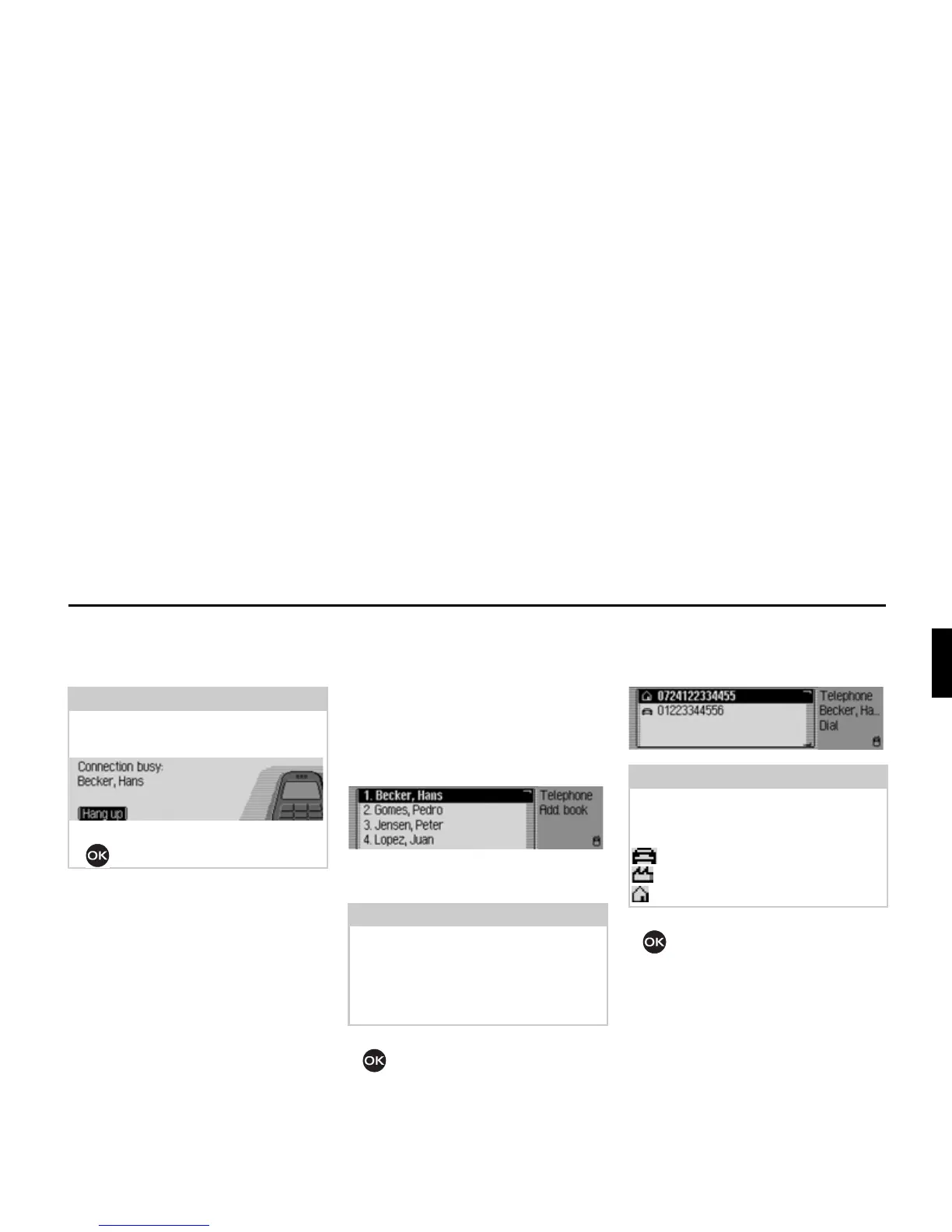
The address book entries which have a
telephone number are displayed.
X Turn the rotary control/push button
and then press the rotary control/
push button to select the desired entry.
If several telephone numbers have been
saved in the address book entry the
following appears on the display.
X Turn the rotary control/push button
and then press the rotary control/
push button to select the desired
number.
The connection will be established.
Note:
If the number called is busy, the
following message appears:
X Press the rotary control/push button
.
Note:
If there are more than 9 entries in the
address book, for which one or more
telephone numbers are stored, the data
entry menu for locating the required
name appears.
5008
Note:
Up to three telephone numbers are
displayed and marked with different
symbols:
stands for the mobile number.
stands for the business number.
stands for the private number.
5009















 To Next Page