90 *Only available for the Traffic Pro with Bluetooth® wireless technology.
Telephone mode*
• &DOOIURPDGGUHVVERRN
You can select a telephone number
from the address book. See “Selecting
a number from the address book” on
page 91.
•
&DOOOLVWV
You can obtain a display of the call
lists for missed calls, answered calls
and numbers dialled. See “Call lists”
on page 92.
•
&RQQHFWWHOHSKRQH
You can connect a telephone via
Bluetooth® wireless technology or
start a device search. The operating
procedure is the same as described in
“Bluetooth mobile phone not yet
connected” on page 88.
•
(PHUJHQF\FDOO
You can establish a connection to the
“112” emergency number. See
“Emergency call” on page 93.
•
6HWWLQJ
You can select call answering settings
as well as settings for automatic
activation of voice mode. See
“Settings” on page 94.
Dialling numbers
Use this function to enter a telephone
number and to call this number.
X In the Telephone main menu, select
the entry
'LDOQXPEHU.
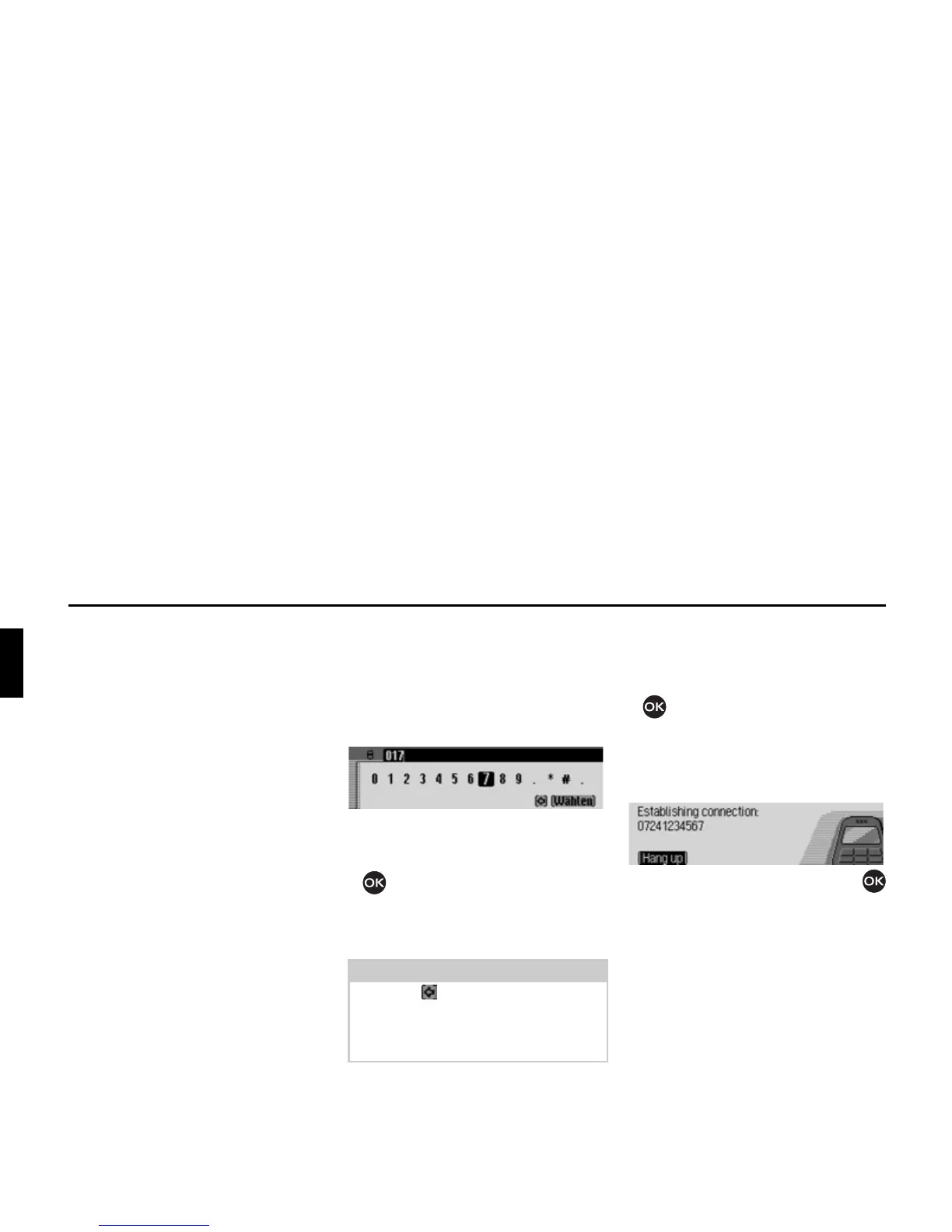
The input menu for the telephone
number appears.
X Turn the rotary control/push button
and then press the rotary control/
push button to select the digits in the
desired telephone number, one after
the other.
Establishing a connection:
X In the input menu, select the 'LDO entry.
or
X press the rotary control/push button
and hold for at least 2 seconds.
The Traffic Pro indicates that a
connection is being established by
displaying the following message.
Press the rotary control/push button
to abort the call.
Note
Select the symbol to delete the last
character in the entry.
Please also refer to the description in
“Data entry menus” on page 13.
5005
5006















 To Next Page