47
Navigation mode
Traffic announcements
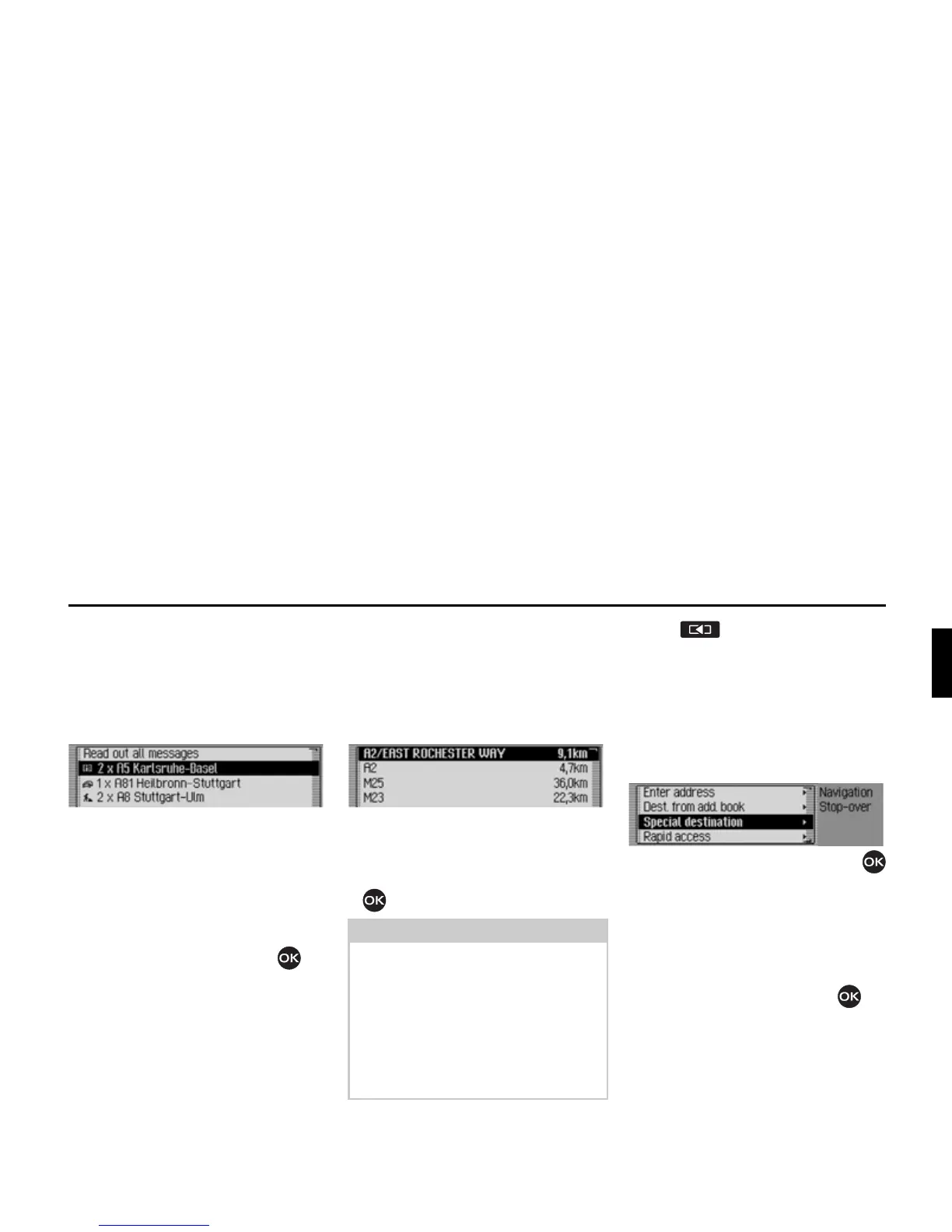
You can display/listen to a list of traffic
announcements relevant to the route.
X In the Options menu, select the 0HV
VDJHV
entry.
The list of traffic announcements rele-
vant to the route appears.
X To listen to all announcements, select
the
5HDGRXWDOOPHVVDJHV entry.
or
X Select the required announcement.
X Confirm your selection by pressing
the rotary control/push button .
The announcement appears in full.
For more information about traffic
announcements, see “Displaying traffic
information” on page 54.
Route list
You can display the route planned by the
Traffic Pro.
X In the Options menu, select the 5RXWH
OLVW
entry.
A list of the roads to the destination
appears. The distance to be travelled
along each road appears after its name.
X Turn the rotary control/push button
to scroll through the list.
X Press to exit the route list.
Stopover
You can enter another destination as a
stopover during active navigation.
X In the Options menu, select the 6WRS
RYHU
entry.
X Turn the rotary control/push button
to select one of the following options:
(QWHUDGGUHVV,
$GGERRN,
6SHFLDO'HVW or
5DSLGDFFHVV
X Confirm your selection by pressing
the rotary control/push button .
Note:
Once route guidance has started, it
takes a little while for the route list to
appear in full.
If the route list is not available due to
recalculation,
1RURXWHOLVWDYDLODEOH
appears. For technical reasons, distance
information cannot be displayed for the
road currently being driven on.
2070
2039















 To Next Page