124
Settings
X Press the rotary control/push button
.
X Turn the rotary control/push button
to select one of the following options:
6HWV\VWHPODQJXDJH,
6KRZVHWWLQJV,
9ROXPHRIYRLFHRXWSXW,
$XWRPDWLFGLDORJXHV,
9RLFHHQWULHV,
9RLFHRXWSXW,
377H[WHQGHG or
5HSHDWYRLFHDQQRXQFHPHQW
X Confirm your selection by pressing
the rotary control/push button .
Setting the system language
You can select the language for
announcements and displays here.
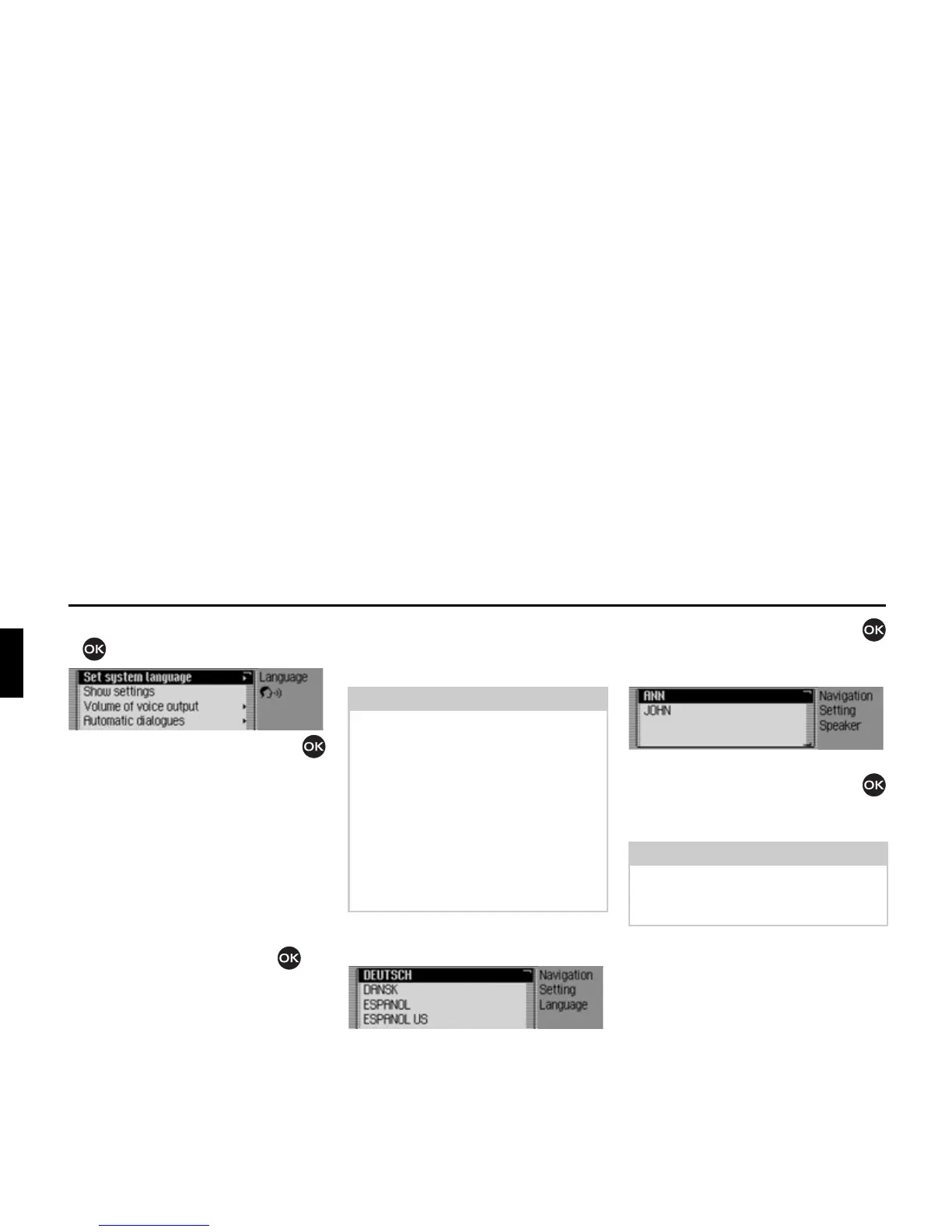
X Select 6HWV\VWHPODQJXDJH in the voice
mode settings.
X Turn the rotary control/push button
and then press the rotary control/push
button to select the required language.
The speaker selection list appears.
X Turn the rotary control/push button
and then press the rotary control/push
button to select the required speaker.
The language and the selected speaker
are installed.
Notes:
• The navigation CD or system CD
must be inserted in order to change
the language or speaker. If necessary,
the Traffic Pro will prompt you to
insert the navigation CD/system CD.
• It may take up to 10 minutes to install
the language.
• When the system language changes,
voice entries created for stations and
addresses are deleted.
7004
Note:
To update the voice dialogue, you may
be prompted to insert the system CD. If
you are, insert it.
7005















 To Next Page