18
General operation
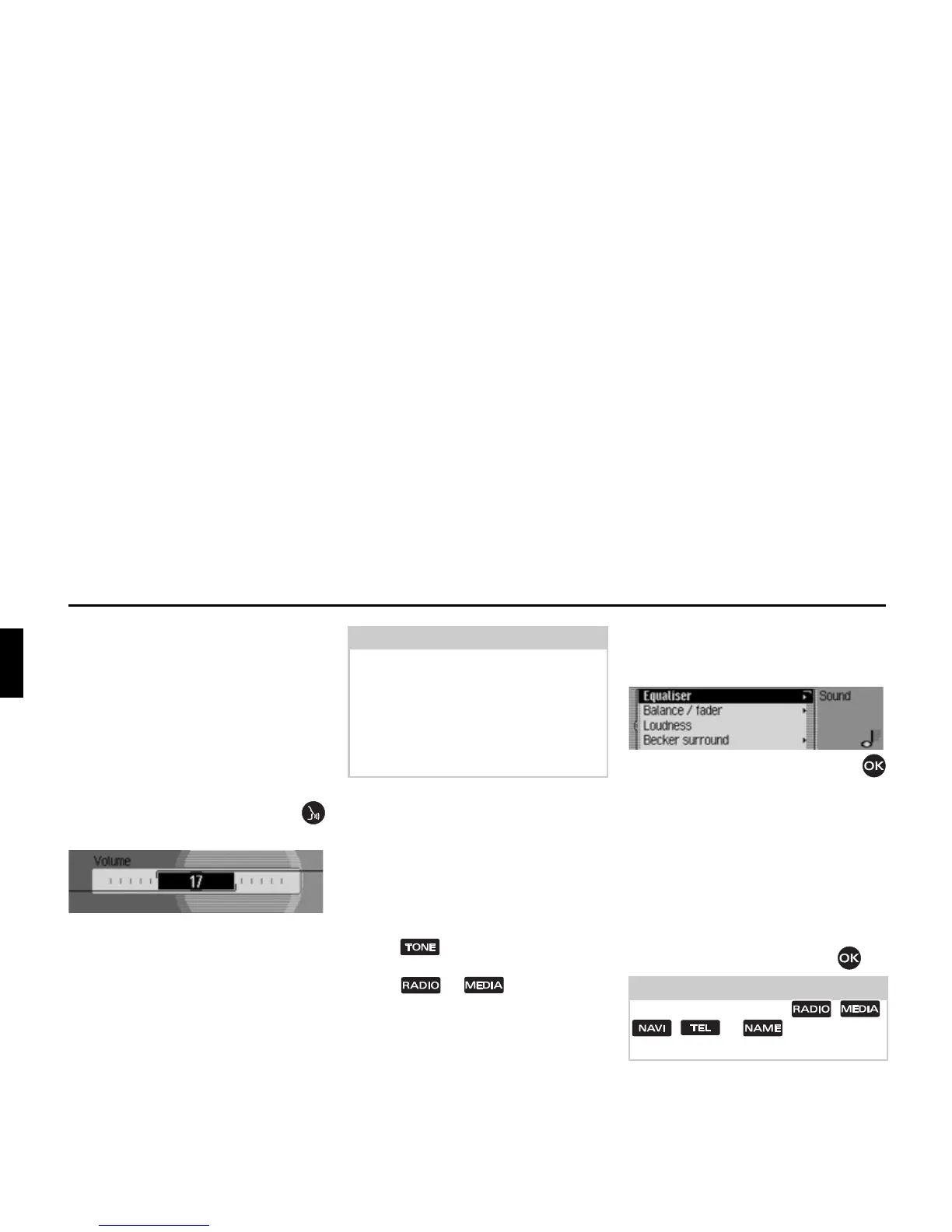
Setting the volume
There are 50 volume settings. The vol-
ume setting applies to all radio and audio
sources.
You can specify whether changes in vol-
ume should be displayed in graphics for-
mat or not in “Displaying the volume”
on page 130.
X Turn the rotary control/push button
clockwise/counter clockwise.
X The volume increases or decreases.
Sound settings
You can configure the sound of your
Traffic Pro to meet your requirements in
the sound settings. The settings are also
valid for all radio/audio sources.
Calling up the sound settings
X Press .*
or
X Press or until the sound
settings appear.
or
X Select 6RXQG in the radio or Audio
main menu (Radio main menu
Page 58/Audio main menu Page 80).
XTurn the rotary control/push button
to select one of the following options:
(TXDOLVHU,
%DODQFHIDGHU,
/RXGQHVV,
%HFNHUVXUURXQG,
&URVVRYHU,
6XEZRRIHU and
5HVHWVHWWLQJV
X Confirm your selection by pressing
the rotary control/push button .
Note:
Subsequent sections of the operation
guide describe how to set the volume for:
• Traffic announcements (page Page 69)
• Navigation announcements and other
voice messages (Page 125)
• Acoustic signals (Page 130)
Note:
Press one of the buttons , ,
, or in order to quit
the sound settings.
1012
*Only available for the Traffic Pro with Bluetooth® wireless technology.















 To Next Page