71
Radio mode
Station memory
Up to 20 FM, medium wave and short
wave stations can be stored in the station
memory.
Calling up the station memory
X In the Radio main menu, select :DYH
EDQG
.
X In the Waveband menu, select the 6WD
WLRQPHPRU\
entry.
The stations stored so far are displayed
in the fast access station memory.
Storing stations
You can store the current station if you
are already in the station memory or if a
different waveband has been selected.
Different waveband set
X In the Fast Access menu (not for AM
waveband), select the station to be
stored.
X Press the rotary control/push button
until a menu appears.
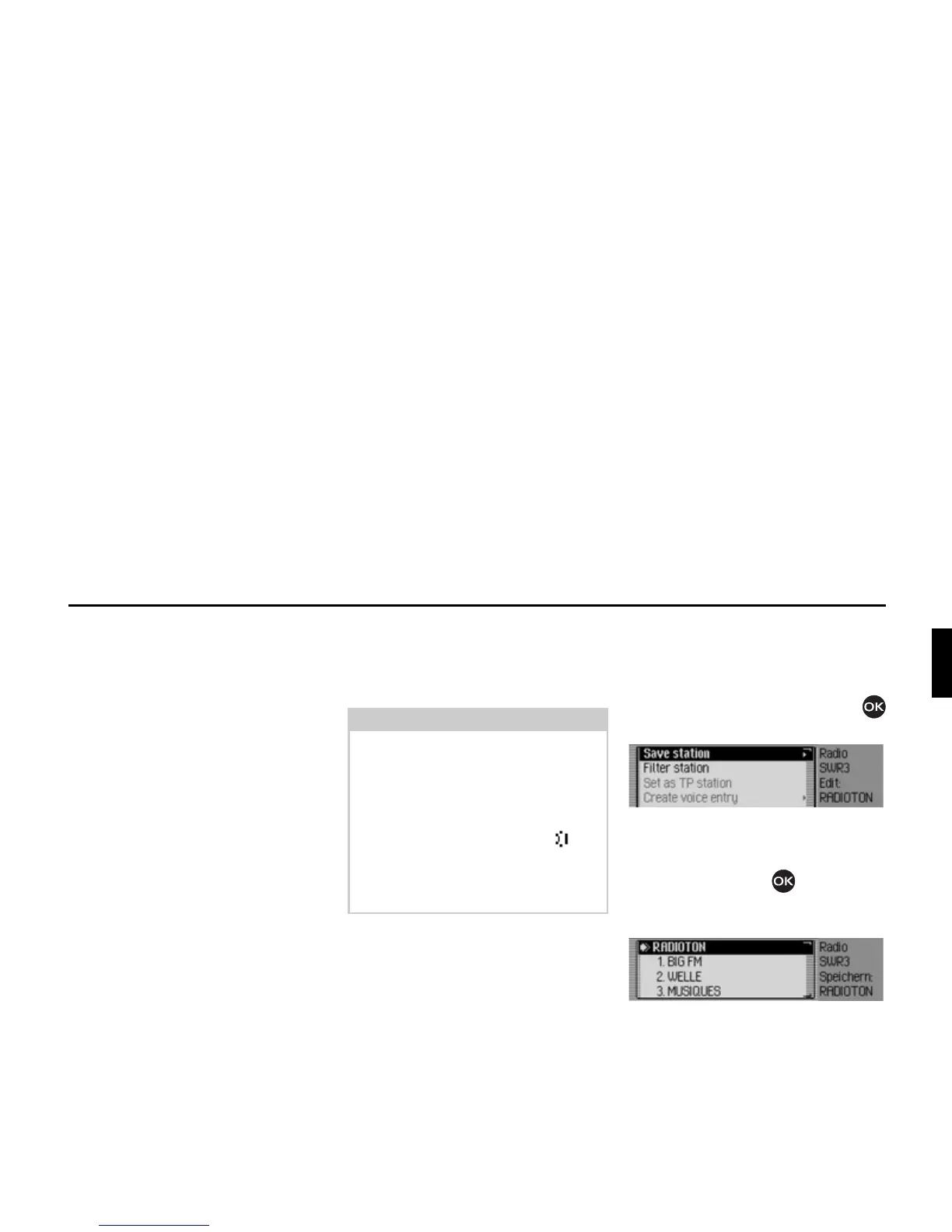
X Select the 6DYHVWDWLRQ entry.
or
X In the status display, press the rotary
control/push button .
The Options menu appears.
X Select the 6DYH entry.
In both cases, the station memory will be
displayed. The station to be stored appears
as the first entry in the list and is identified
by an arrow.
Notes:
• If all 20 memory slots are occupied
and a new station is added, the 20th
station is deleted from the station
memory without warning.
• If a voice entry has been assigned to a
station, this is indicated by the sym-
bol in front of the name of the station.
• A station can only be stored once in
the memory.
3017
3018















 To Next Page